
TP-Link TL-R605 SafeStream Gigabit Multi-WAN VPN Router
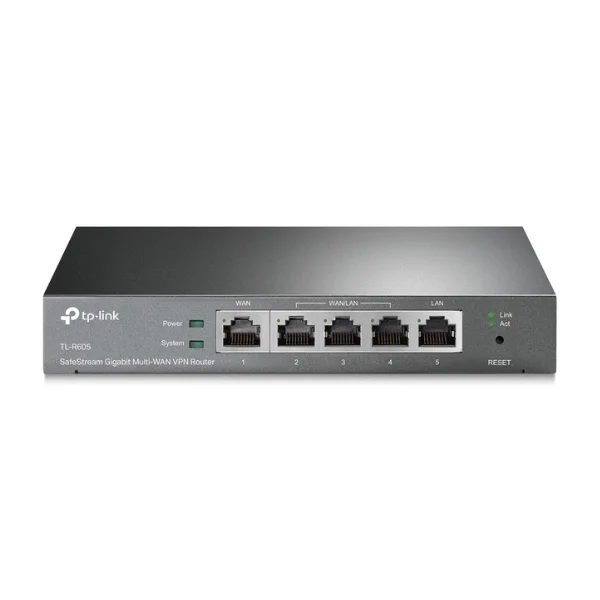
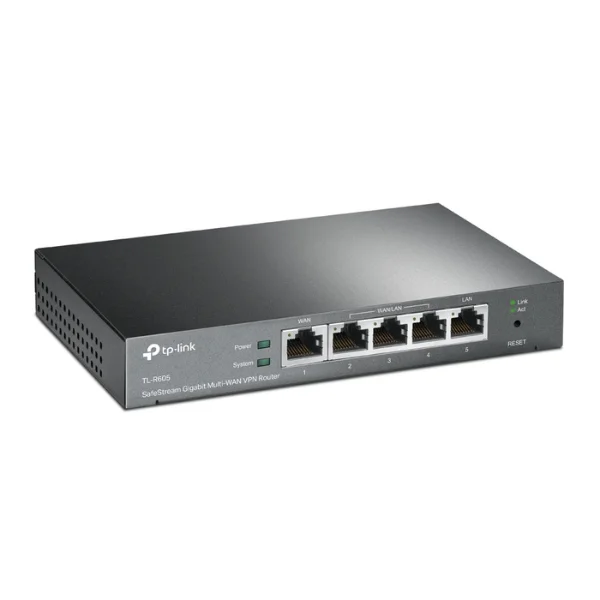
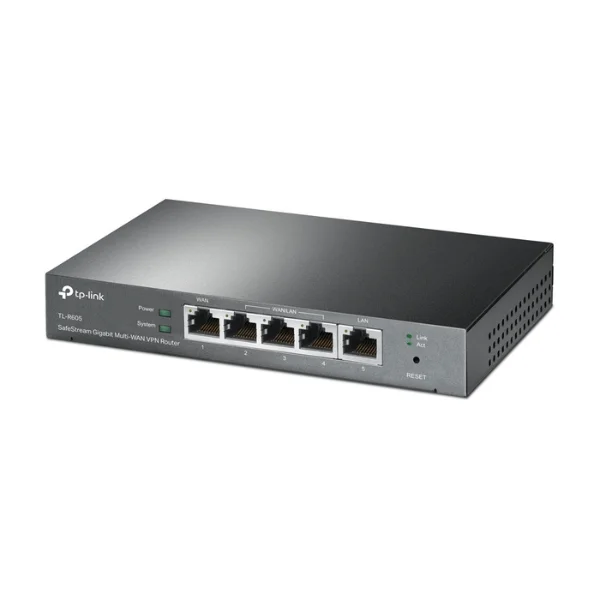
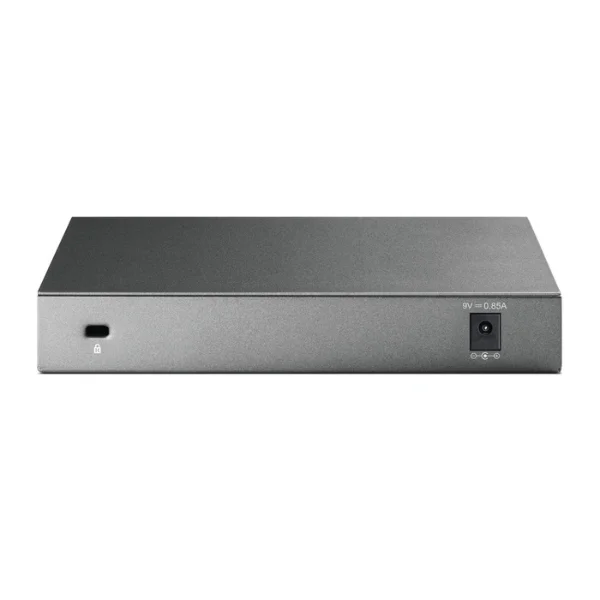





TP-Link TL-R605 - Description
SafeStream Gigabit Multi-WAN VPN Router
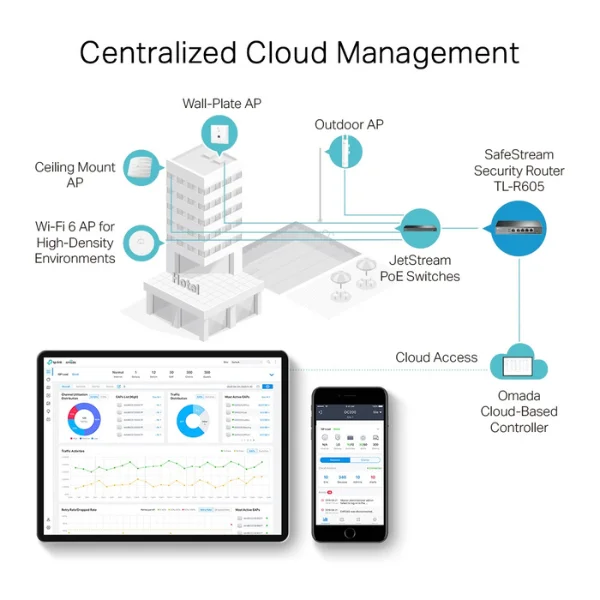
Omada SDN — A Smarter Cloud-Based Networking Solution for Businesses:
As a gateway fully integrated into the Omada SDN platform, the TL-R605 enables remote and centralized management from anywhere at any time. It also supports standalone management via a web interface or mobile app for added flexibility and convenience.
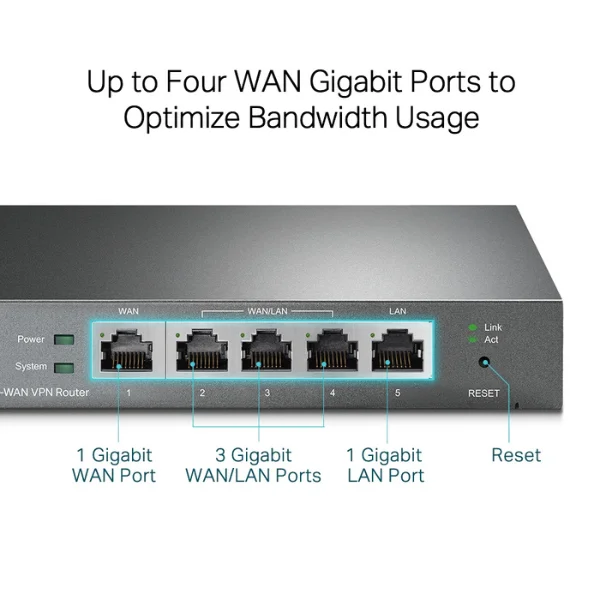
Up to Four Gigabit WAN Ports for Efficient Bandwidth Utilization:
Equipped with three flexible ports that can function as either WAN or LAN, the router supports up to four WAN connections to meet diverse internet access needs. Its multi-WAN load balancing feature intelligently distributes traffic based on each port’s bandwidth, maximizing overall network efficiency.
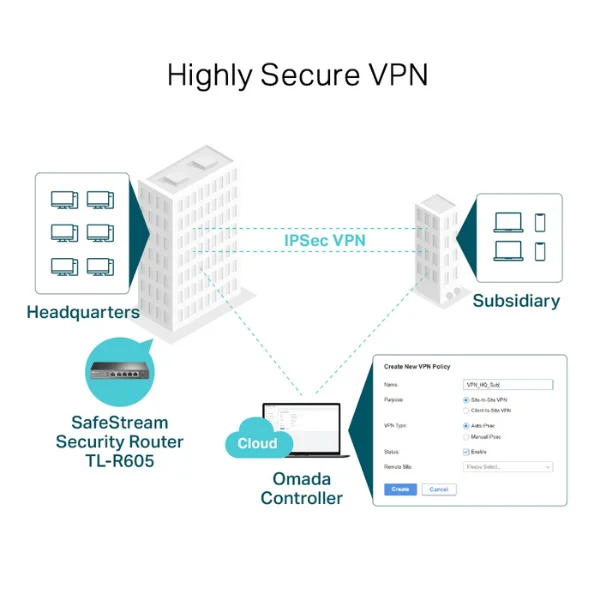
Advanced VPN Security:
The TL-R605 supports multiple VPN protocols, including IPSec, PPTP, and L2TP over IPSec/SSL. Thanks to its robust hardware, it can handle up to 20 LAN-to-LAN IPsec tunnels, along with 16 OpenVPN, 16 L2TP, and 16 PPTP connections. The one-click auto IPsec VPN feature simplifies setup while ensuring secure, encrypted communication between sites.
Comprehensive Security Features:
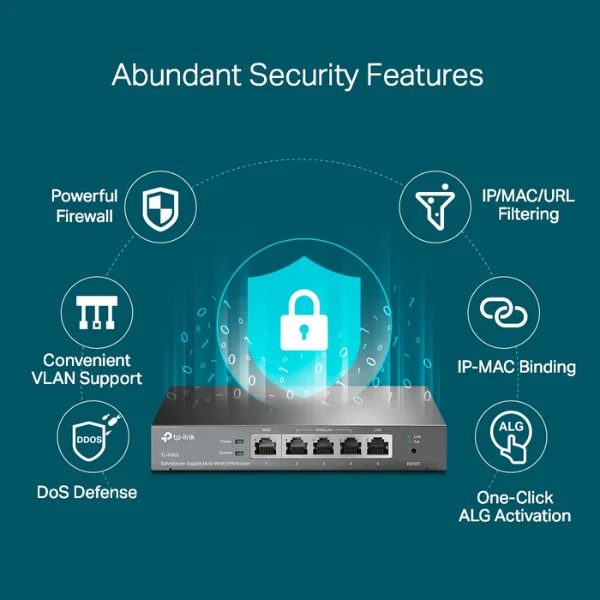
This router offers a powerful, multi-layered security system to protect your network. Advanced firewall rules safeguard data, while VLAN support enables secure network segmentation and simplified management. Built-in DoS protection detects and blocks threats such as TCP, UDP, and ICMP flooding. Additional features like IP, MAC, and URL filtering help prevent unauthorized access and malicious activity. IP-MAC binding enhances security by preventing ARP spoofing, and one-click ALG activation simplifies the setup of applications like FTP, SIP, IPsec, and PPTP.
Internet Access Control and Management:
Easily regulate user activity and define internet usage policies with IP/MAC/URL filtering and Access Control Lists (ACL). Captive Portal authentication allows administrators to control and manage user access, making it easy to allocate network resources to employees or guests as needed.

Simple Setup with the Omada App:
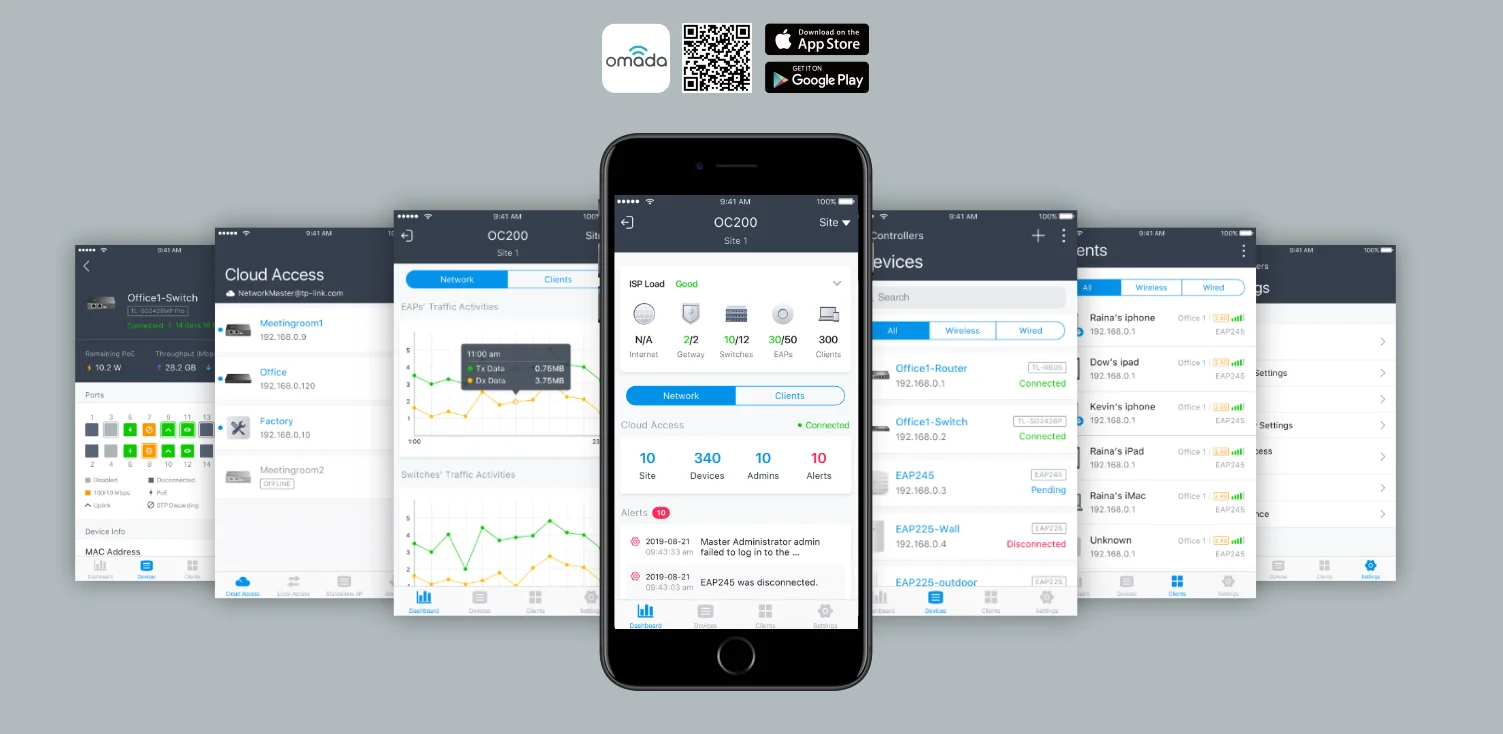
Get started quickly by following step-by-step instructions in the Omada app. It allows you to configure settings, monitor network performance, and manage connected devices directly from your smartphone or tablet.
View More of VPN Router
No reviews found

