
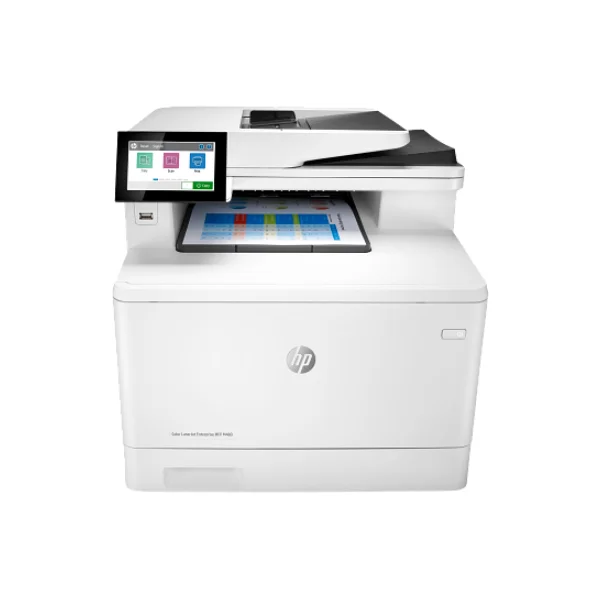
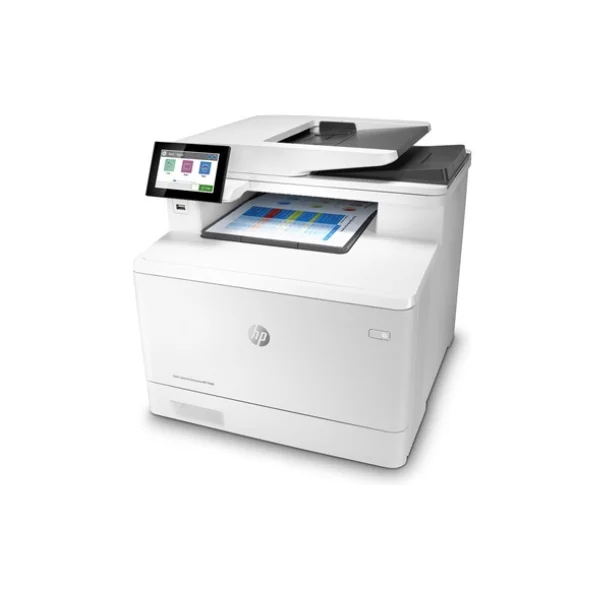
HP Enterprise MFP M480 Color LaserJet Printer






- Print, Copy, Scan
- Fax
HP Enterprise MFP M480 - Description
Color LaserJet Printer
Powerful All-in-One Performance for Modern Offices:
To begin with, the HP Enterprise MFP M480 Color LaserJet Printer is designed to handle all your office needs in one reliable device. It combines printing, copying, scanning, and faxing, making it ideal for businesses that want to save space and improve workflow. With print speeds of up to 29 pages per minute in both black and color, it ensures fast and consistent performance. This printer is built to support busy work environments where efficiency and productivity are essential every day.
Fast Printing Speed with Professional Quality Output:
Moreover, this HP Color LaserJet printer delivers sharp and clear documents with a print resolution of up to 600 x 600 dpi. It produces the first page in as fast as 9.3 seconds, reducing waiting time and increasing productivity. Whether you are printing reports, presentations, or marketing materials, you can rely on consistent and professional-quality results. Its laser printing technology ensures durability and precision for both text and graphics.
Advanced Connectivity and Mobile Printing Options:
In addition, the HP Enterprise MFP M480 supports a wide range of connectivity options to keep your team connected at all times. It includes USB ports, Gigabit Ethernet, and multiple mobile printing features such as HP ePrint, Apple AirPrint, Mopria, and Wi-Fi Direct printing. This allows users to print directly from smartphones, tablets, or laptops without complicated setup. As a result, your workflow becomes smoother and more flexible, especially in dynamic office environments.
Efficient Paper Handling and Automatic Duplex Printing:
Furthermore, this printer is built to handle different paper sizes and types with ease. It comes with a 50-sheet multipurpose tray and a 250-sheet input tray, with an optional 550-sheet tray for higher capacity needs. Automatic duplex printing is included as a standard feature, helping you save paper and reduce costs. It supports various media types such as envelopes, labels, glossy paper, and more, making it suitable for diverse business tasks.
High-Speed Scanning with Smart Digital Features:
On top of that, the device offers powerful scanning capabilities with a flatbed scanner and a 50-sheet automatic document feeder (ADF). It supports single-pass duplex scanning, allowing you to scan both sides of a page quickly. Scan speeds reach up to 31 ppm for black and 21 ppm for color. Additionally, advanced features like scan-to-email, USB, network folders, and cloud services such as OneDrive and SharePoint make document management easier and more efficient.
Reliable Copying and Faxing Capabilities:
Likewise, the HP M480 provides strong copying and faxing performance for office use. It offers copy speeds of up to 28 copies per minute and allows resizing from 25% to 400%, giving you flexibility for different document needs. The fax function includes fast transmission speeds and can store a large number of contacts for quick access. These features ensure that your communication processes remain smooth and uninterrupted.
Built for Heavy Workloads with Strong Durability:
As a result, this printer is designed to handle demanding workloads with a monthly duty cycle of up to 55,000 pages. The recommended monthly volume of 900 to 4,800 pages ensures optimal performance and long device life. Powered by an 800 MHz processor and 2 GB memory, it handles multiple tasks efficiently without slowing down. This makes it a dependable choice for small to medium-sized businesses.
User-Friendly Design with Smart Display and Energy Efficiency:
the HP Enterprise MFP M480 features a 4.3-inch color touchscreen that makes navigation simple and user-friendly. Its intuitive interface allows users to access functions quickly without technical knowledge. The printer is also ENERGY STAR® certified and designed with eco-friendly features, including low power consumption and mercury-free components. This helps reduce environmental impact while keeping operating costs low.
View More Printers
No reviews found

