
BenQ Board Essential RE8604 Interactive Display 86" Inch 4K UHD Android 14







BenQ Board Essential RE8604 - Description
Interactive Display 86" Inch 4K UHD Android 14
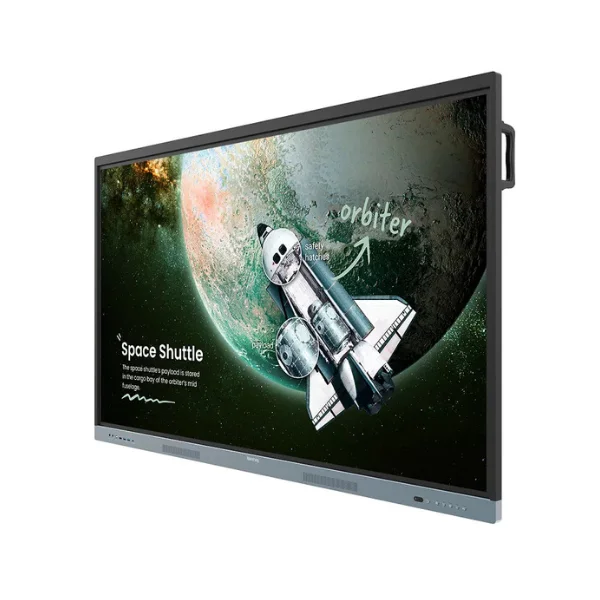
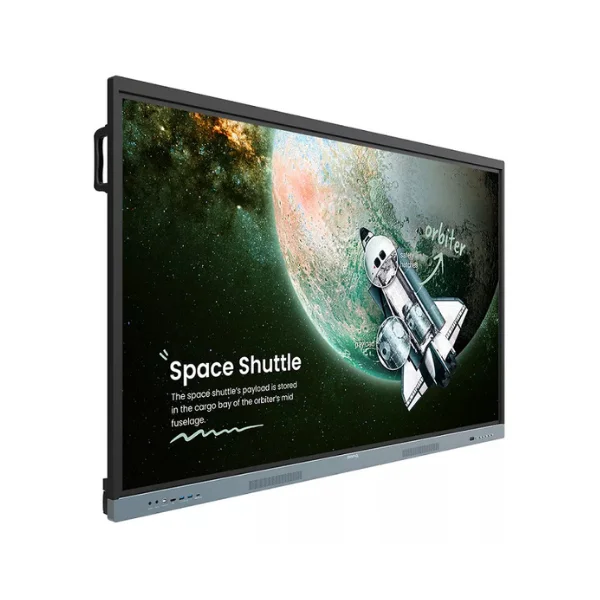
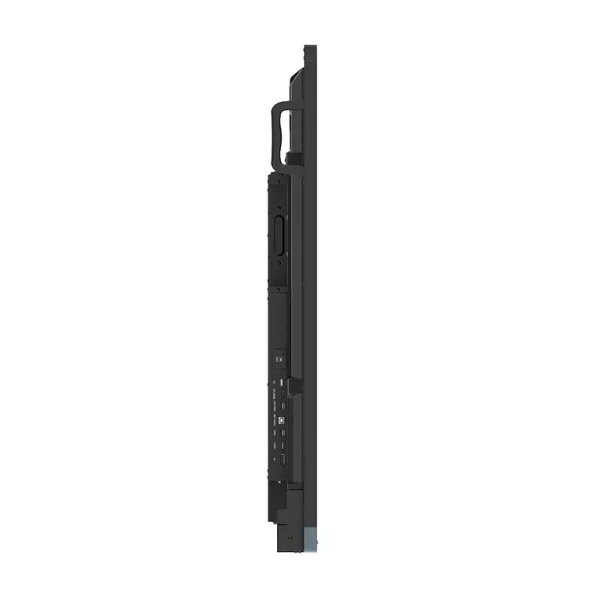
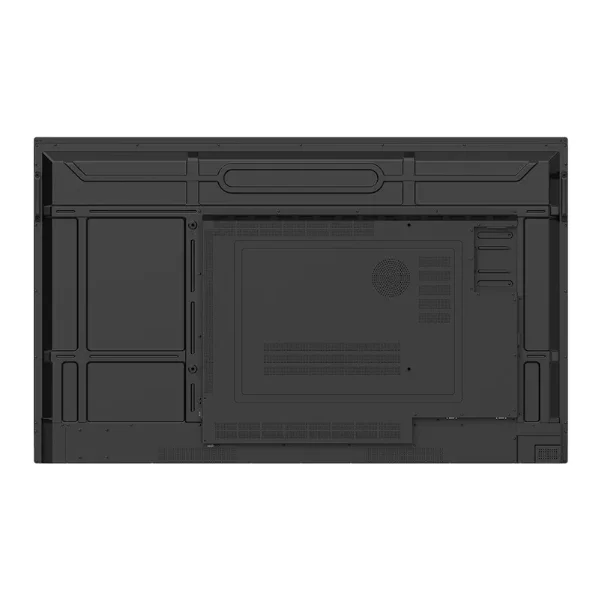
The BenQ Board Essential RE8604 is an 86-inch 4K UHD interactive display built for modern classrooms, training centers, and collaborative workspaces. Powered by Android 14 and certified under Google's Enterprise Devices Licensing Agreement (EDLA), it combines interactive teaching tools, collaboration features, and centralized device management within a single solution. The display utilizes a high-quality IPS panel with 450 nits of brightness, a 1200:1 contrast ratio, and 72% NTSC color gamut coverage, delivering sharp visuals and accurate colors. It also offers a highly responsive touchscreen, up to 8 GB of RAM, 64 GB or 128 GB of internal storage depending on the region, Wi-Fi 6, Bluetooth support, and VESA mounting compatibility for flexible installation options.
The essence of education:
The BenQ Board Essential RE8604 provides educators with essential tools for creating dynamic and interactive learning experiences. By combining Google services with BenQ’s dependable hardware and software ecosystem, it offers a familiar and user-friendly environment for both teachers and students. Users can install educational applications from Google Play, access Google Drive and Google Meet, and create or manage content using Google Docs, Sheets, and Slides directly on the interactive display. This integrated platform simplifies lesson preparation, encourages classroom collaboration, and helps improve overall teaching efficiency and productivity.
Direct file access:
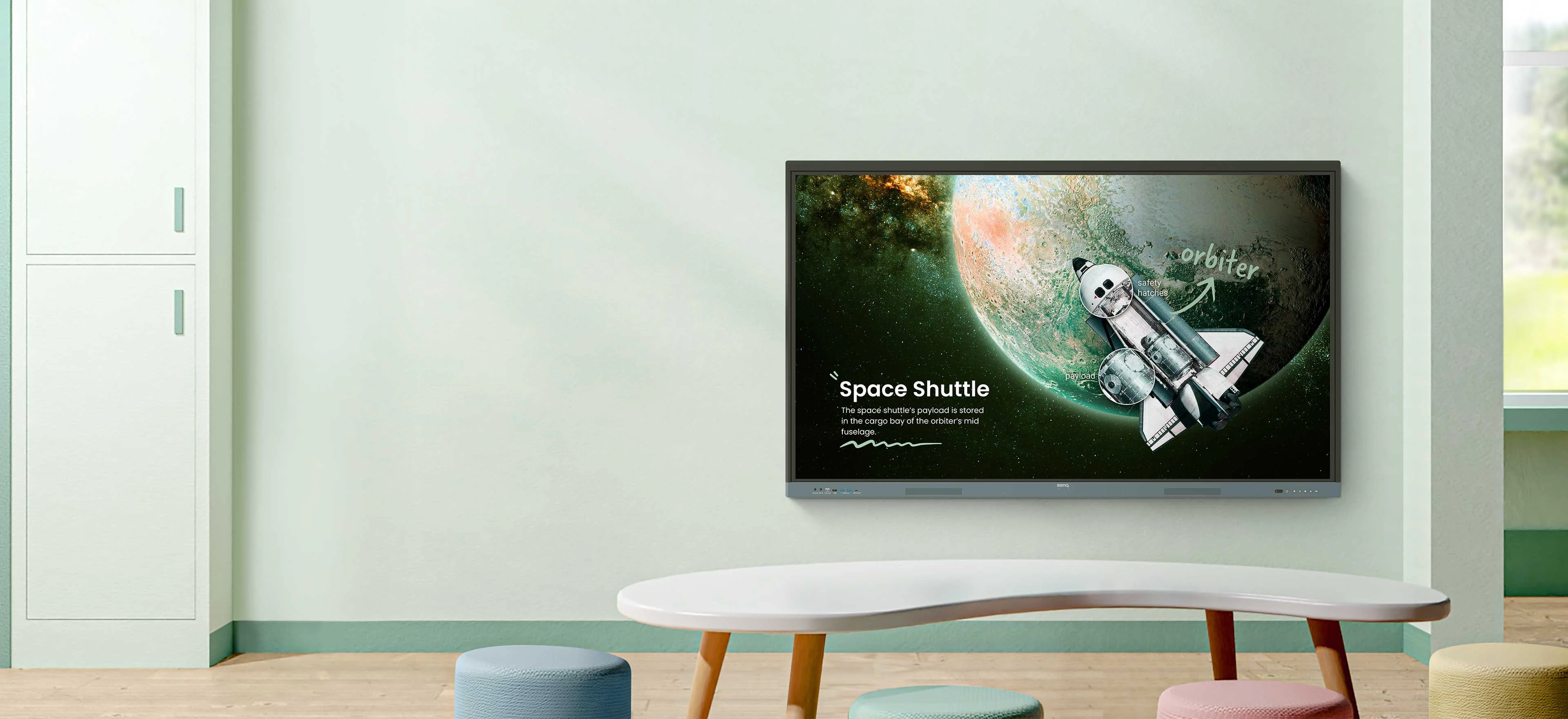
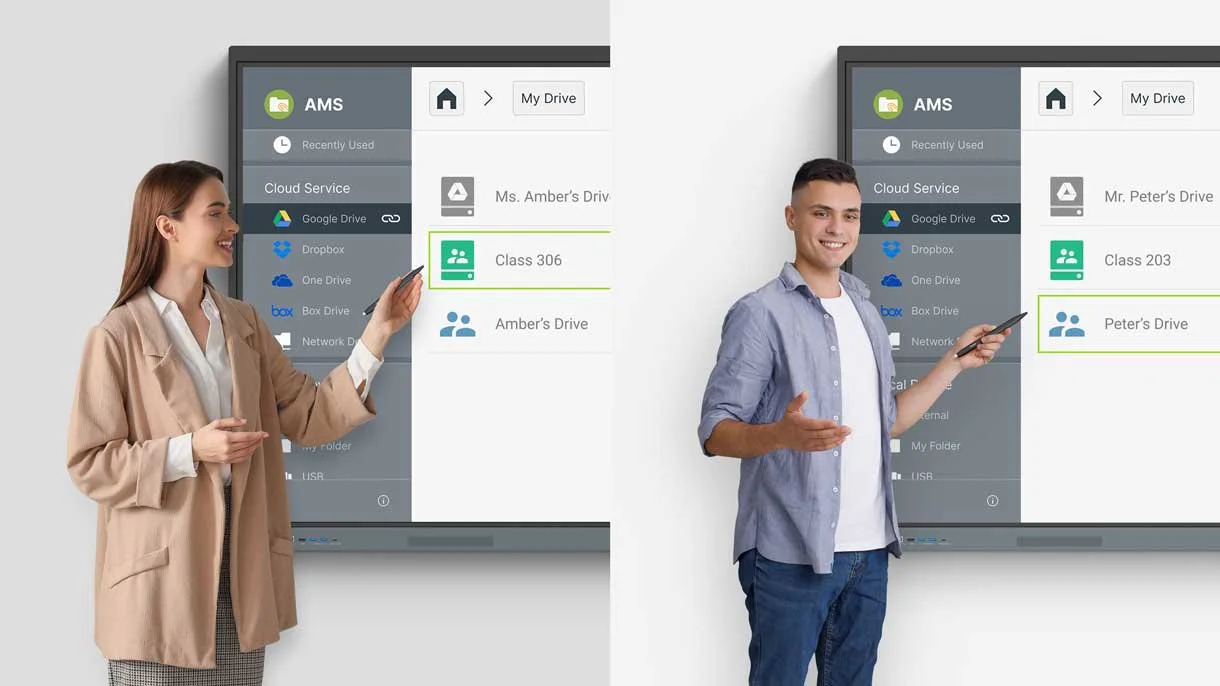
Google Drive integration allows teachers and administrators to access, edit, and save files directly from the interactive display. Learning materials and documents are automatically synchronized with cloud storage, ensuring that the latest versions are always available whenever needed. This streamlined approach simplifies content organization, minimizes lesson preparation efforts, and enables convenient access to educational resources across multiple devices.
Built-in data security:
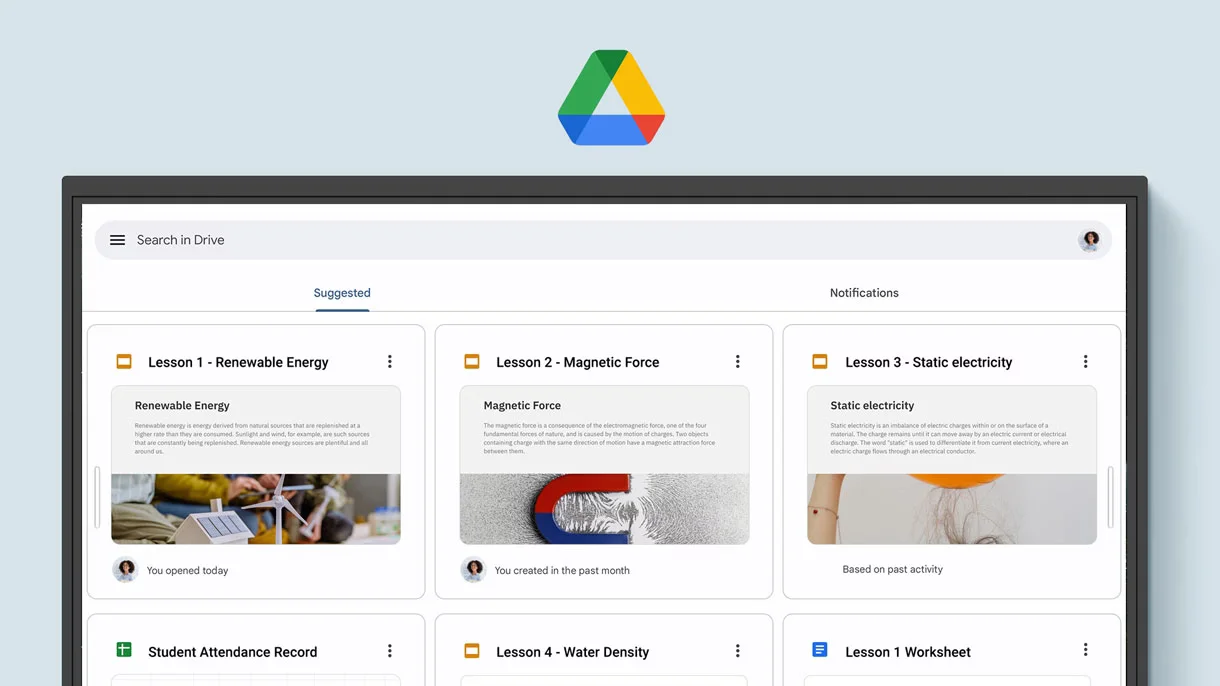
The BenQ Board Essential RE8604 includes multiple security features designed to safeguard users and educational data. Integrated technologies such as Google Play Protect and Safe Browsing help defend against malicious apps, unsafe websites, and other potential cyber threats. These built-in protections contribute to a safer digital learning environment while helping schools maintain the security and privacy of sensitive information.
A whiteboard like no other:
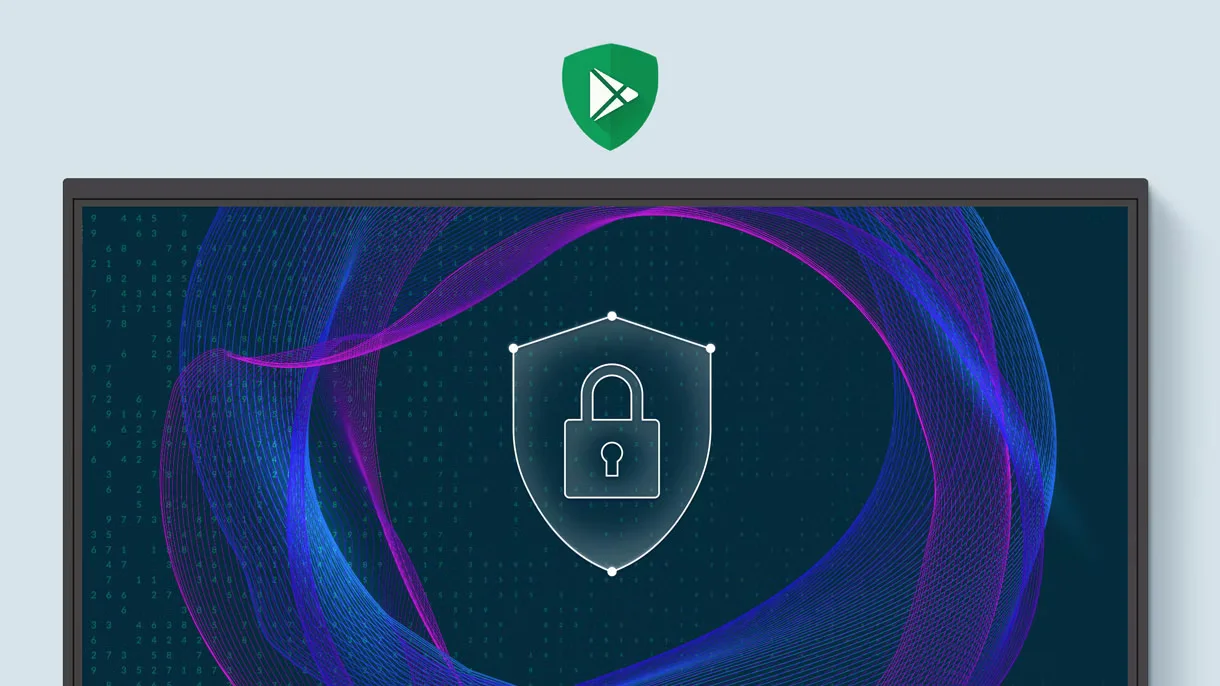
EZWrite transforms the RE8604 into a powerful digital whiteboard that extends far beyond basic writing and annotation. Featuring an expandable canvas with virtually limitless workspace, along with smart teaching tools and AI-powered capabilities, it helps educators create more interactive and engaging lessons. The platform supports intuitive content interaction, real-time student collaboration, and the development of dynamic learning activities that cater to a variety of teaching styles and learning needs.
Use your own files:
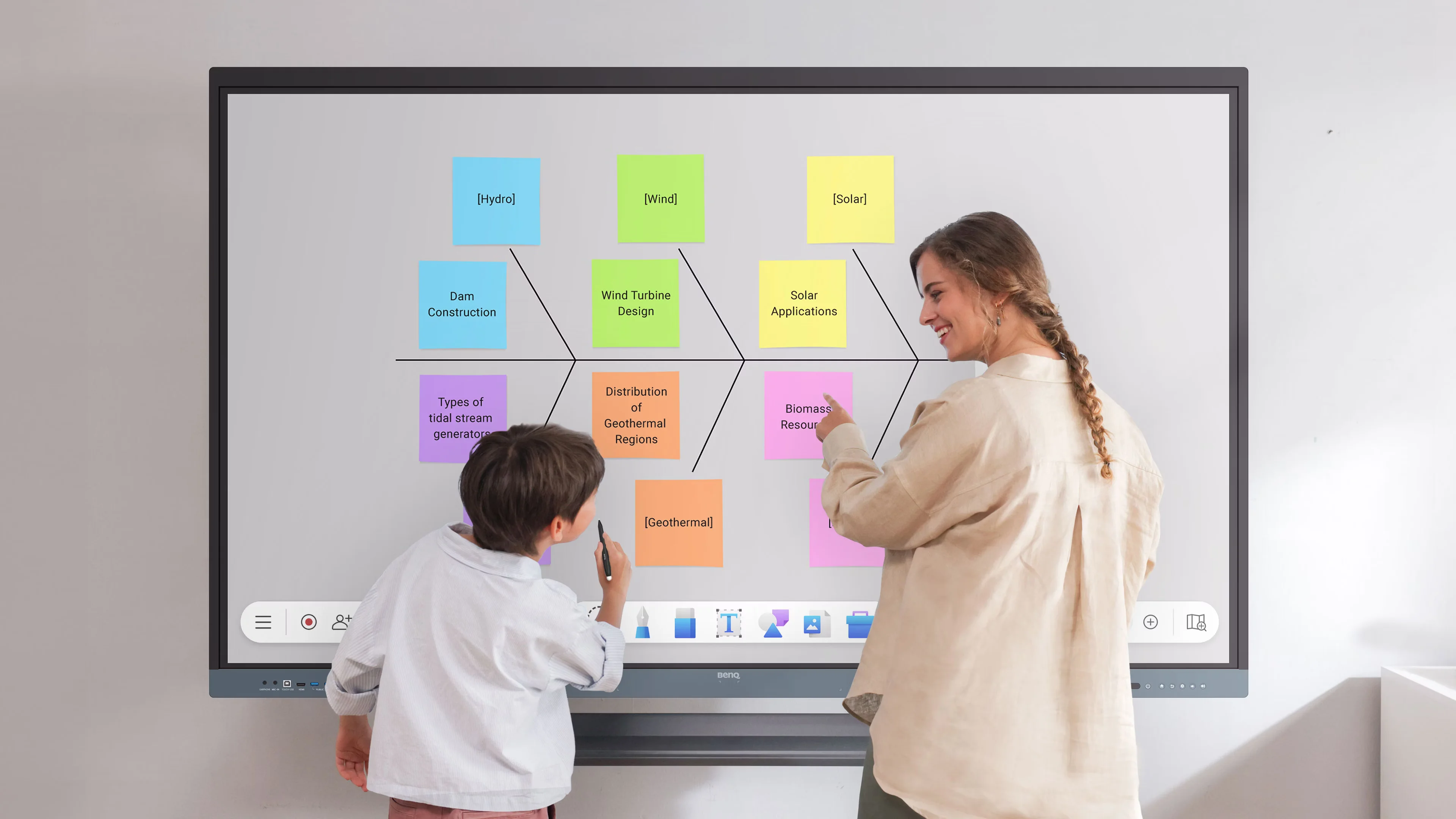
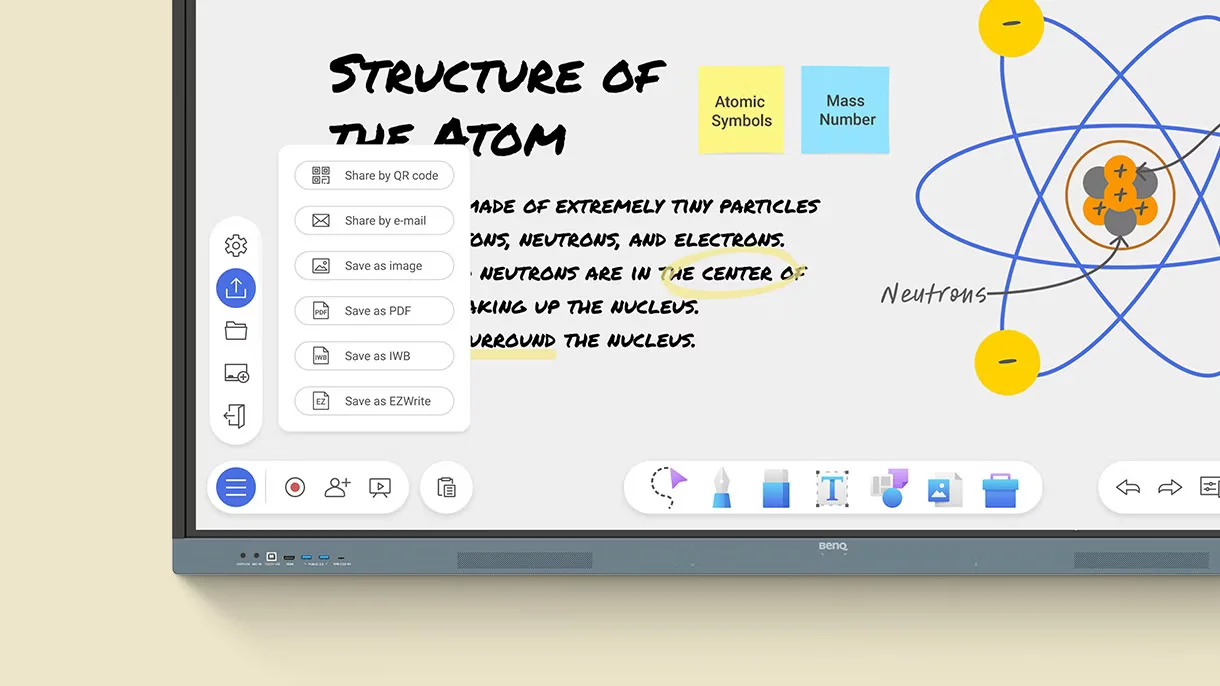
EZWrite enables teachers to import various types of lesson content and interact with them directly on the interactive display. Educators can annotate documents, highlight key information, and make real-time edits during lessons to enhance student engagement. Once the session is complete, all materials can be saved and exported in an editable format, making it easy to reuse content and maximize the value of existing teaching resources.
A tool for every need:
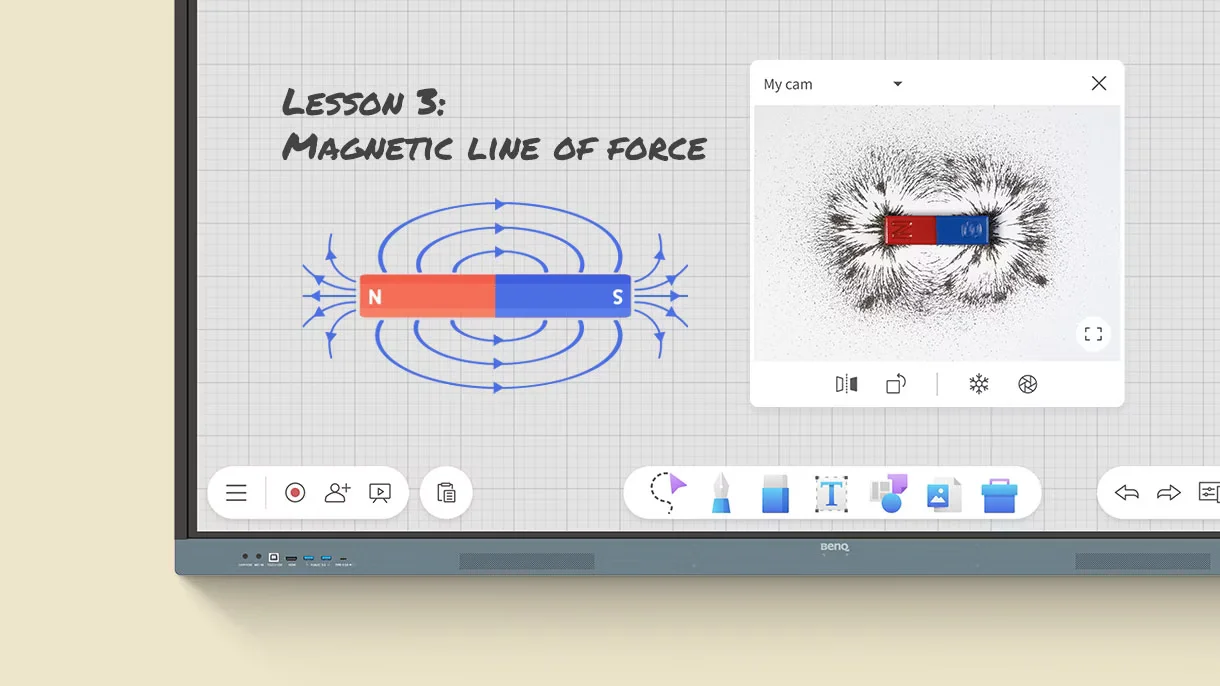
The RE8604 includes a wide range of built-in teaching tools designed to support diverse classroom activities and subject areas. Whether conducting brainstorming sessions, illustrating complex concepts, or encouraging student participation, educators have quick access to the resources they need. These integrated features help improve lesson effectiveness while fostering a more interactive and engaging learning experience.
Take lessons to the cloud:
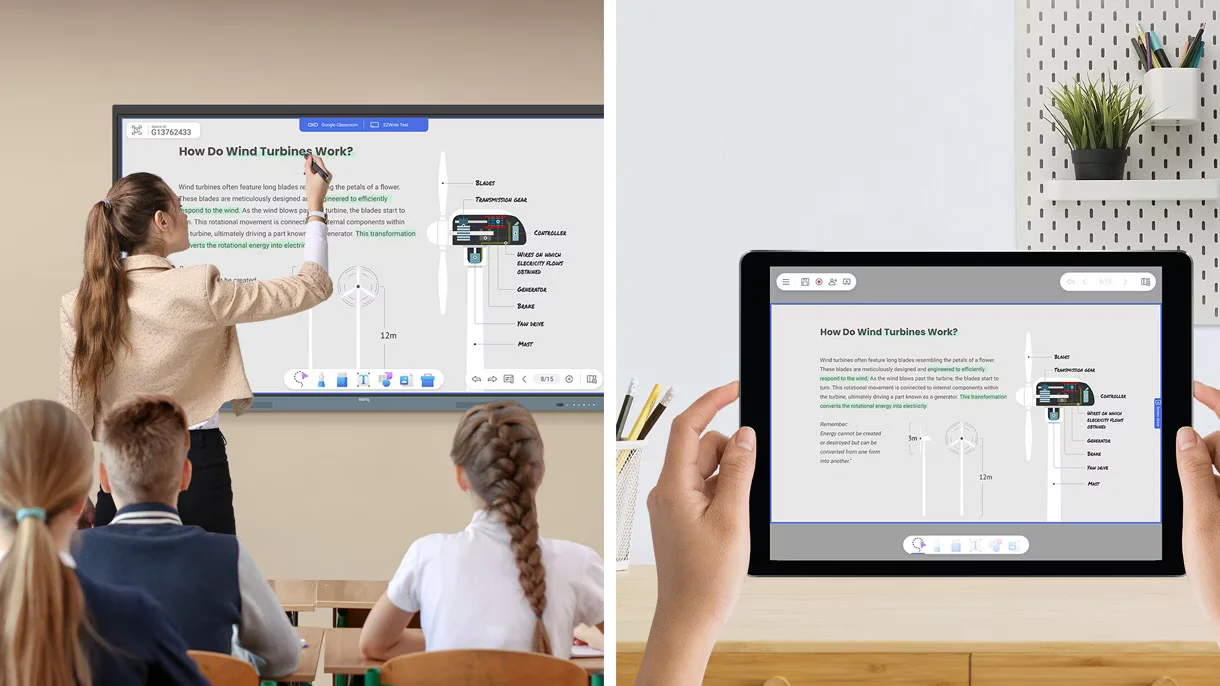
Cloud-based collaboration extends the learning experience beyond the interactive display, enabling students and participants to access and engage with lesson content from virtually any location. Whether learning in the classroom or joining remotely, users can collaborate and interact with materials in real time. This functionality supports hybrid learning environments and helps maintain participation, connectivity, and engagement regardless of where learners are located.
Built-in AI tools for more inclusive lessons:
AI-powered capabilities improve accessibility and inclusivity, enabling educators to create learning experiences that support diverse student needs. The built-in text-to-speech feature can read displayed content aloud, enhancing comprehension and making lessons more accessible. Multilingual translation allows users to instantly translate text with a single tap, helping overcome language barriers in diverse learning environments. Additionally, OCR (Optical Character Recognition) technology extracts text from imported images and converts it into editable content, reducing preparation time and making it easier for teachers to reuse and adapt educational materials.
Essential tools for every teacher:
The RE8604 simplifies classroom technology by bringing essential teaching tools, applications, and resources together within a single interactive platform. Its intuitive interface reduces technical complexity and improves workflow efficiency, allowing educators to focus more on student engagement and instruction rather than device management. The result is a smoother, more productive, and more effective teaching and learning experience.
Your own space and data:
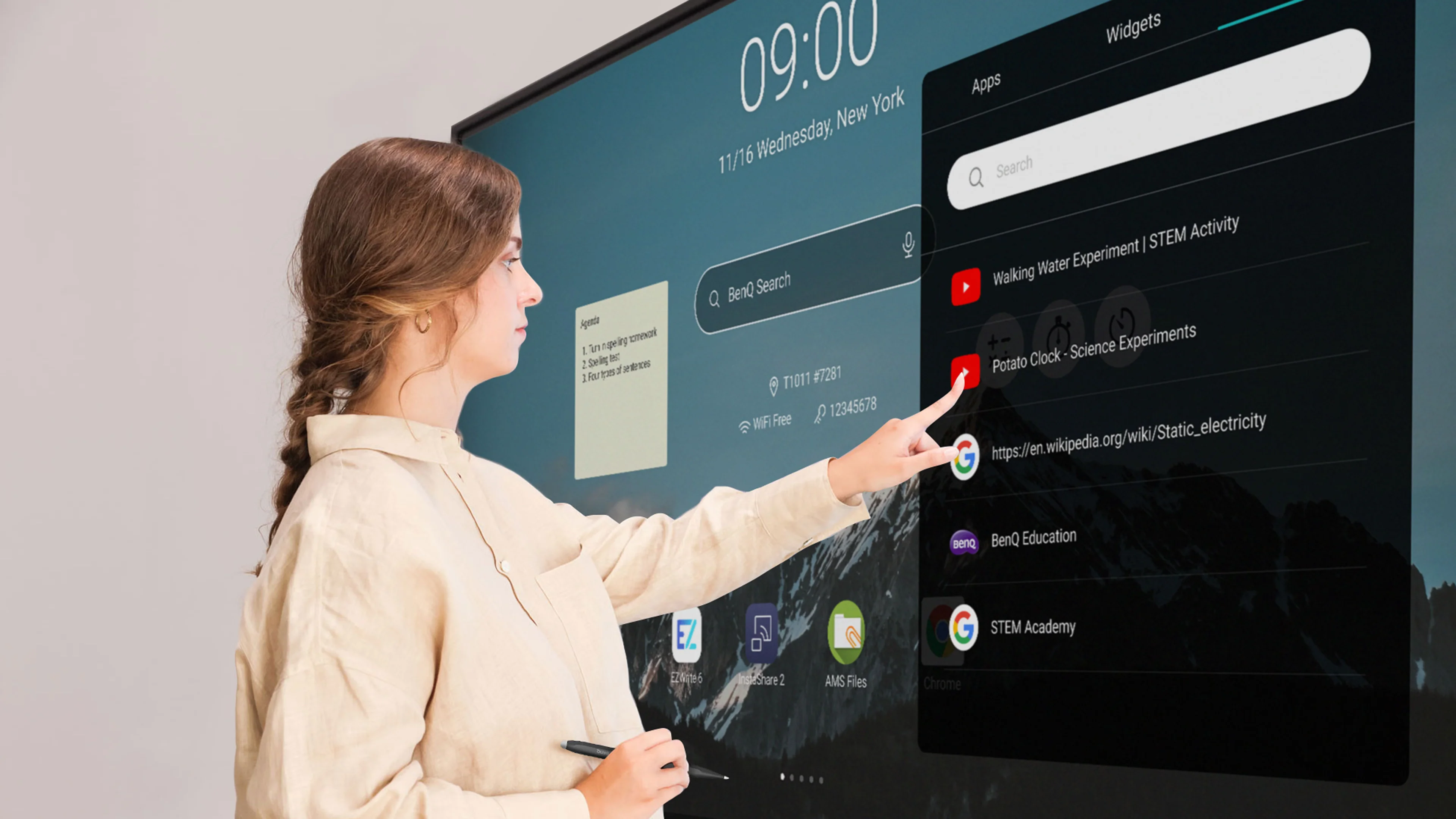
Individual user accounts give each teacher access to a secure and personalized workspace designed around their specific requirements. Personal files, applications, and preferences remain separate from those of other users, improving privacy and safeguarding sensitive information. This customized environment allows educators to quickly access their resources while helping ensure that data remains protected from unauthorized access.
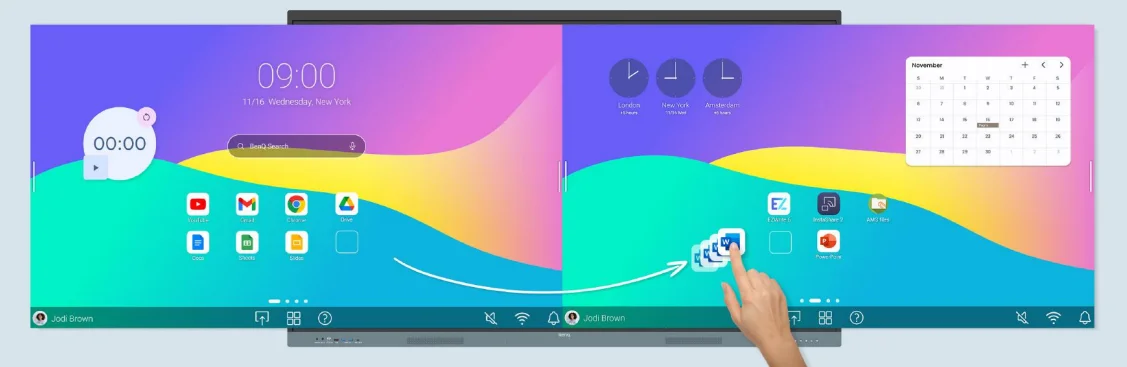
Organize with ease:
A customizable home screen allows users to organize their most frequently accessed apps, files, and widgets for quick and convenient access. By tailoring the layout to their individual preferences, teachers can locate essential resources more efficiently and reduce the time spent navigating through menus. This personalized organization improves workflow efficiency and supports a more productive and streamlined teaching experience.
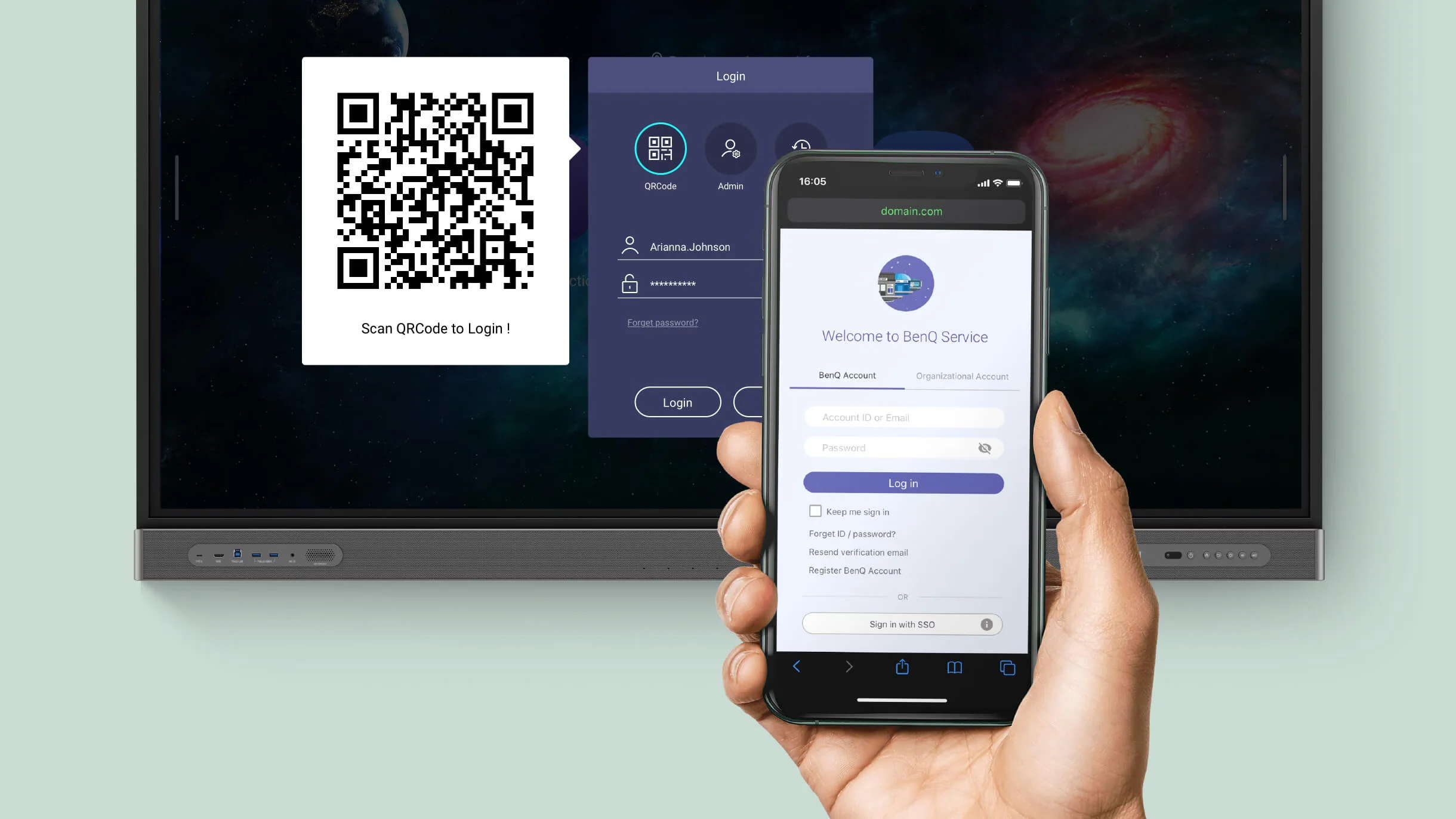
Scan the QR Code to log in:
QR code login provides a fast and secure way for teachers to access their personal accounts and cloud-based educational resources. Rather than manually entering login credentials, users can sign in instantly by scanning a QR code with a mobile device. This simplified authentication method saves time, enhances classroom productivity, and adds an extra layer of security to user accounts.
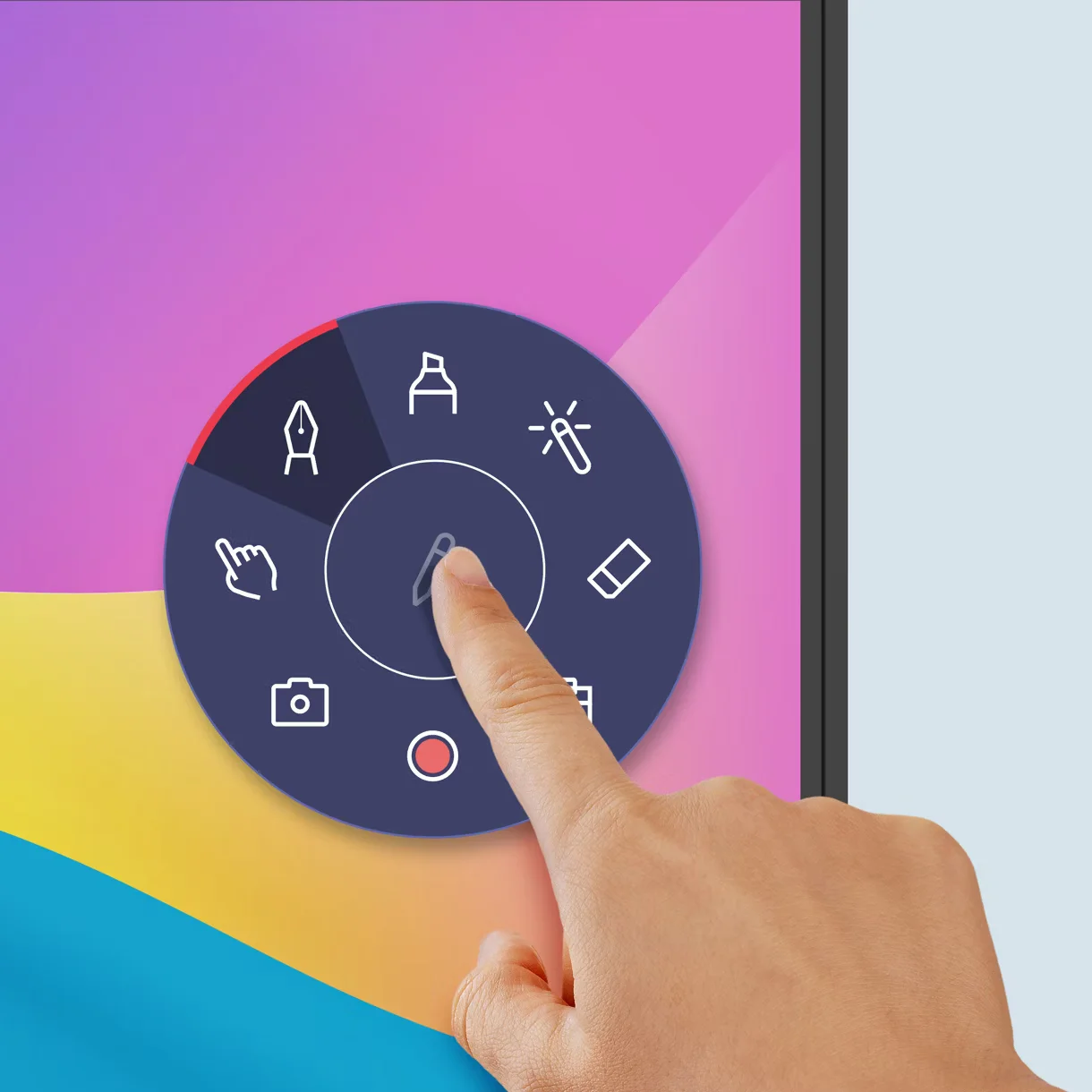
Snap. Record. Write:
The Floating Tool allows users to capture screenshots, record screen activity, and annotate content directly on applications, documents, websites, and videos. This flexible functionality helps educators highlight important information, develop engaging teaching materials, and make real-time adjustments during lessons. It also simplifies the process of saving, documenting, and sharing educational content for future use and reference.
Sidebar access:
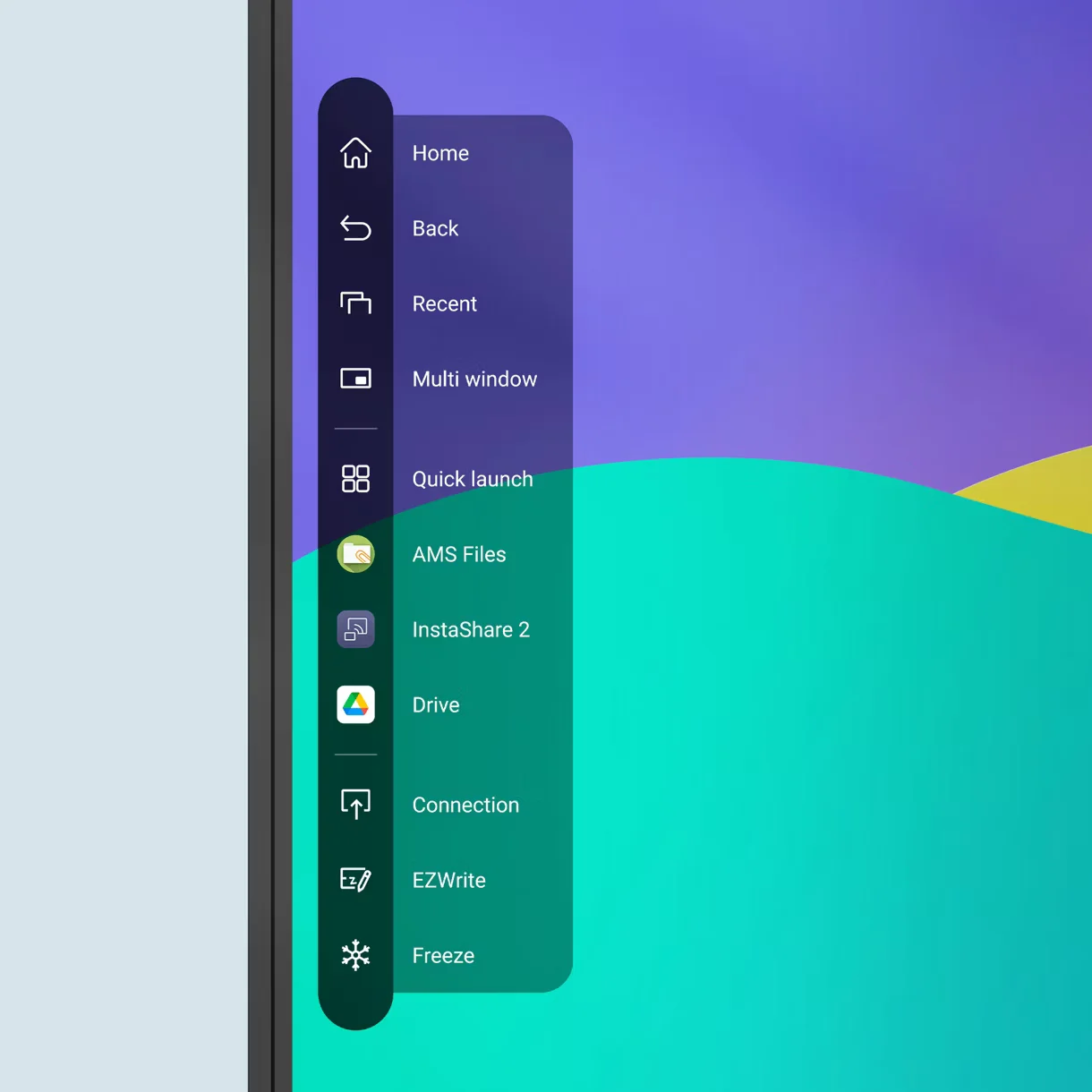
The integrated sidebar provides convenient access to recently opened applications, files, input sources, and key system controls. By enabling users to move quickly between resources, it helps reduce interruptions during lessons and presentations. This streamlined interface improves workflow efficiency, boosts productivity, and supports a more seamless and uninterrupted teaching experience.
Expanded search:
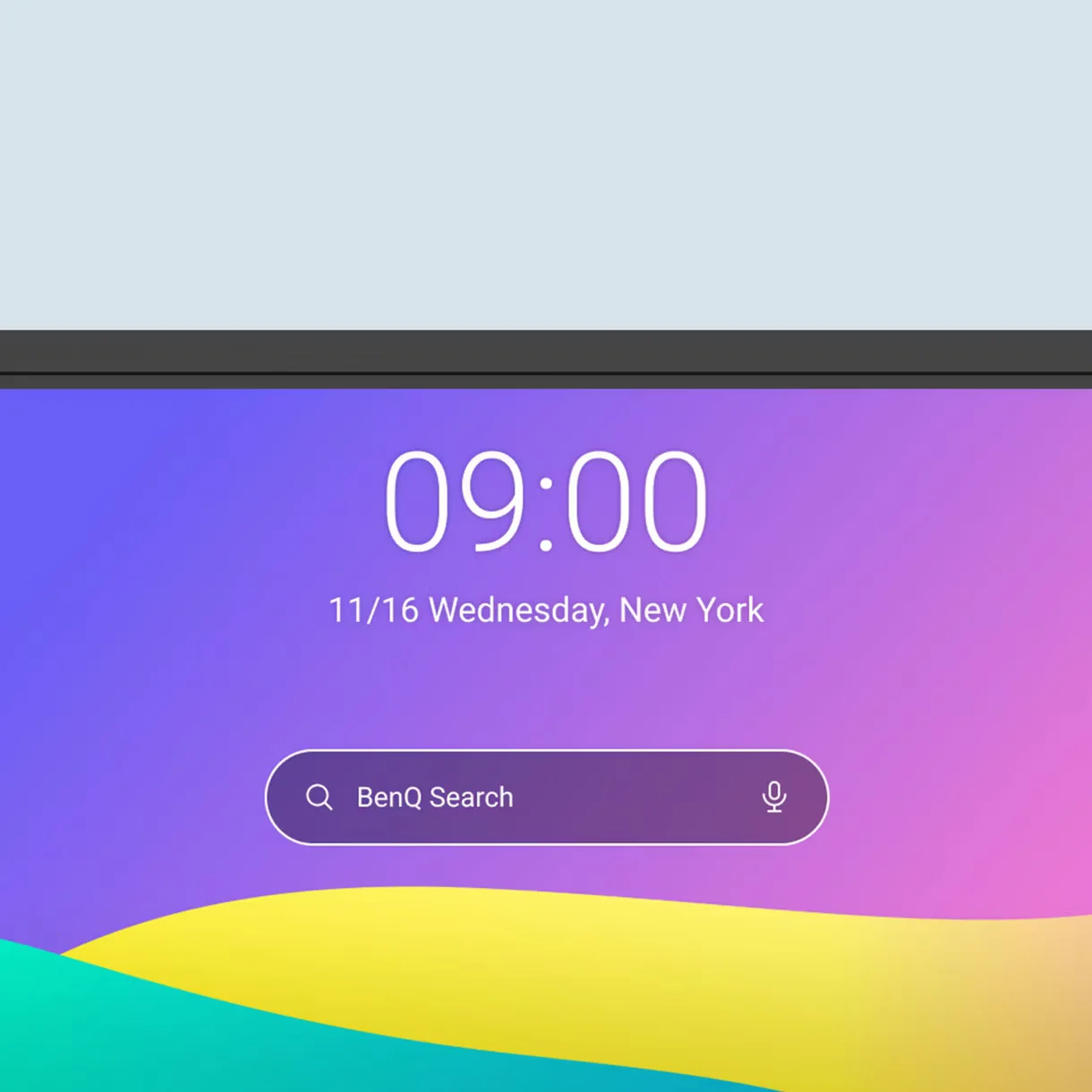
BenQ Search enables users to locate online resources, local files, and cloud-based content through a single, centralized search tool. By bringing multiple content sources together in one interface, it reduces the time required to find teaching materials and allows educators to access information more quickly. This powerful search capability enhances productivity and helps ensure a smoother, more efficient classroom experience.
Enhance your lesson flow:
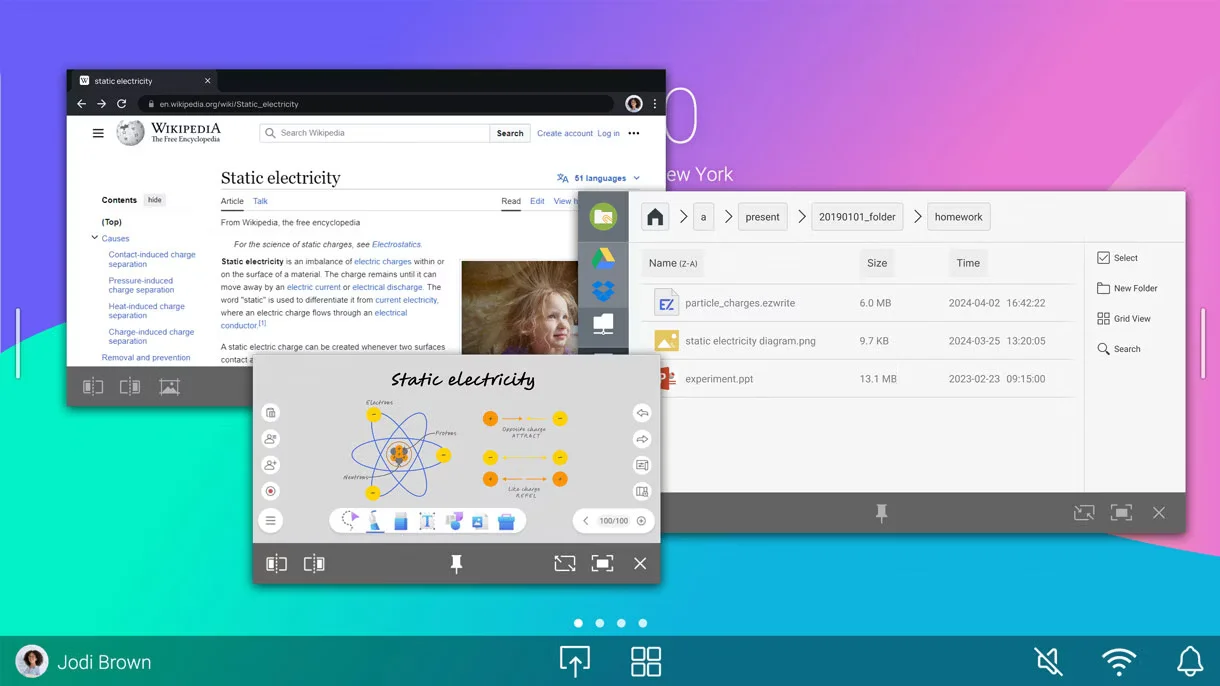
Multi-window functionality allows teachers to open and view multiple applications simultaneously on a single display. Educators can continue writing and annotating on the whiteboard while accessing documents, websites, or multimedia content without needing to switch between screens. This capability improves multitasking, maintains lesson continuity, and helps create more dynamic and engaging learning experiences.
5-in-1 connectivity:
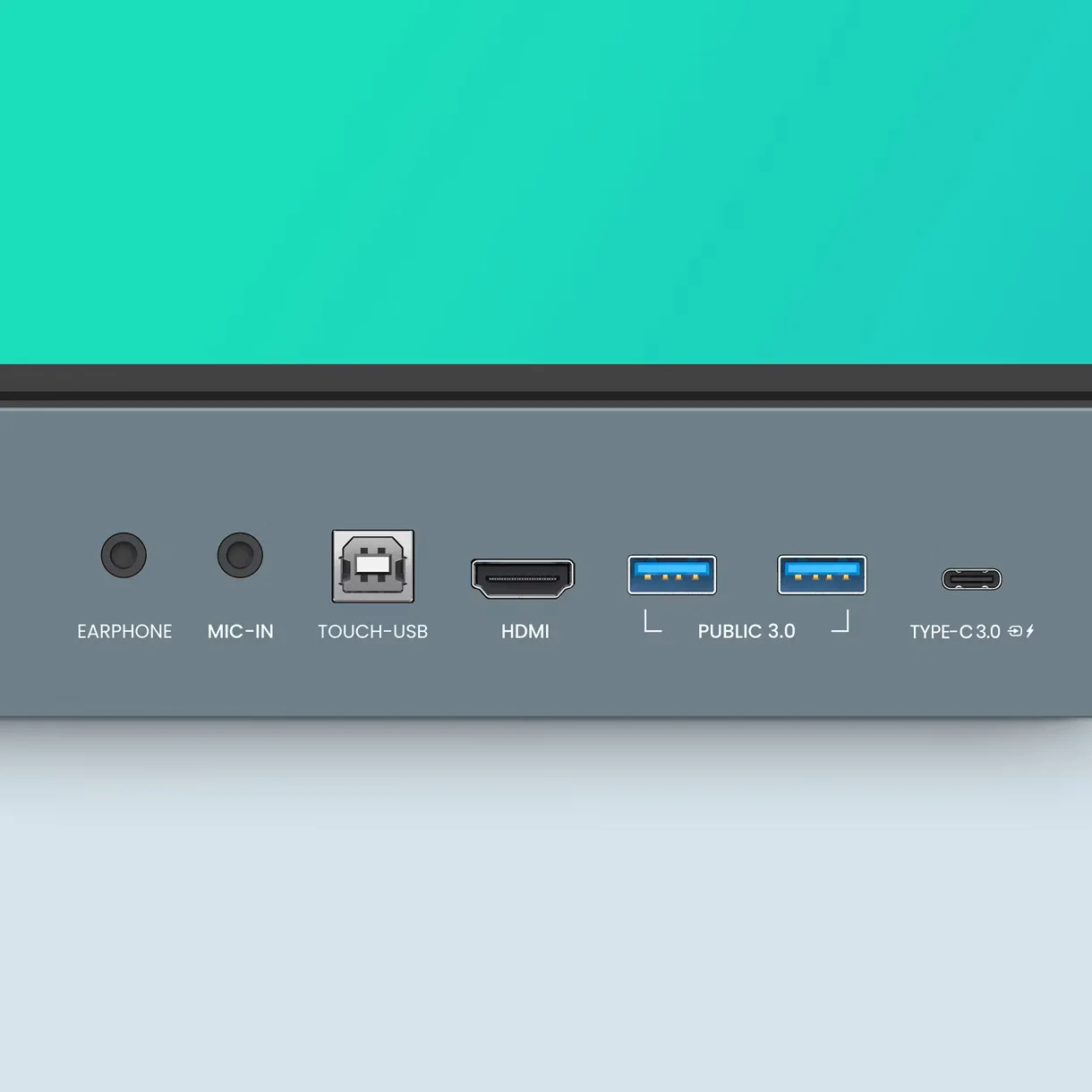
The multifunctional USB-C port supports data transfer, video output, audio playback, touchback control, and up to 65W power delivery through a single cable connection. By consolidating multiple functions into one interface, it simplifies device connectivity, reduces cable clutter, and provides a quick and efficient way to connect compatible devices.
Full vibrant audio:
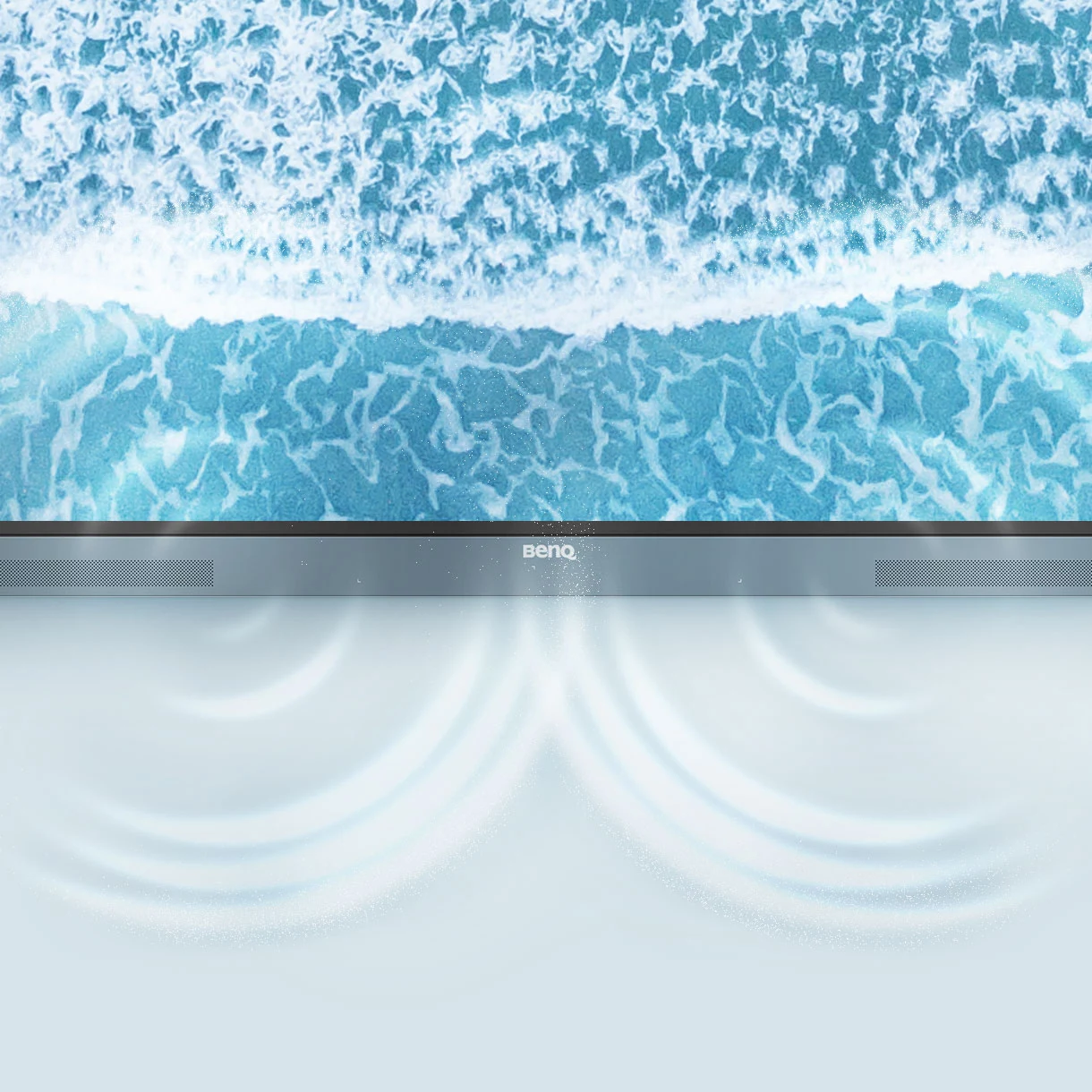
The built-in dual 20W speakers deliver clear and immersive sound for educational content, presentations, and virtual meetings. Their enhanced audio performance ensures that students can hear lessons and instructional materials clearly, often reducing the need for additional external speaker systems in classroom environments.
All hands on board:
The large interactive display is designed to encourage active classroom participation and collaborative learning. Supporting up to 40 simultaneous touch points, it allows multiple users to interact with the screen at the same time, fostering greater engagement and teamwork. With gap-free writing, an 8 ms response time, and Precision IR touch technology, the display delivers smooth, accurate, and highly responsive touch performance across the entire screen, ensuring a natural writing experience with minimal latency.
Everyone can share:
InstaShare 2 enables wireless screen sharing and collaboration across a wide range of devices, including laptops, tablets, and smartphones. It allows users to display lesson content, share ideas, and interact with materials from anywhere in the classroom, promoting a more engaging and collaborative learning environment.
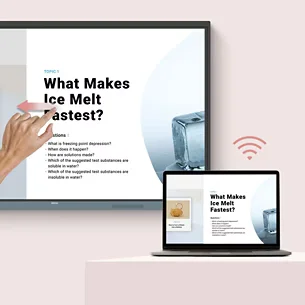
Control your device from the board:
Teachers can manage and interact with connected compatible devices directly through the interactive touchscreen. This capability minimizes interruptions and reduces the need to move between multiple devices during lessons or presentations, helping sustain student attention while enhancing overall classroom efficiency.
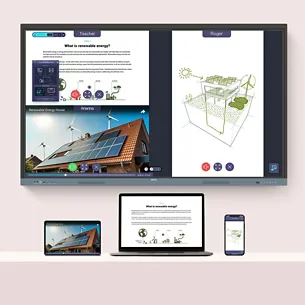
Share multiple screens simultaneously:
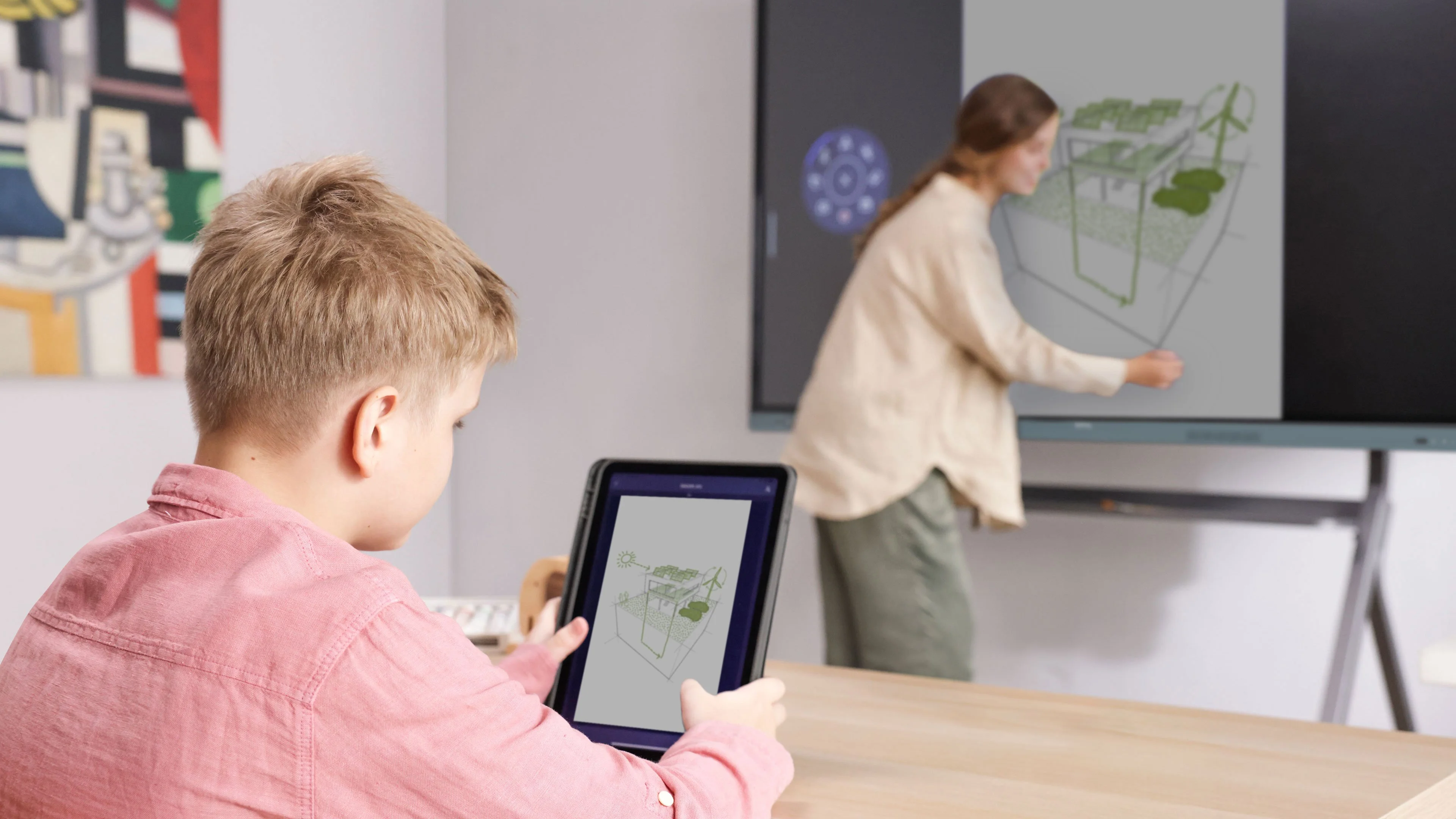
The RE8604 allows multiple users to share content on the display at the same time, enabling collaborative discussions, side-by-side comparisons, and group-based learning activities. By making it possible to view several sources simultaneously, it promotes stronger interaction, increased engagement, and more active participation throughout the learning process.
Cast the board to connected devices:
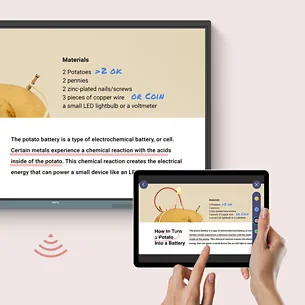
Content displayed on the board can be shared with connected devices, allowing participants to follow lessons directly on their own screens. This improves visibility and access, particularly in large or hybrid classrooms, and keeps students engaged even when they are seated far from the display.
Beyond screen sharing:
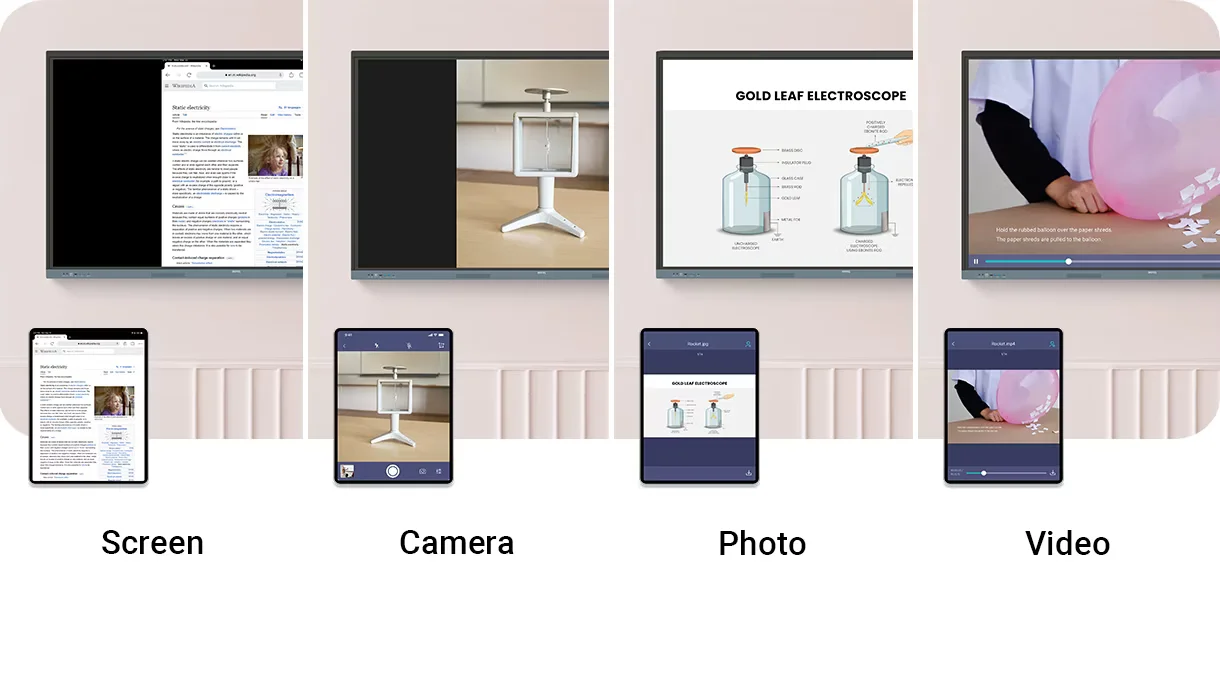
The media sharing function allows users to display photos, videos, and live camera feeds directly on the interactive board. This creates more interactive and engaging lessons while supporting different teaching styles, and it enables educators to easily incorporate multimedia materials into classroom activities.
Moderate sessions with ease:
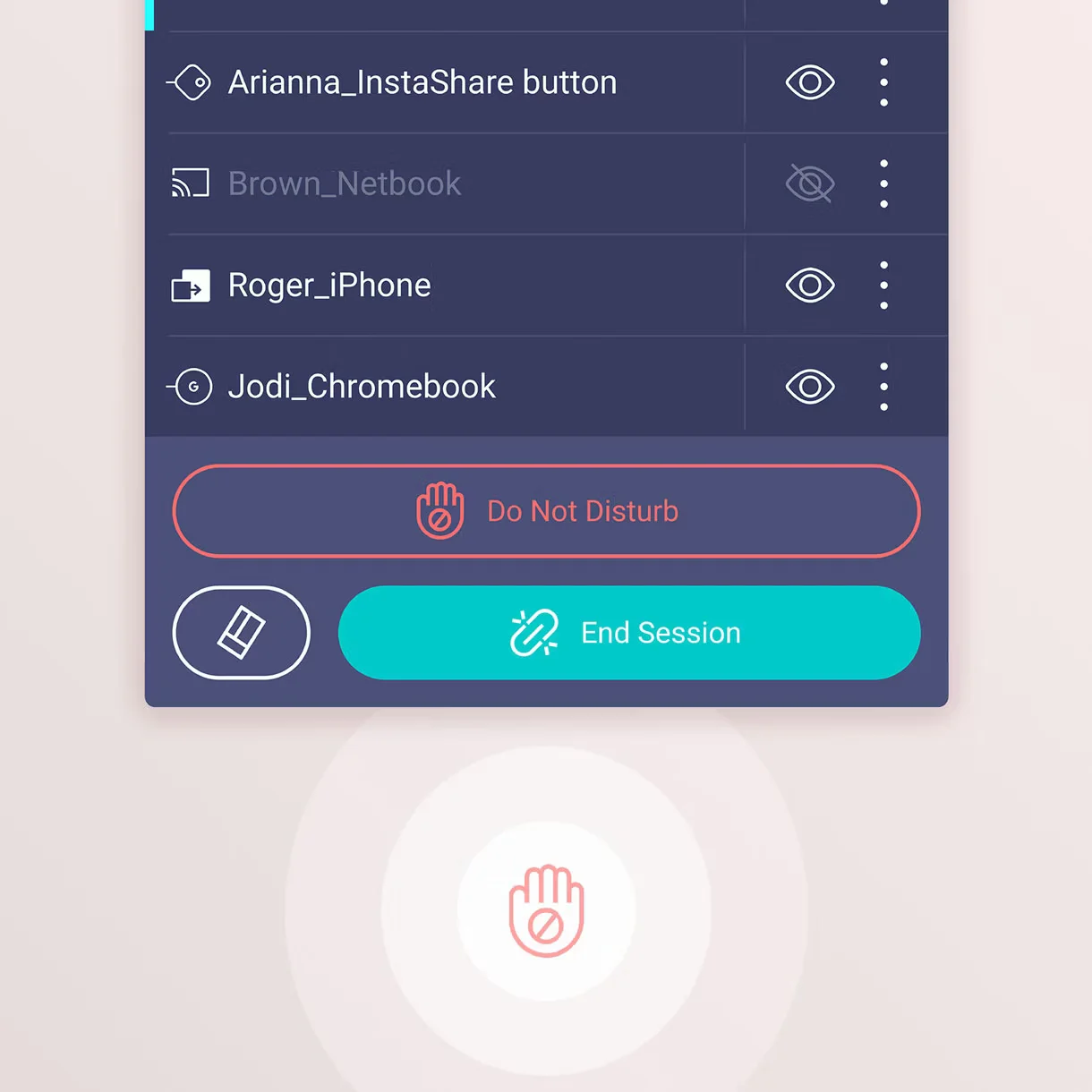
Advanced host controls allow teachers to effectively manage sharing sessions by approving or rejecting requests and controlling what appears on the screen. Meanwhile, AI Guardian technology enhances safety by automatically detecting and blocking inappropriate or explicit content. Together, these capabilities help maintain a secure and distraction-free learning environment.
Management made easy:
BenQ simplifies device management through built-in tools that reduce the workload on IT teams and improve overall efficiency. Using a centralized system, schools can manage users, applications, updates, and configurations, allowing staff to focus on other responsibilities while still retaining complete control over classroom technology.

Effortless user list syncing:
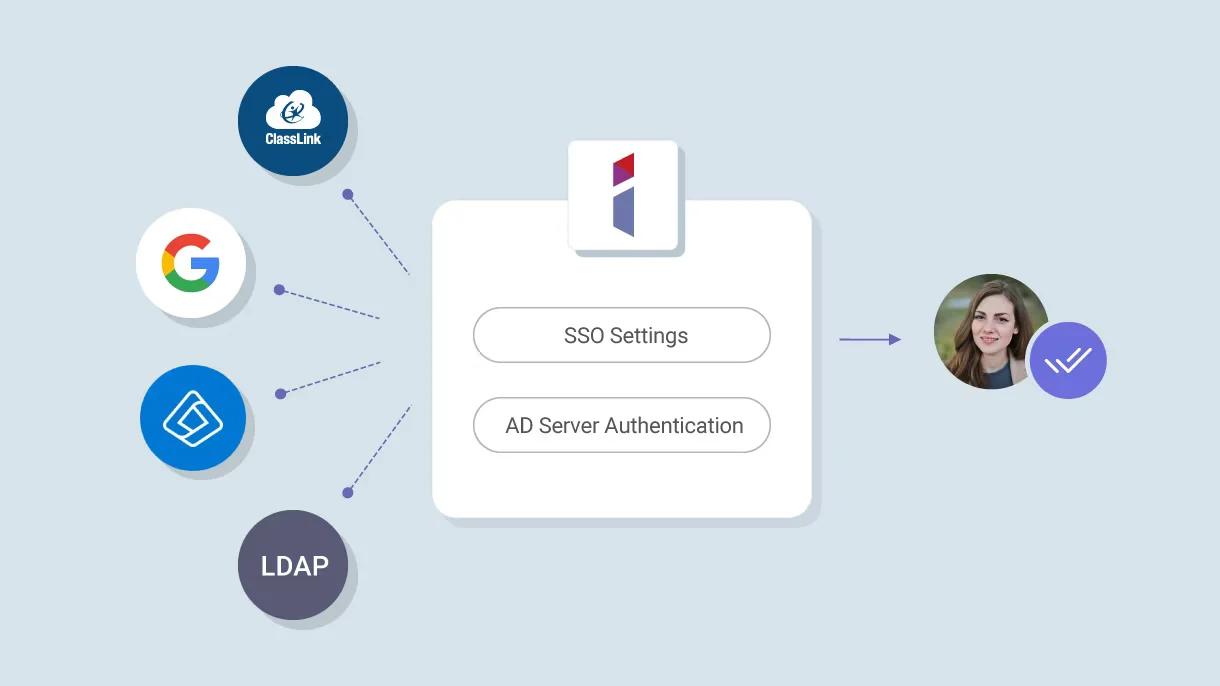
The RE8604 works with Google Workspace, Microsoft Entra ID, ClassLink, LDAP, and SAML authentication systems. This simplifies the process of setting up and managing user accounts while ensuring consistent access control across different educational technology platforms.
Centralized management:
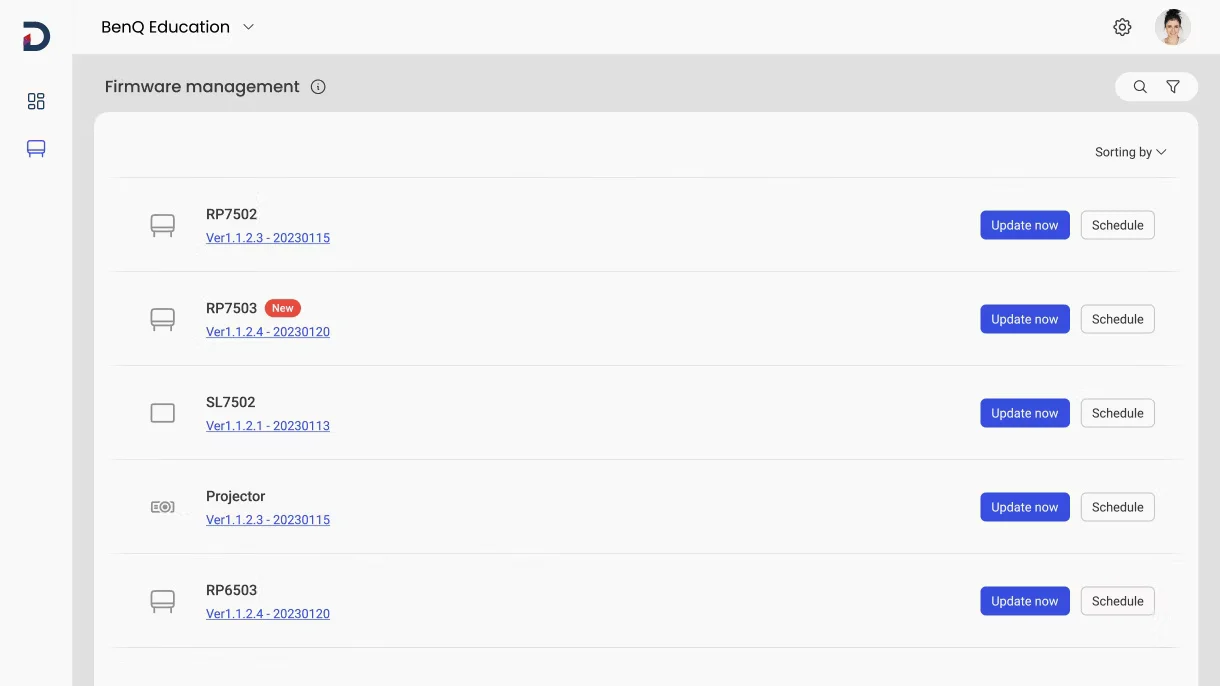
Administrators can remotely install applications, update firmware, remove software, and schedule automated tasks through a single unified management console. This centralized approach saves time, reduces maintenance effort, and improves overall efficiency in device management.
Enhanced data security:
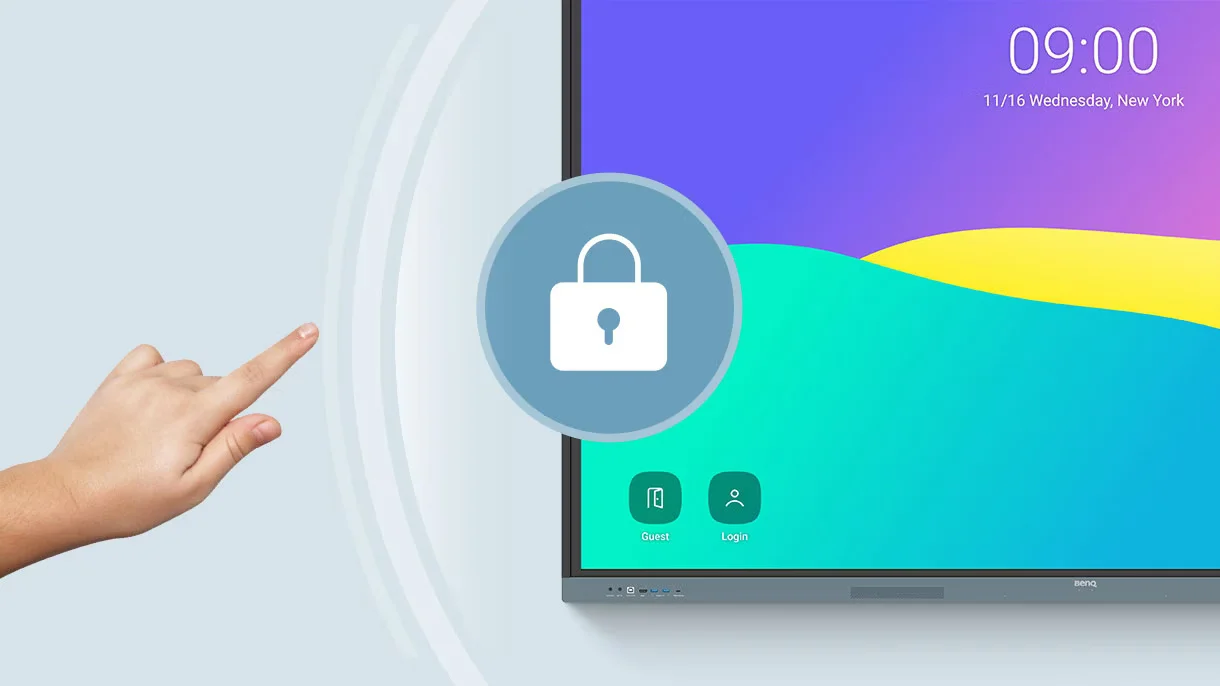
Secure authentication processes, access controls, system updates, Google Play Protect, and Safe Browsing work together to safeguard sensitive educational data. These security features also help ensure compliance requirements are met while creating a safer and more secure digital learning environment.
Data-driven efficiency:
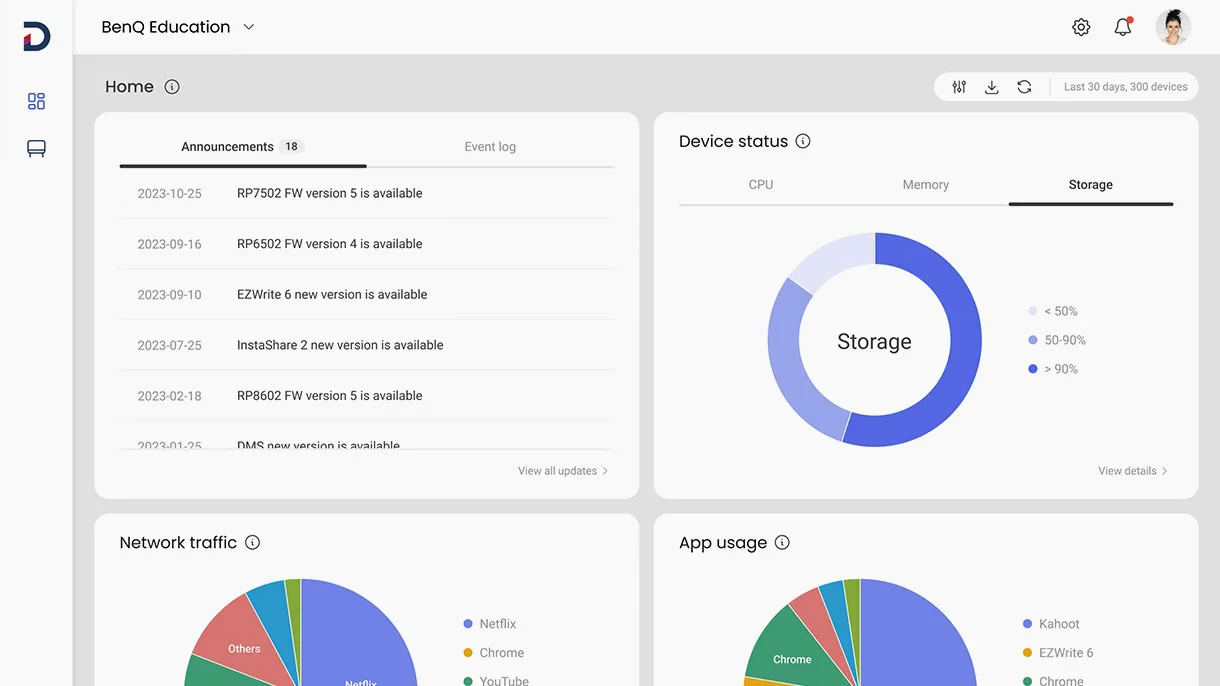
Comprehensive analytics provide useful insights into device usage and overall performance across the organization. Administrators can use this information to improve technology investments, monitor adoption rates, and make informed decisions regarding classroom resources.
School-wide announcements:
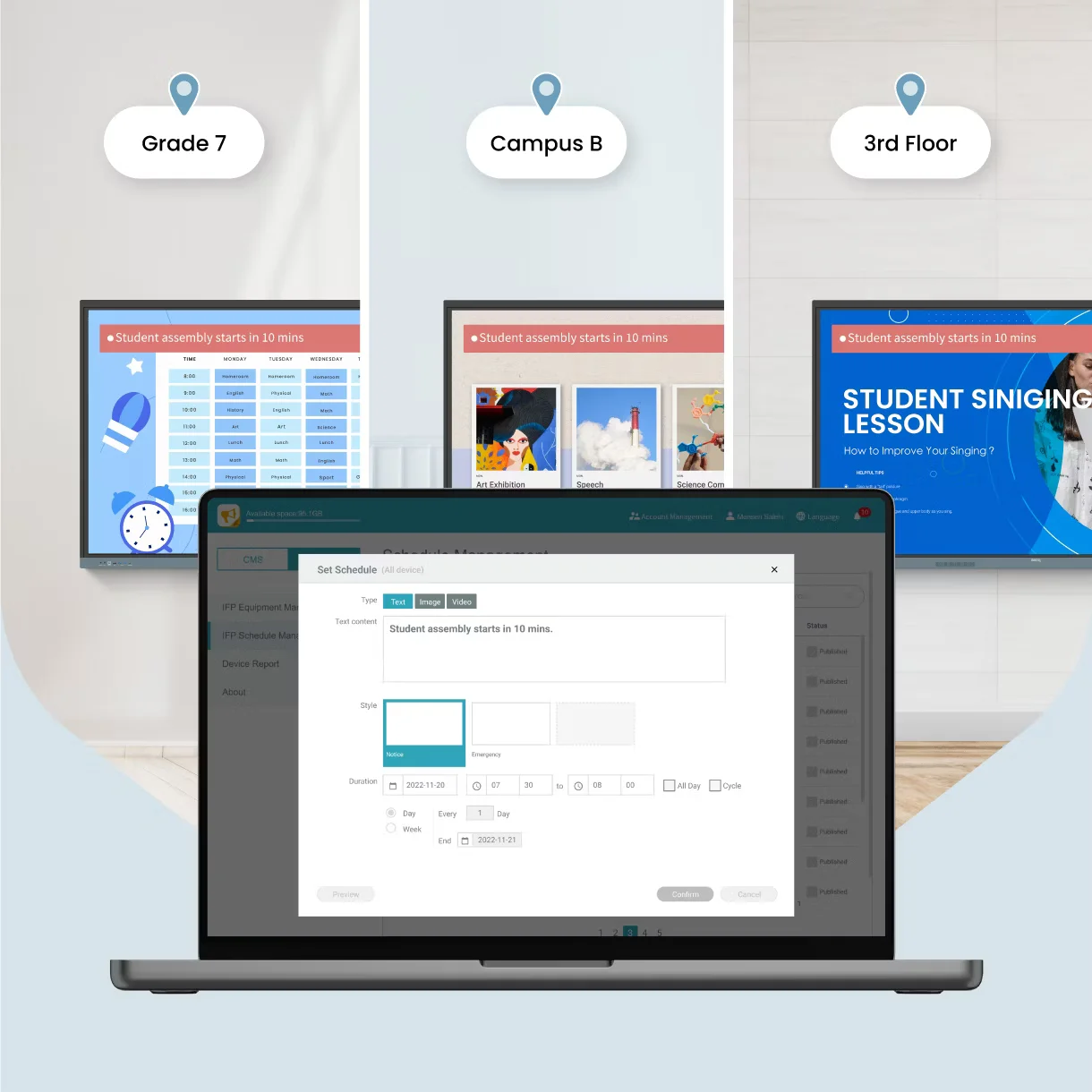
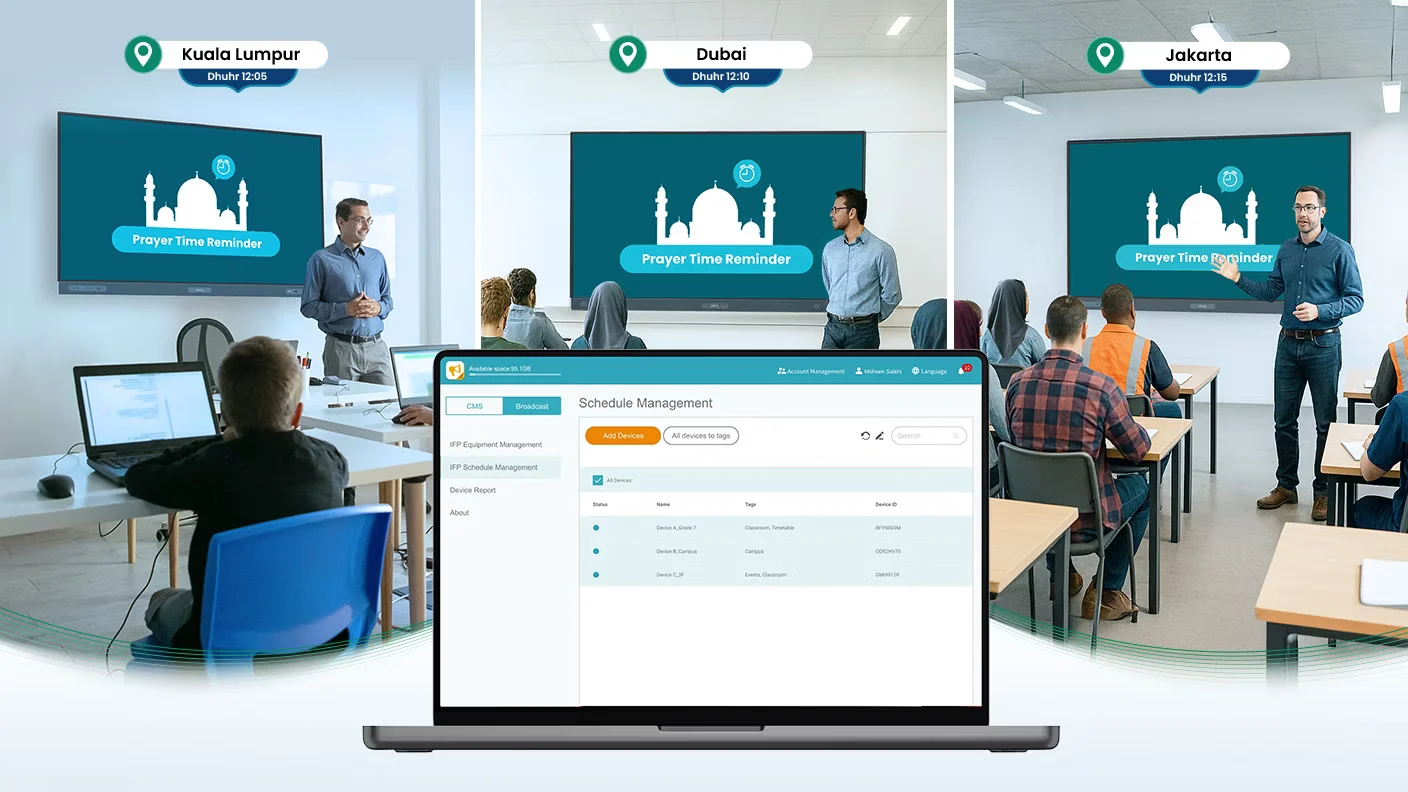
X-Sign Broadcast allows schools to distribute announcements, reminders, event notifications, and emergency alerts simultaneously across multiple BenQ displays. This centralized messaging system ensures that critical information is communicated quickly and efficiently throughout the campus.
Respect Cultural Traditions with Ease:
The Prayer Time feature in X-Sign Broadcast automatically displays accurate prayer reminders across classrooms and learning spaces. This helps institutions align with cultural and religious schedules while reducing the need for manual administration.
Easy on the eyes:
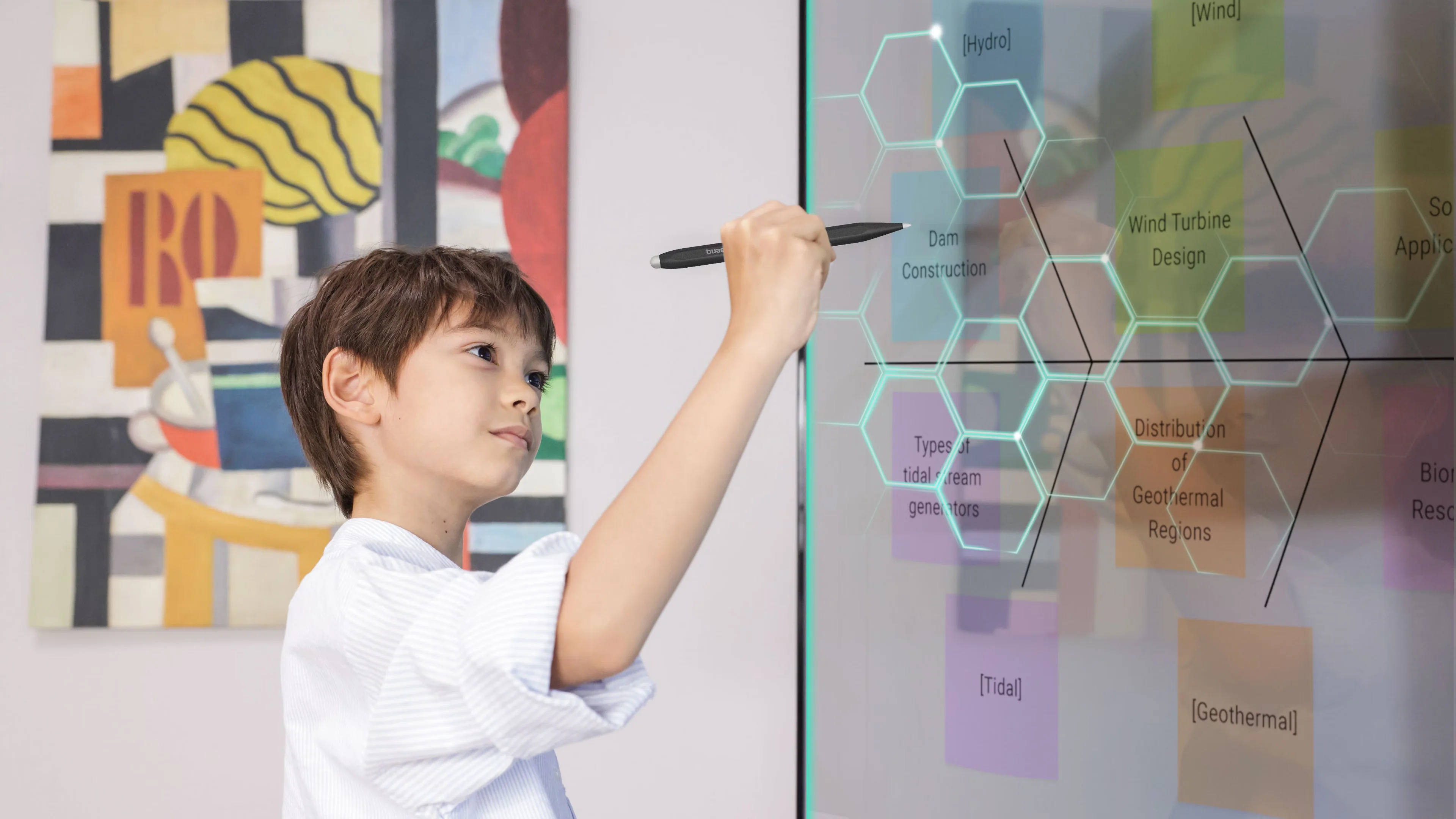
The BenQ Board Essential RE8604 is designed to ensure a comfortable viewing experience throughout the school day. Its TÜV-certified screen includes flicker-free technology, a low blue light mode, and an anti-glare 4K panel to reduce eye strain and fatigue during extended use. These eye-care features deliver clearer visuals, improved readability, and greater comfort for both teachers and students in various classroom environments.
Bridging health and learning:
ClassroomCare technologies aim to create healthier and more comfortable learning environments for both students and teachers. By focusing on hygiene, wellness, and long-term usability, these features help improve learning performance while supporting overall classroom well-being.
View More Interactive Whiteboard
No reviews found

