
BenQ Board Essential RE7504 Interactive Display 75" Inch 4K UHD Android 14





BenQ Board Essential RE7504 - Description
Interactive Display 75" Inch 4K UHD Android 14
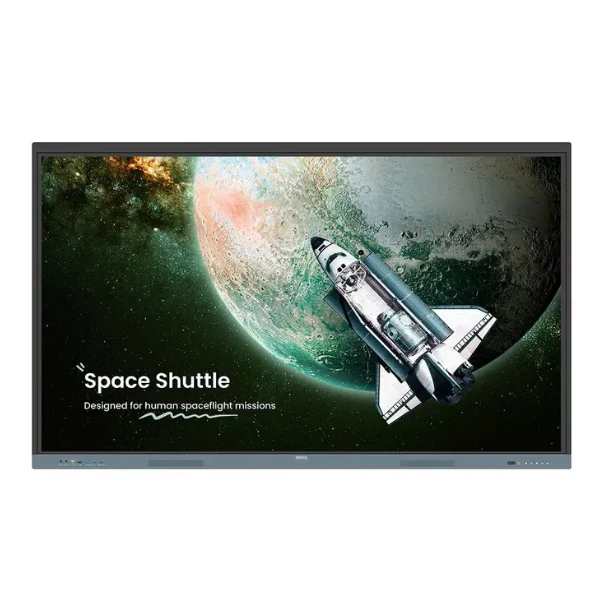
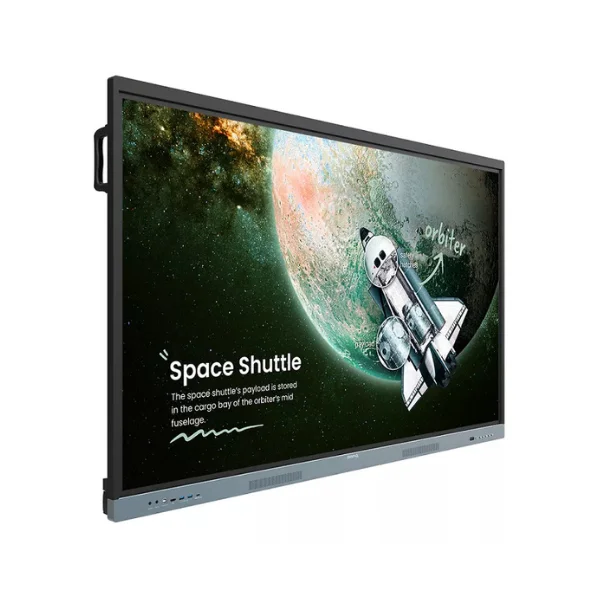
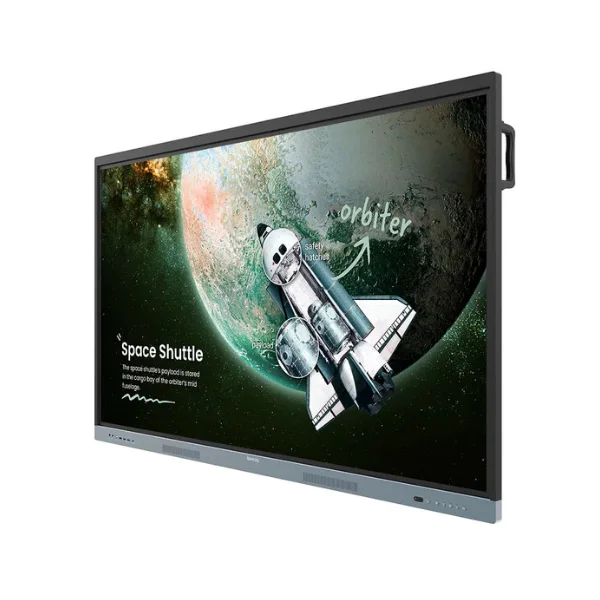
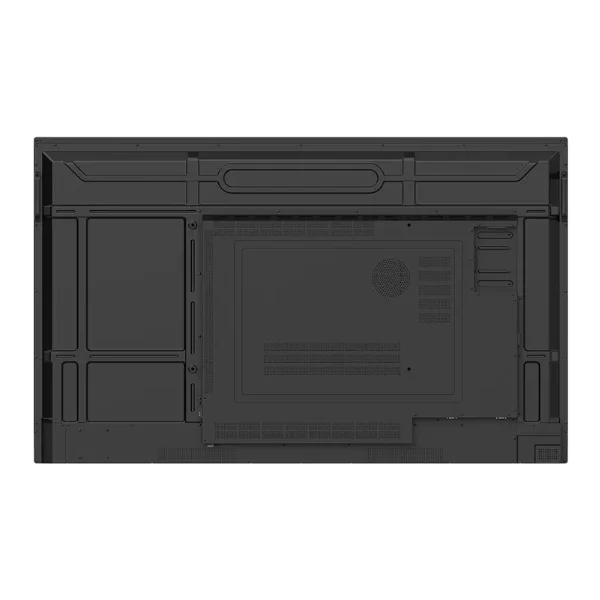
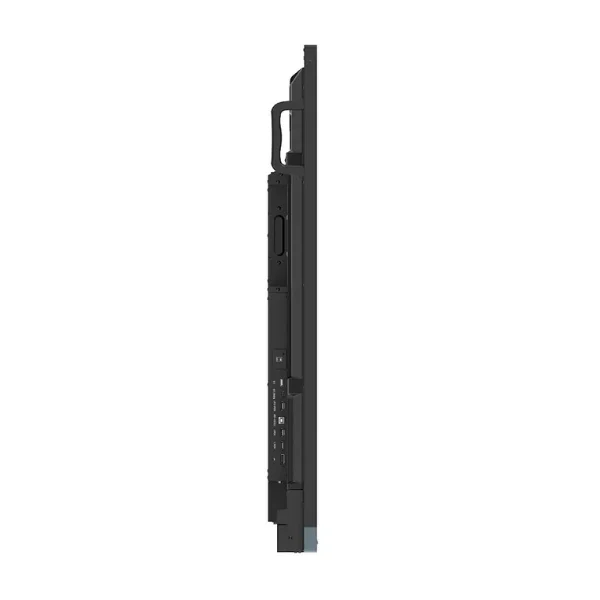
The BenQ Board Essential RE7504 is a 75-inch 4K UHD interactive display designed for classrooms, training rooms, and collaborative environments. Running on Android 14 and certified under Google's Enterprise Devices Licensing Agreement (EDLA), it integrates teaching, collaboration, and device management tools in a single platform. The display features an IPS panel with 450 nits brightness, a 1200:1 contrast ratio, and 72% NTSC color gamut coverage for clear and consistent image quality. It also includes a responsive touchscreen, up to 8 GB RAM, 64 GB or 128 GB of storage depending on region, Wi-Fi 6, Bluetooth connectivity, and VESA mount compatibility.
The essence of education:
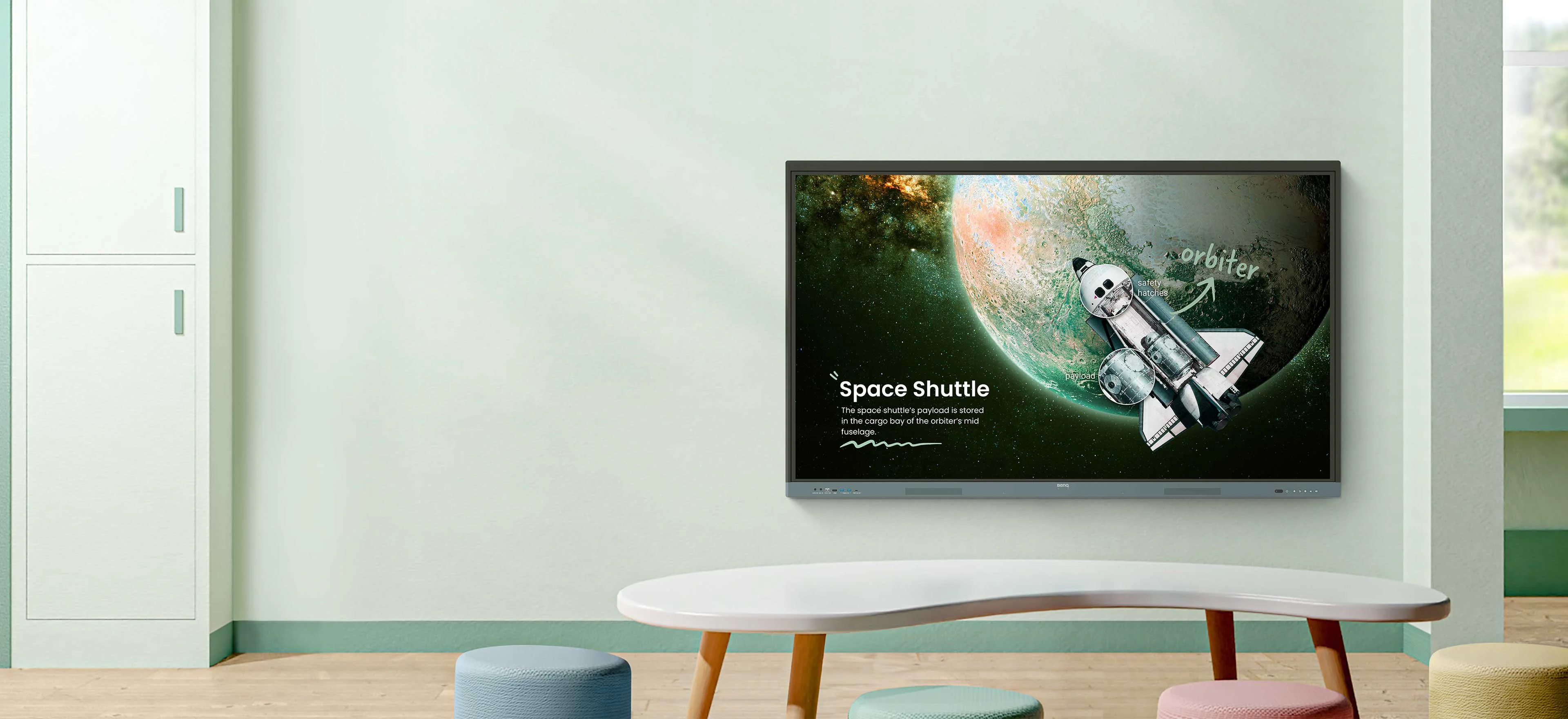
The BenQ Board Essential RE7504 equips educators with the key tools required to deliver engaging and interactive lessons. Integrating Google services with BenQ’s reliable hardware and software platform, it creates a familiar and efficient workspace for teachers and students alike. Users can download educational apps from Google Play, access Google Drive and Google Meet, and work with lesson content through Google Docs, Sheets, and Slides on a large interactive display. This unified ecosystem streamlines lesson planning, enhances classroom collaboration, and supports a more productive teaching experience.
Direct file access:
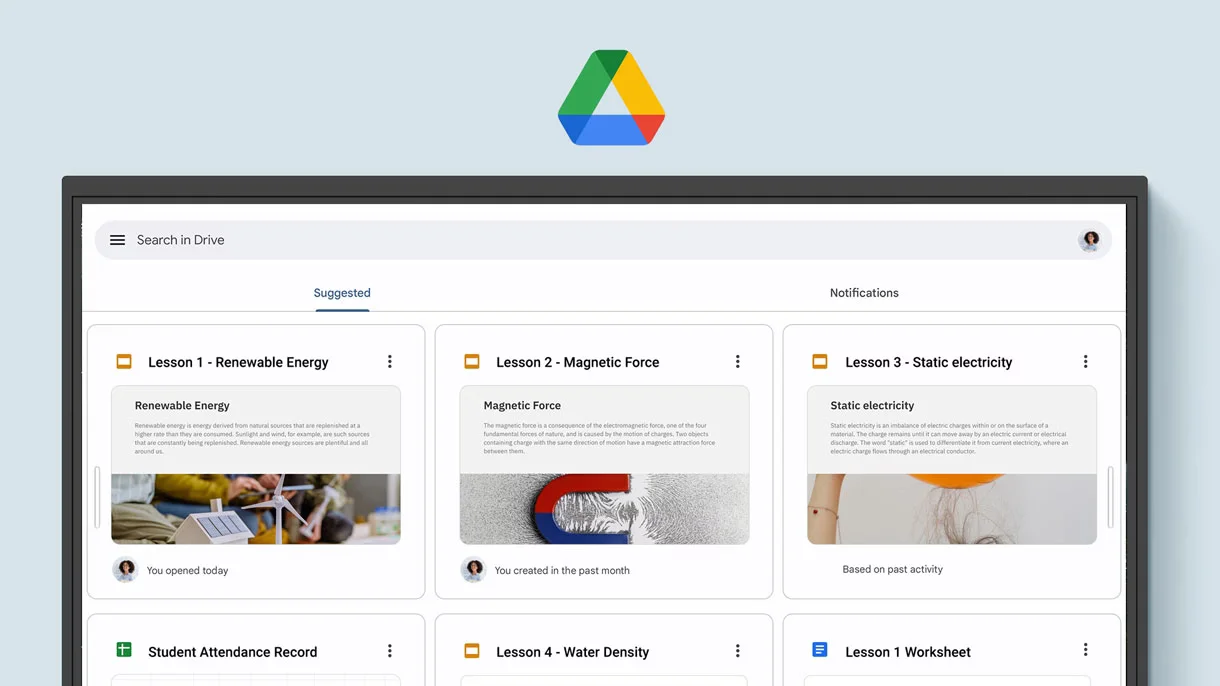
Google Drive integration enables teachers and administrators to access, modify, and store files directly from the interactive board. Educational resources remain automatically synced with cloud storage, ensuring that the most up-to-date versions are always accessible. This efficient workflow simplifies content management, reduces lesson preparation time, and supports seamless access to materials across different devices.
Built-in data security:
The RE7504 is equipped with a range of security features that help protect both users and educational data. Built-in tools such as Google Play Protect and Safe Browsing provide defense against harmful applications, suspicious websites, and various cybersecurity threats. These safeguards help schools create a more secure digital learning environment while ensuring that sensitive information remains protected.
A whiteboard like no other:
EZWrite turns the RE7504 into an advanced digital whiteboard that goes well beyond traditional annotation and drawing. With its expandable canvas offering virtually unlimited workspace, along with intelligent teaching tools and AI-enhanced features, educators can deliver more engaging and interactive lessons. The platform enables natural content interaction, real-time collaboration with students, and the creation of dynamic learning activities that accommodate diverse teaching methods and learning preferences.
Use your own files:
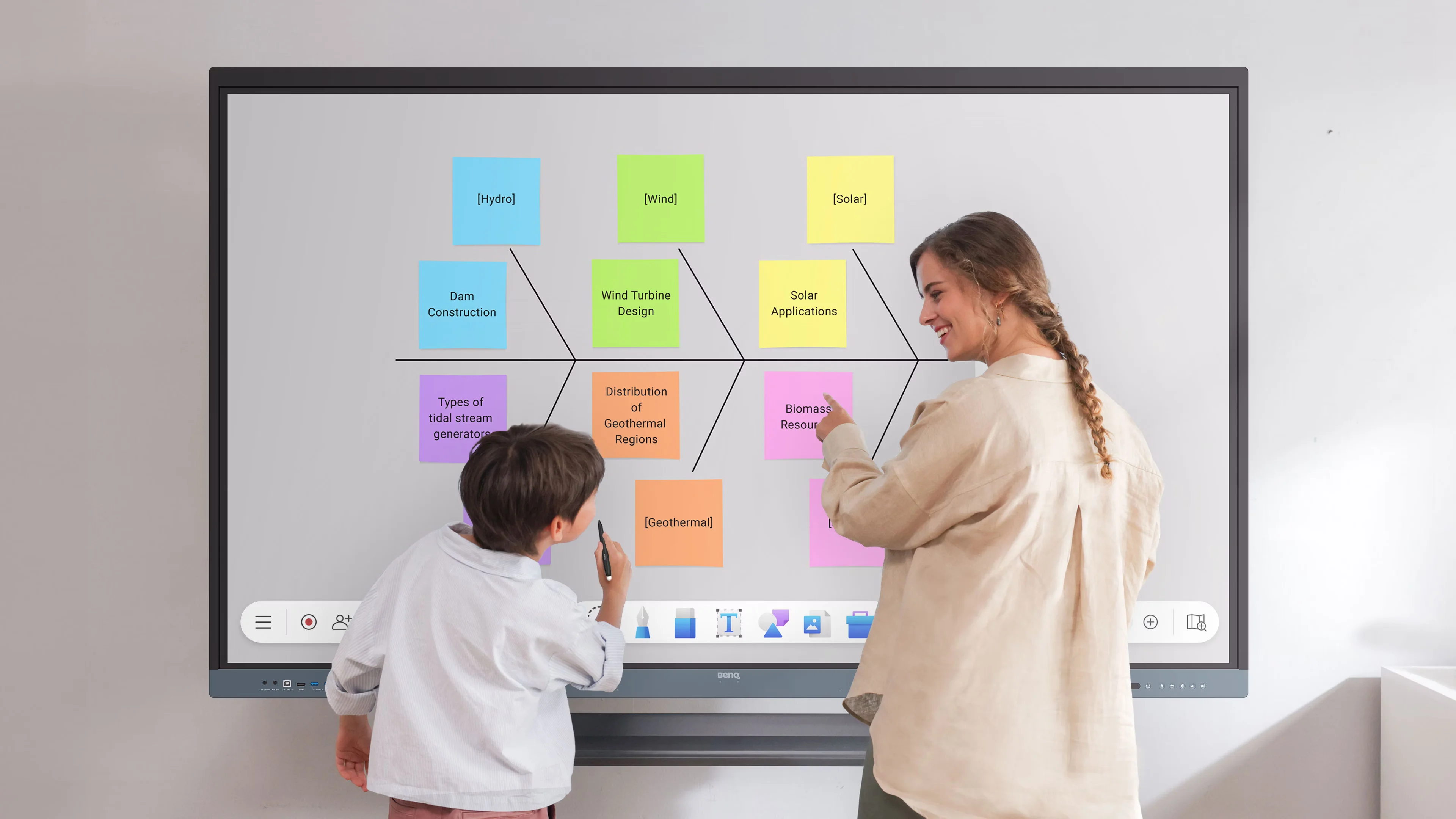
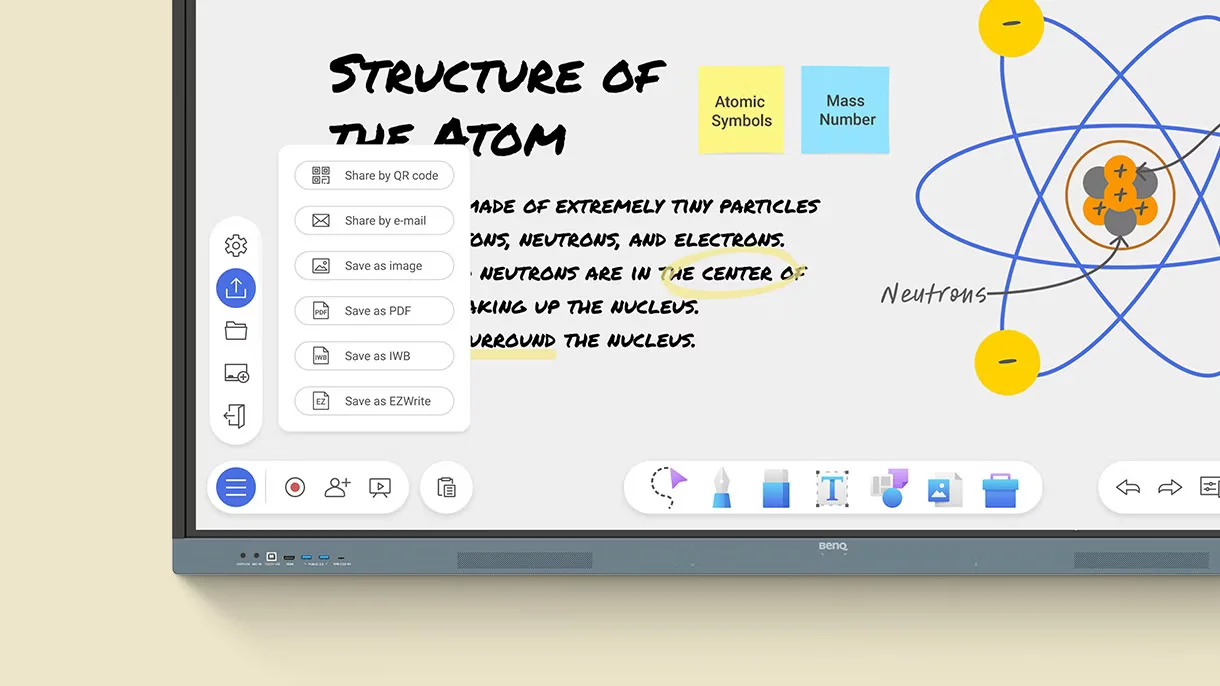
EZWrite allows teachers to import a wide range of lesson materials and interact with them directly on the board. Educators can annotate documents, emphasize important points, and make live modifications during class sessions. After the lesson, all content can be saved and exported as an editable file, enabling easy reuse and helping teachers get more value from their instructional resources.
A tool for every need:
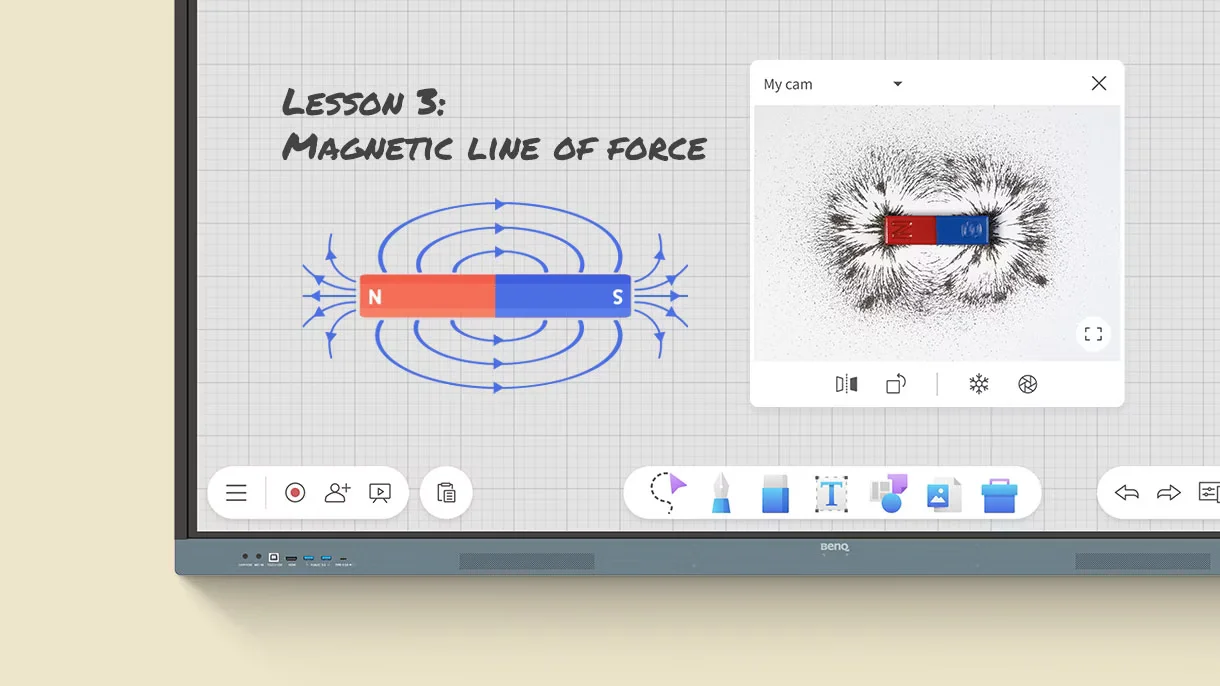
The RE7504 features a comprehensive set of integrated teaching tools that cater to a variety of classroom activities and educational subjects. From facilitating brainstorming exercises and explaining complex topics to promoting active student engagement, teachers can easily access the tools they need. These capabilities enhance lesson delivery and help create a more interactive and engaging learning environment.
Take lessons to the cloud:
Cloud-based collaboration expands learning beyond the interactive display, allowing students and participants to engage with lesson content from virtually anywhere. Whether attending in person or participating remotely, users can interact with classroom materials in real time. This capability supports hybrid learning models and helps keep learners connected and engaged regardless of their location.
Built-in AI tools for more inclusive lessons:
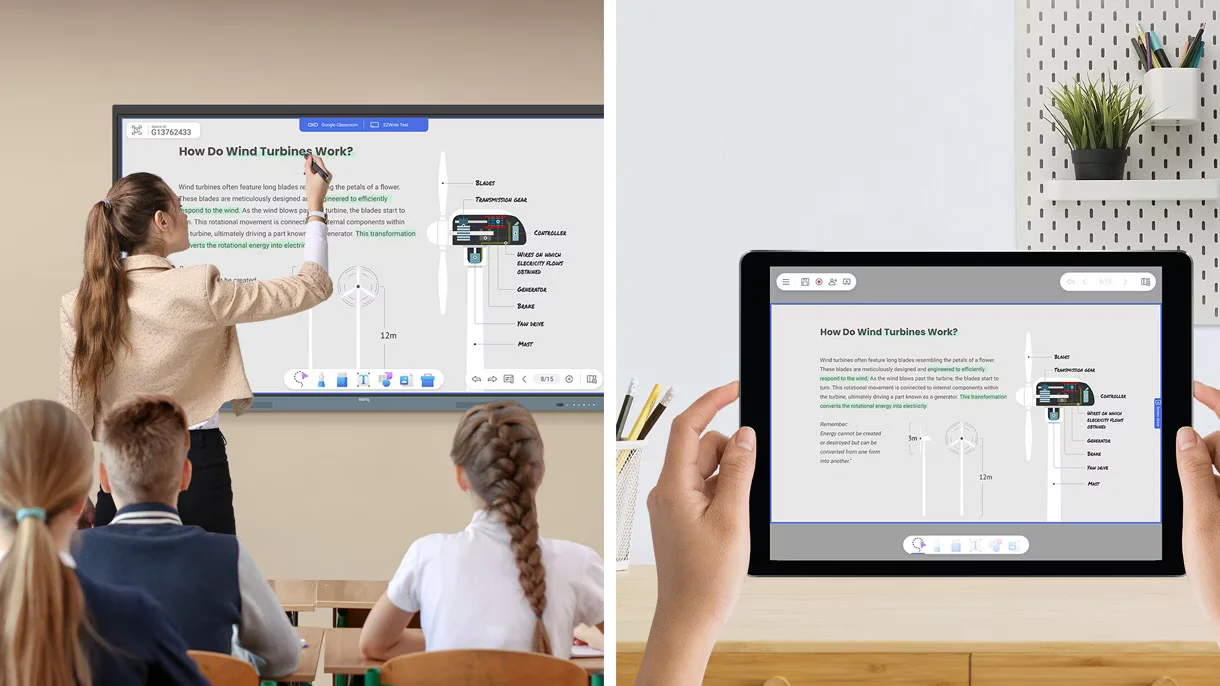
AI-powered features enhance accessibility and inclusivity, helping educators deliver lessons that accommodate a wider range of learning needs. The integrated text-to-speech function can read on-screen content aloud, improving comprehension and accessibility for students. Built-in multilingual translation enables instant text translation with a single tap, facilitating communication in diverse classrooms. In addition, OCR (Optical Character Recognition) technology converts text from imported images into editable content, saving time and allowing teachers to repurpose educational materials more effectively.
Essential tools for every teacher:
The RE7504 streamlines classroom technology by integrating essential teaching tools and resources into one interactive platform. Its user-friendly design minimizes complexity and enhances efficiency, enabling educators to spend more time engaging with students and less time managing technology. This creates a more seamless, productive, and effective learning environment.
Your own space and data:
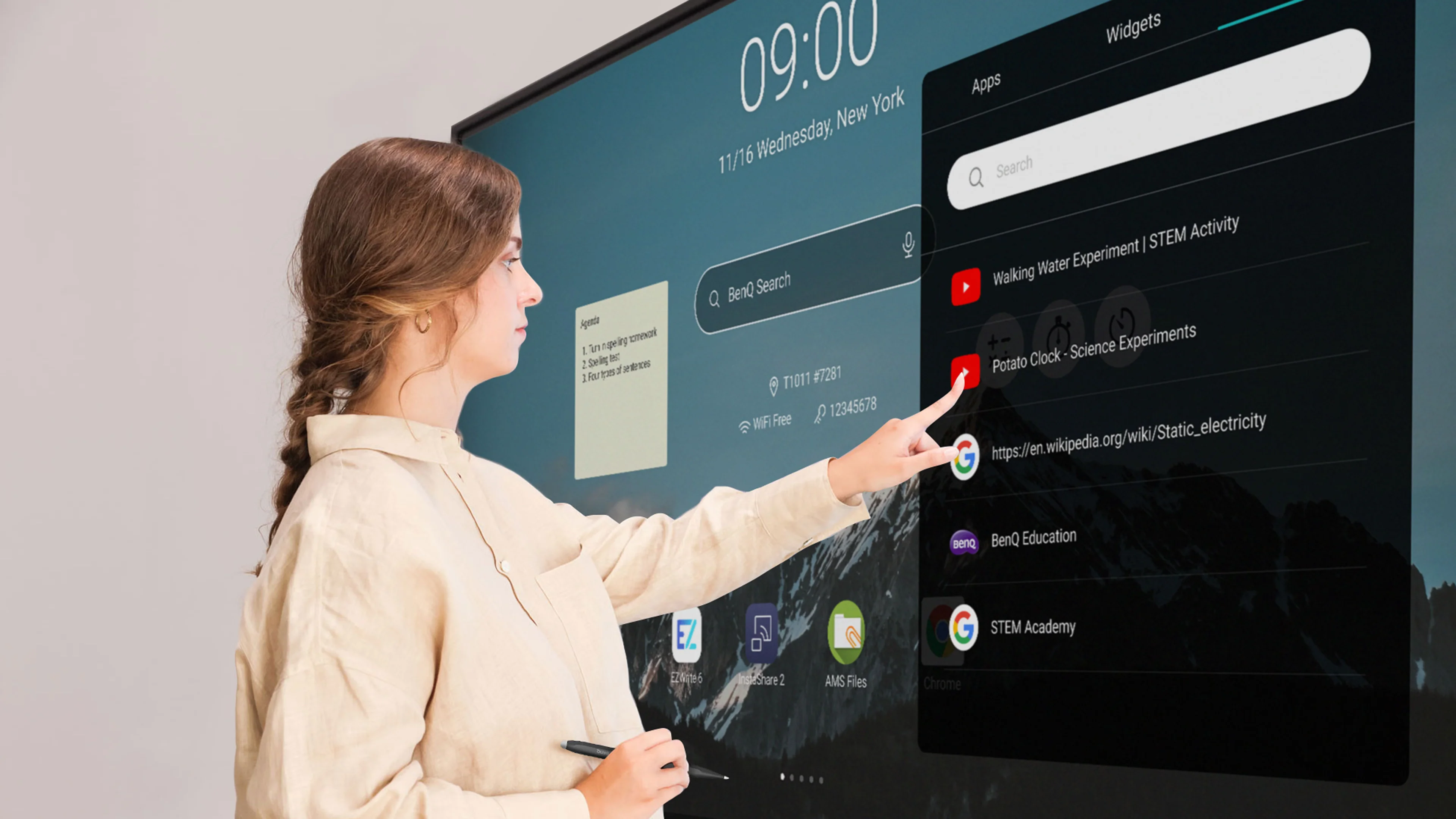
Individual user accounts provide each teacher with a secure and customized workspace tailored to their needs. Personal files, applications, and settings are kept separate from those of other users, enhancing privacy and protecting sensitive data. This personalized setup enables educators to access their resources efficiently while helping prevent unauthorized access to information.
Organize with ease:
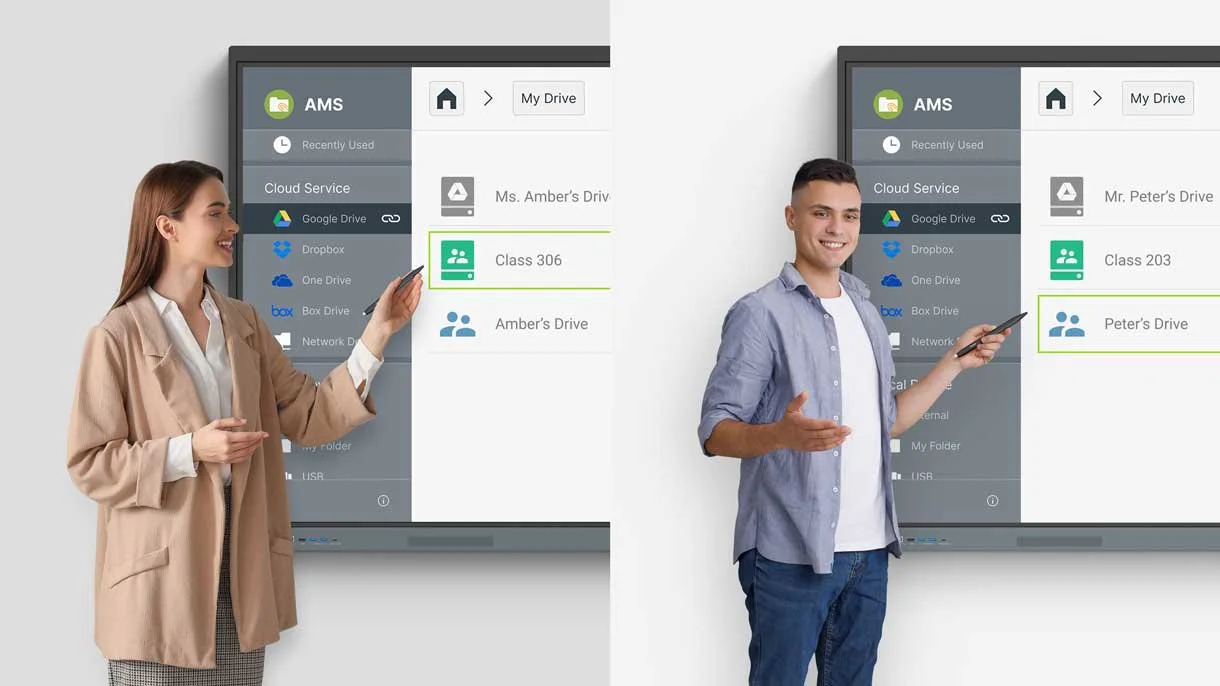
A customizable home screen enables users to keep their most frequently used apps, files, and widgets within easy reach. By arranging resources based on personal preferences, teachers can quickly access the content they need and spend less time navigating menus. This streamlined organization enhances workflow efficiency and contributes to a more productive and effective teaching experience.
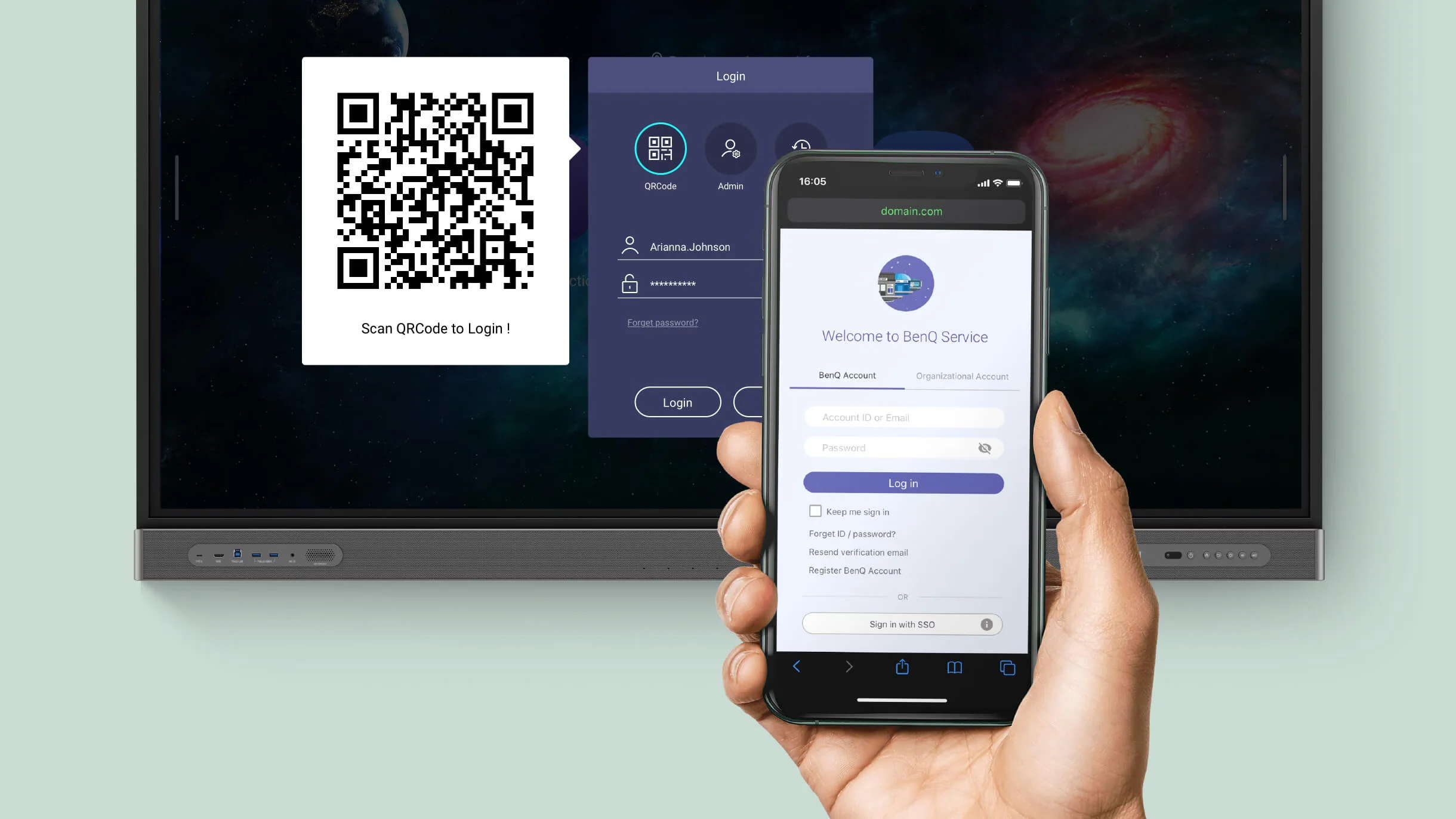
Scan the QR Code to log in:
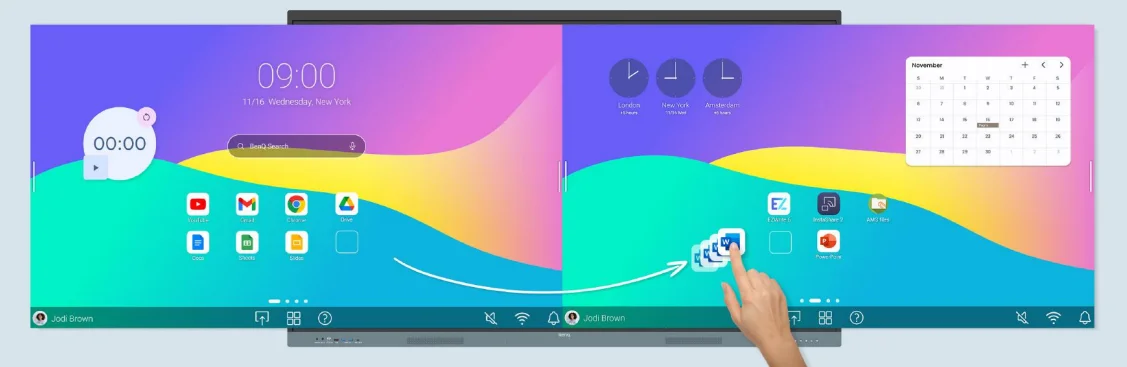
QR code login offers a convenient and secure method for accessing personal accounts and cloud-based teaching resources. Instead of entering usernames and passwords manually, teachers can quickly sign in by scanning a QR code with their mobile device. This streamlined process reduces login time, improves classroom efficiency, and helps strengthen account security.
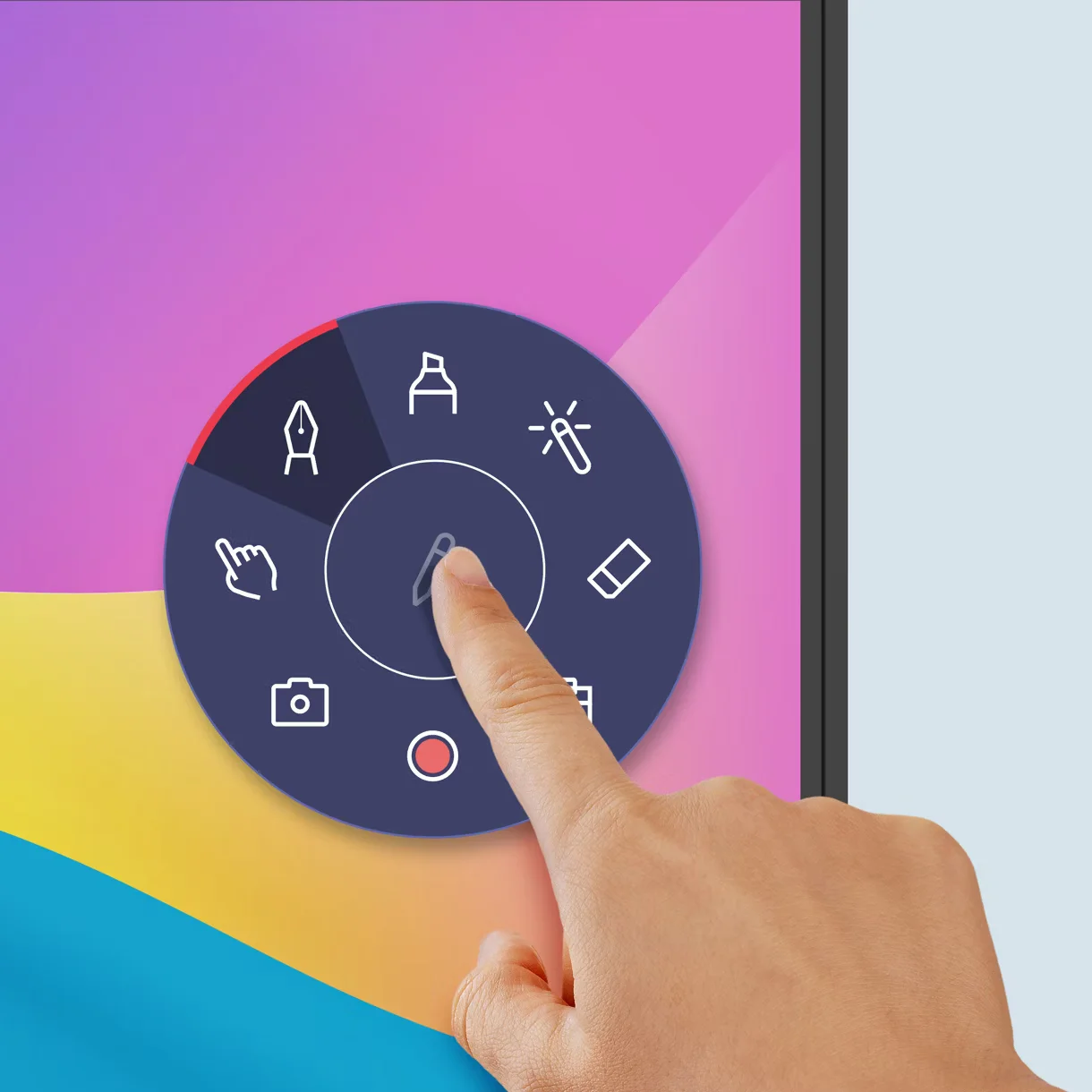
Snap. Record. Write:
The Floating Tool gives users the ability to capture screenshots, record on-screen activity, and add annotations directly to applications, documents, websites, and videos. This versatility enables educators to emphasize key points, create engaging instructional content, and modify lessons on the fly. It also makes it easier to document, save, and share educational materials for future reference.
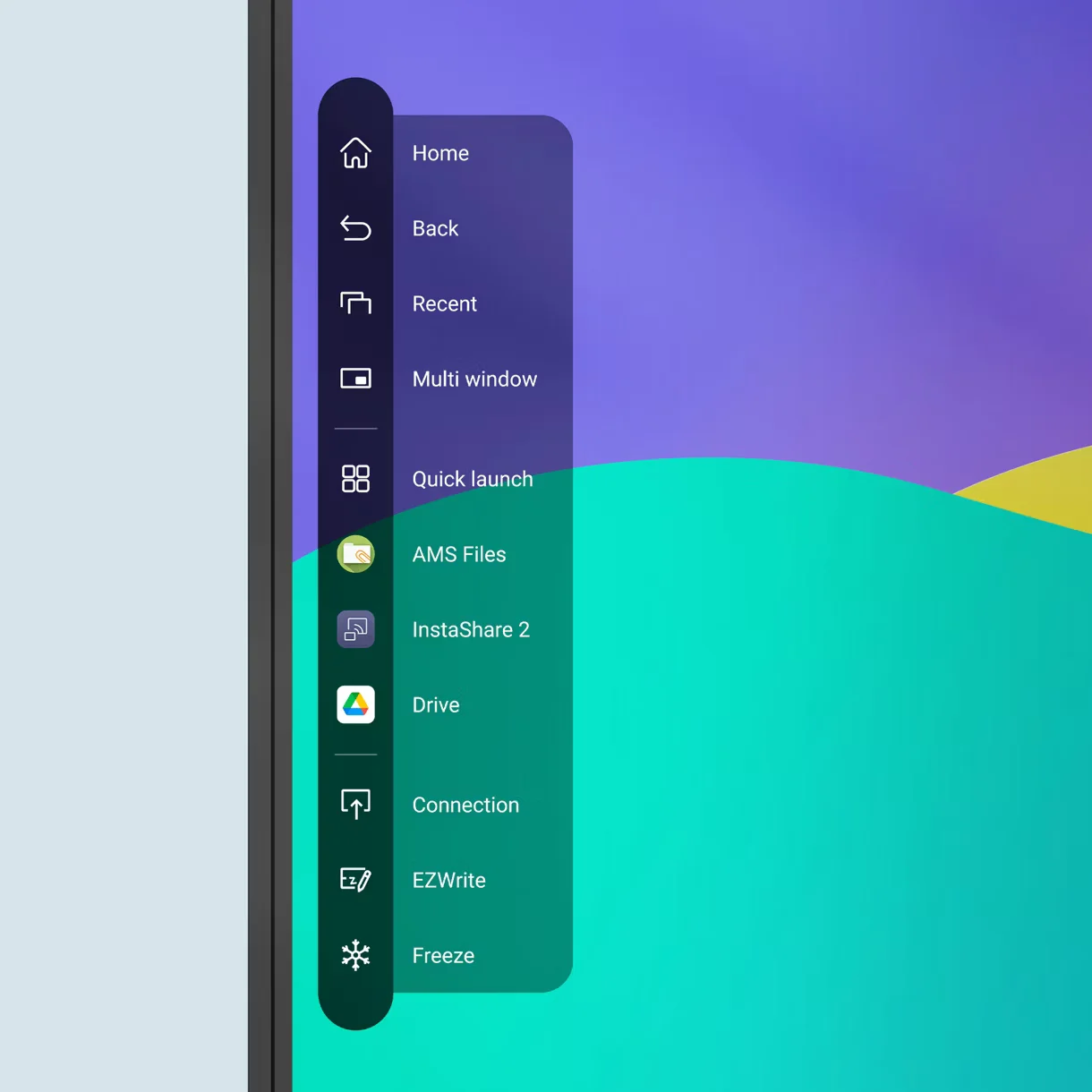
Sidebar access:
The integrated sidebar offers quick and easy access to recently used applications, files, input sources, and essential navigation tools. By allowing users to switch between resources seamlessly, it minimizes disruptions during lessons and presentations. This efficient design enhances productivity and helps maintain a smooth and uninterrupted classroom experience.
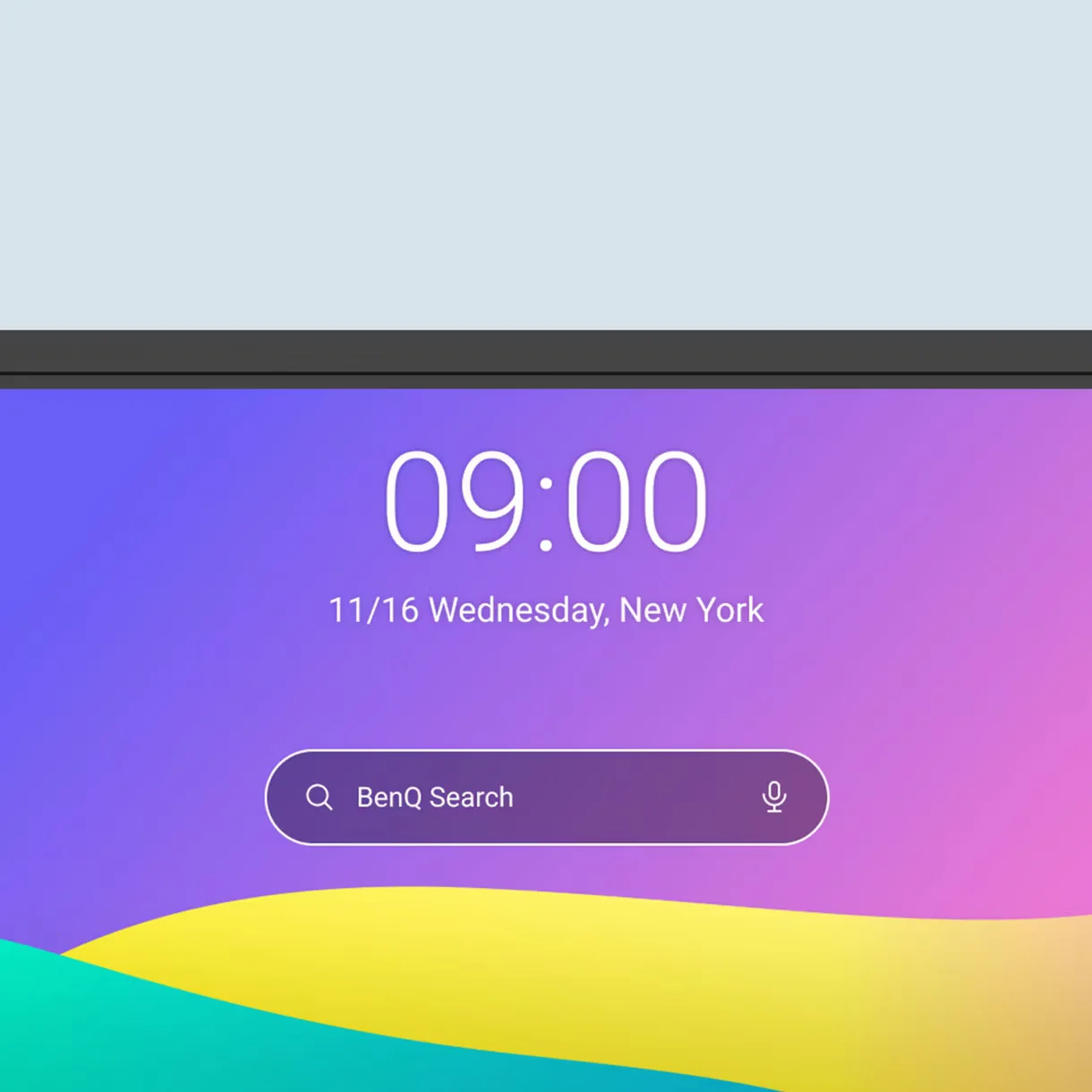
Expanded search:
BenQ Search allows users to find online resources, local files, and cloud-stored content through a single, unified search interface. By centralizing access to information, it minimizes the time spent searching for materials and enables educators to quickly retrieve the content they need. This enhanced search functionality improves efficiency and supports a more seamless teaching experience during lessons.
Enhance your lesson flow:
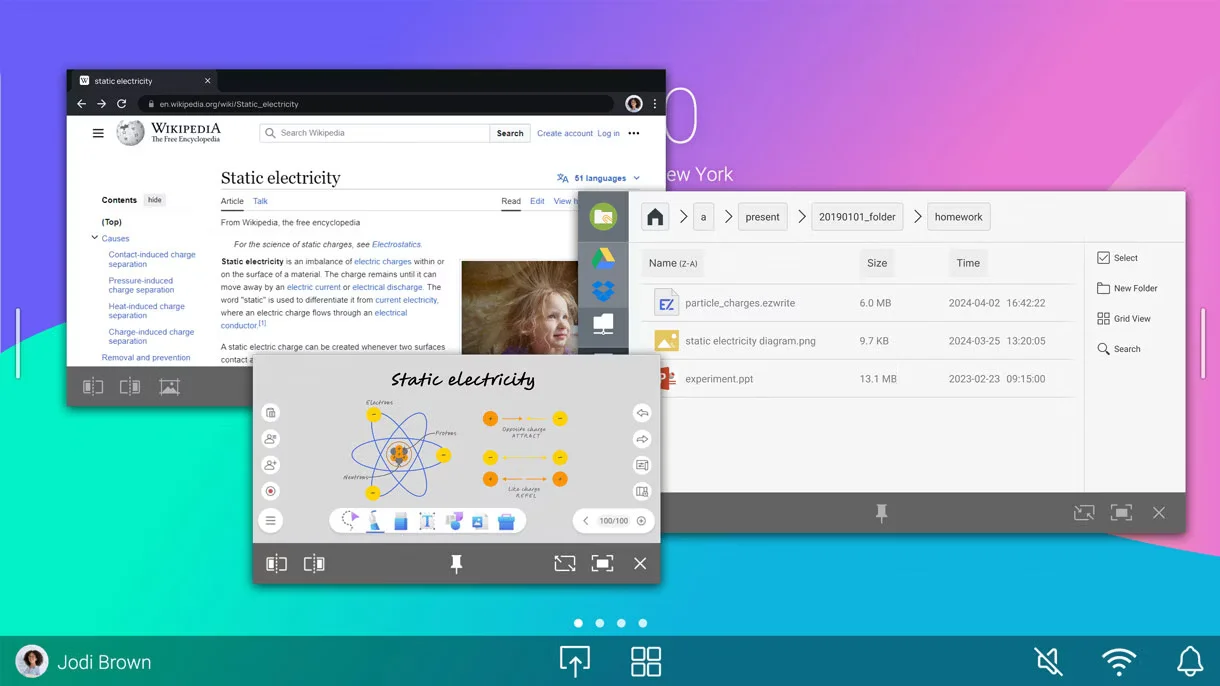
Multi-window functionality enables teachers to run and view multiple applications at the same time on a single display. Educators can continue annotating on the whiteboard while simultaneously accessing documents, web pages, or multimedia resources without switching screens. This feature enhances lesson flow, improves multitasking efficiency, and supports more interactive and engaging teaching experiences.
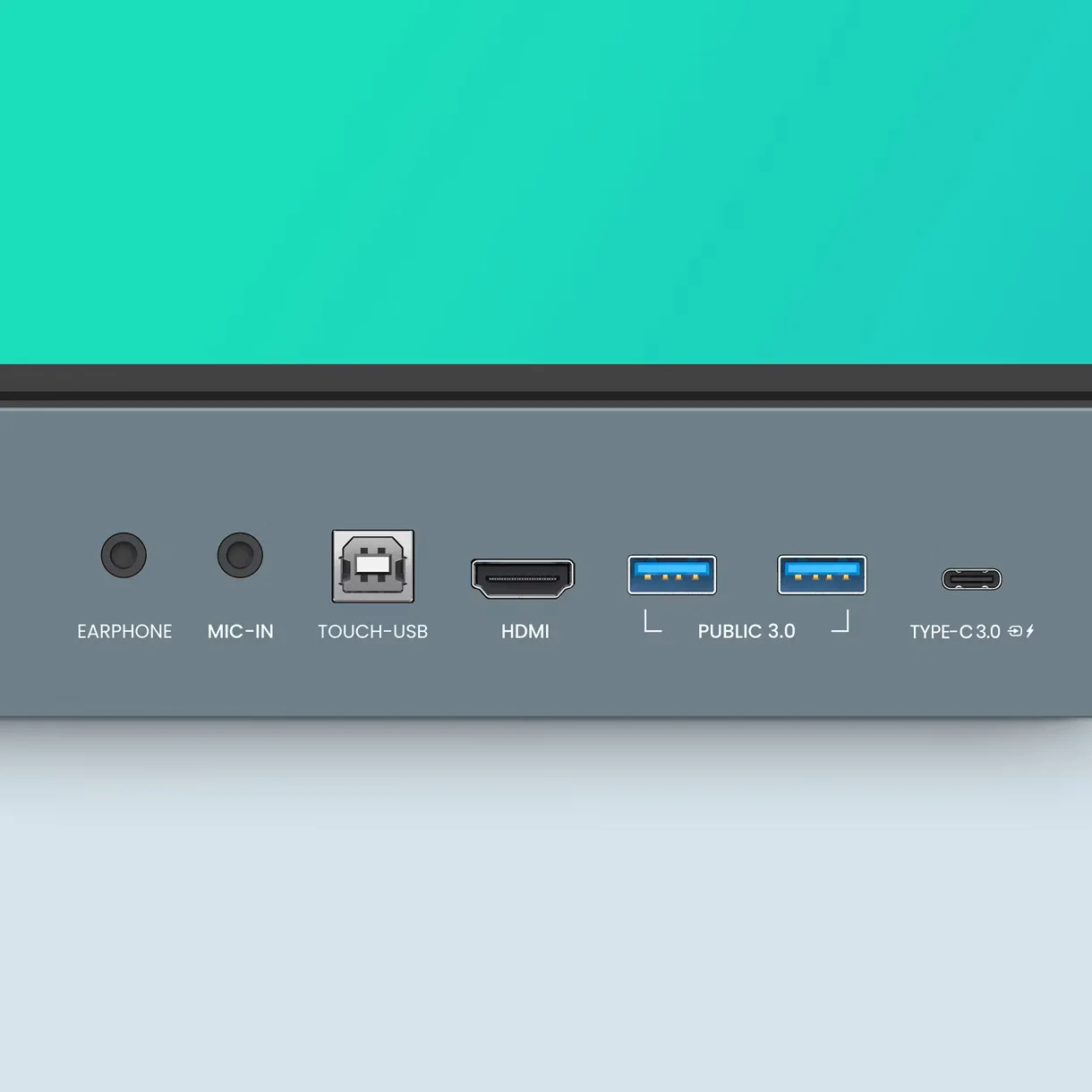
5-in-1 connectivity:
The multifunctional USB-C port delivers data transmission, video and audio output, touchback functionality, and up to 65W of power delivery through a single cable. By combining multiple functions into one connection, it streamlines device integration, minimizes cable clutter, and enables fast and convenient connectivity with compatible devices.
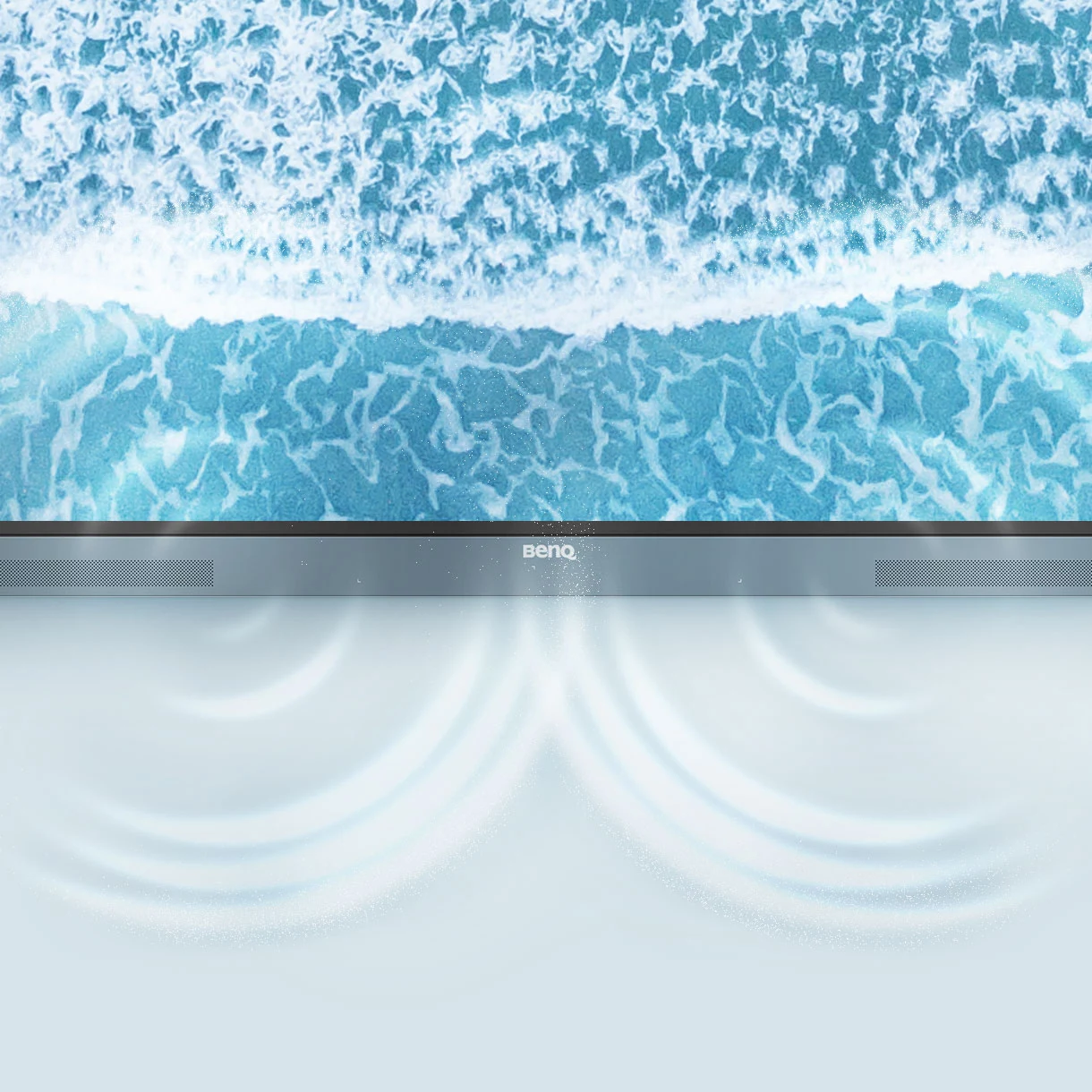
Full vibrant audio:
The integrated dual 20W speakers provide clear, immersive audio suitable for lessons, presentations, and online meetings. This improved sound quality allows students to clearly hear instructional content, often eliminating the need for external speakers in classroom settings.
All hands on board:
The large interactive display is built to promote full-class participation and teamwork. It supports up to 40 simultaneous touch points, enabling several users to interact with the screen at the same time and creating a more engaging, collaborative learning experience. With gap-free writing, an 8 ms response time, and Precision IR touch technology, it delivers smooth, accurate, and highly responsive input across the entire screen with minimal delay.
Everyone can share:
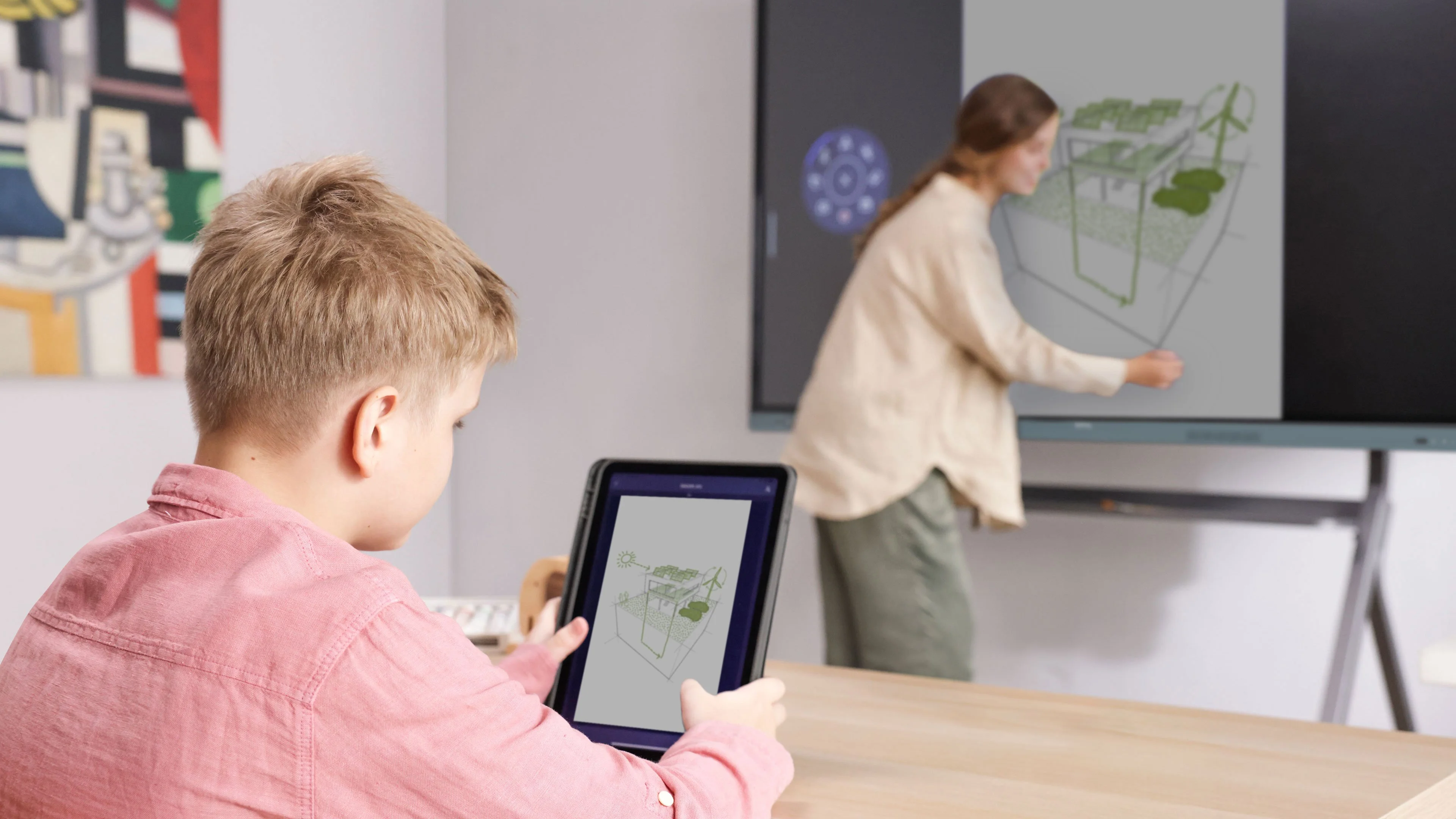
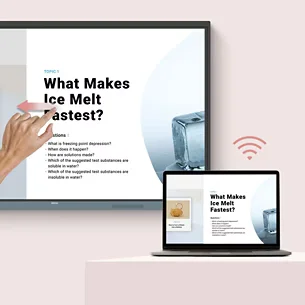
InstaShare 2 supports wireless screen sharing and collaboration across laptops, tablets, smartphones, and other compatible devices. It allows users to present lesson materials, exchange ideas, and engage with content from any location in the classroom, helping to foster a more interactive and collaborative learning experience.
Control your device from the board:
Teachers can control and interact with connected compatible devices directly from the interactive touchscreen. This feature reduces disruptions and limits the need to switch between different devices during lessons or presentations, helping maintain student focus while improving overall classroom efficiency.
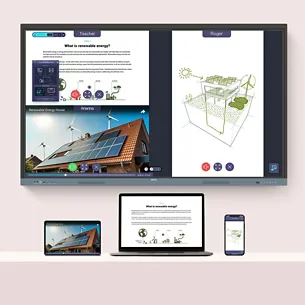
Share multiple screens simultaneously:
The RE7504 enables multiple users to display content on the screen simultaneously, supporting collaborative discussions, side-by-side comparisons, and group learning activities. By allowing educators and students to view multiple sources at once, it encourages greater interaction, deeper engagement, and more active participation in the learning process.
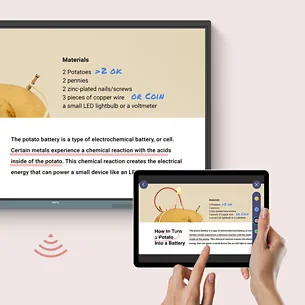
Cast the board to connected devices:
The board’s content can be mirrored to connected devices, enabling participants to view lessons on their own screens. This enhances visibility and accessibility, especially in large classrooms or hybrid learning settings, and helps students remain engaged even when they are not seated near the display.
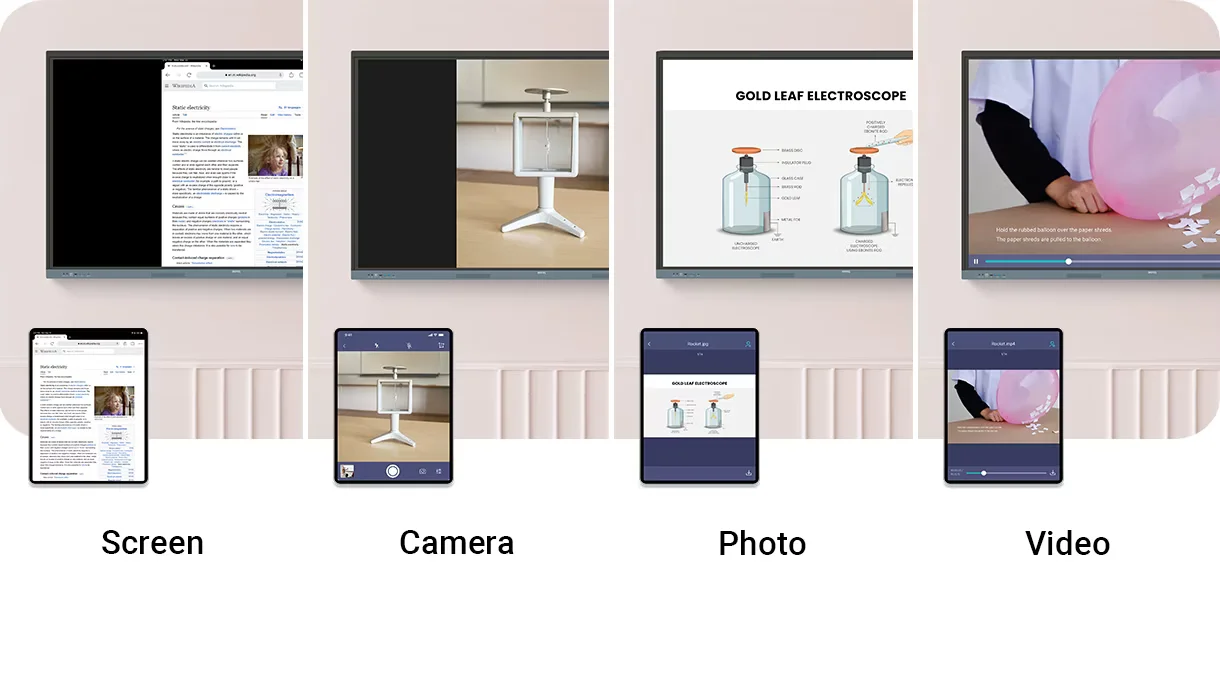
Beyond screen sharing:
The media sharing feature enables users to present photos, videos, and live camera feeds directly on the interactive board. This supports more engaging and dynamic lessons while accommodating diverse teaching approaches, allowing educators to seamlessly integrate multimedia content into classroom activities.
Moderate sessions with ease:
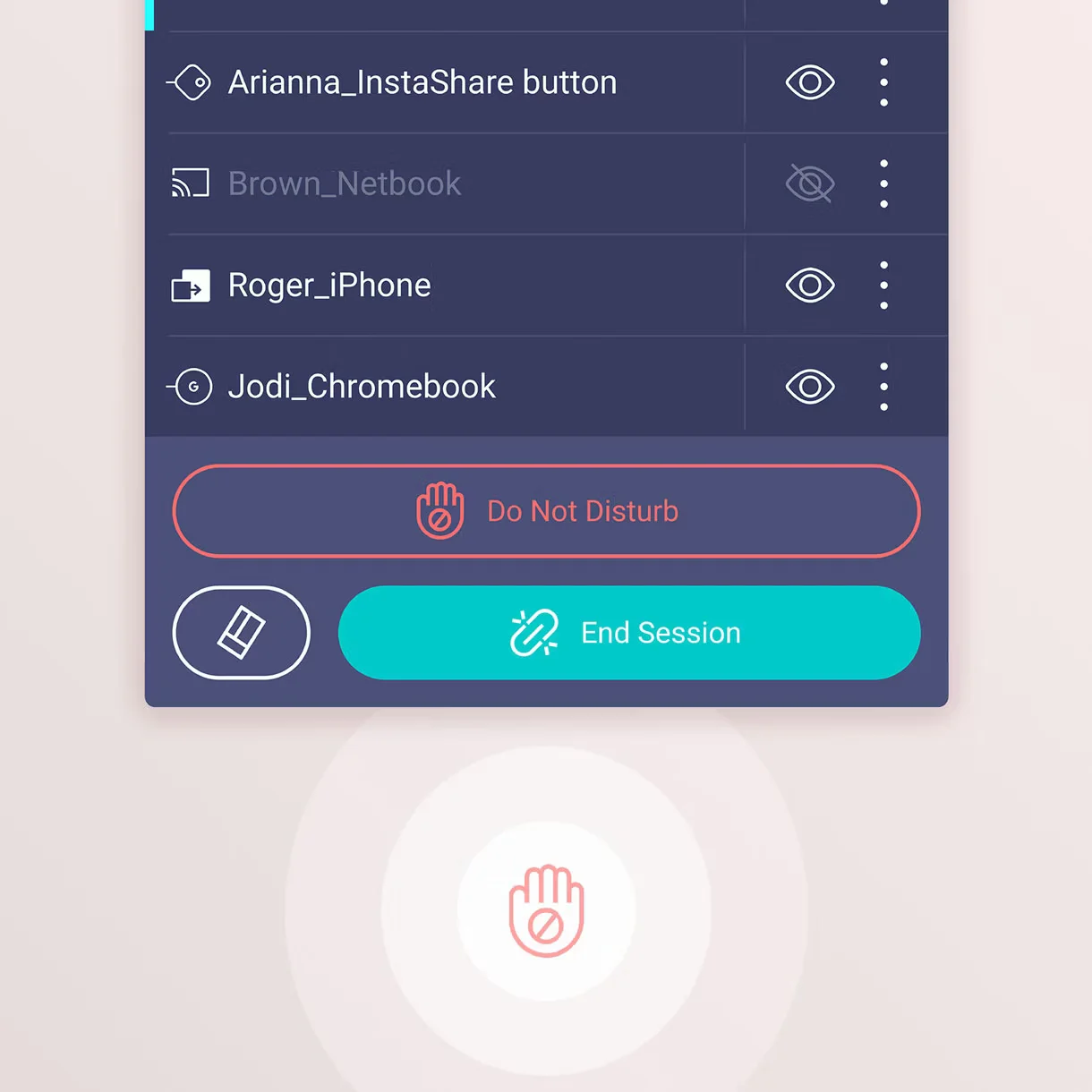
Advanced host controls enable teachers to efficiently manage sharing sessions by approving or denying requests and regulating on-screen content. In addition, AI Guardian technology strengthens safety by automatically identifying and blocking inappropriate or explicit content. Together, these features support a secure and focused learning environment.
Management made easy:
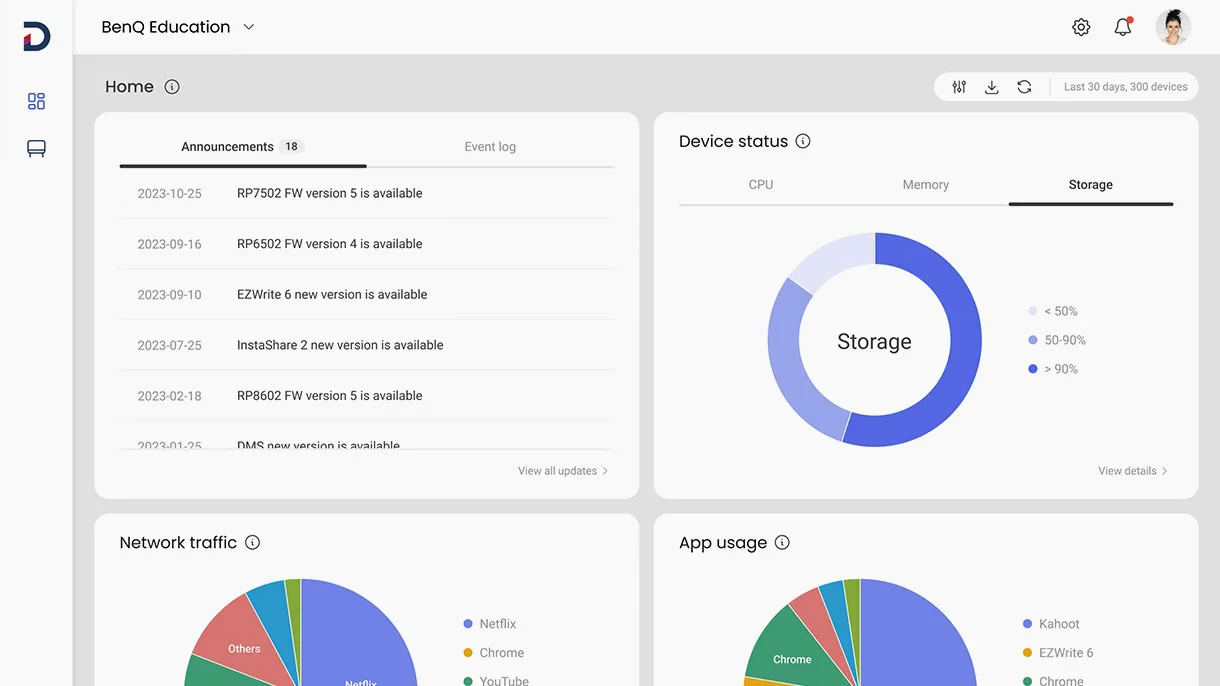
BenQ streamlines device management with integrated tools that help reduce IT workload and enhance operational efficiency. From a centralized platform, schools can oversee users, applications, updates, and system configurations, enabling staff to concentrate on other tasks while still maintaining full control over classroom technology.

Effortless user list syncing:
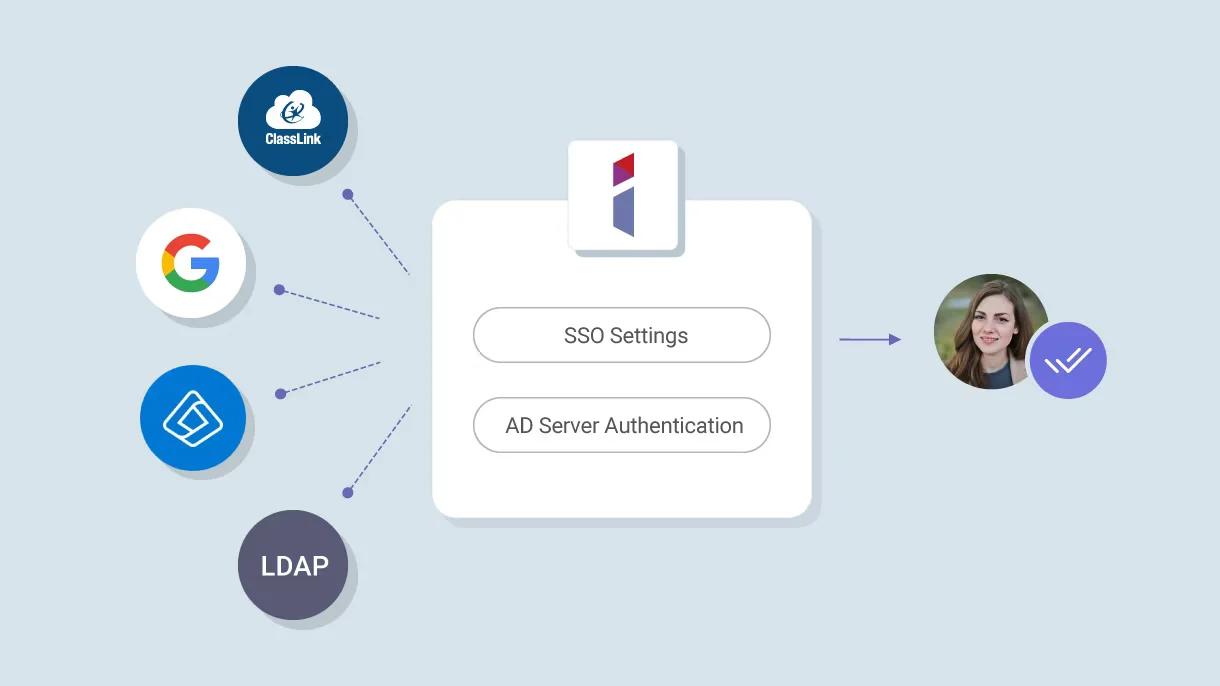
The RE7504 integrates with Google Workspace, Microsoft Entra ID, ClassLink, LDAP, and SAML authentication systems. This streamlines user account setup and management while maintaining consistent access control across educational technology platforms.
Centralized management:
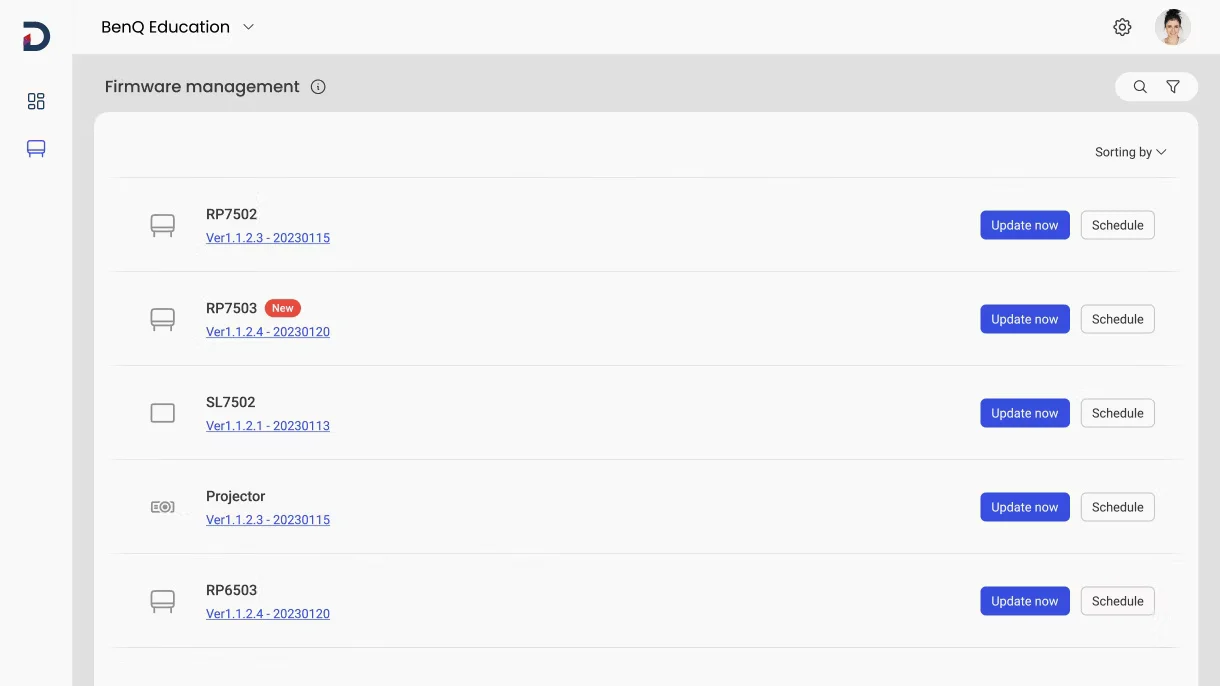
Administrators can remotely deploy applications, perform firmware updates, uninstall software, and schedule automated tasks through a unified management console. This centralized method reduces time consumption, minimizes maintenance efforts, and enhances overall device management efficiency.
Enhanced data security:
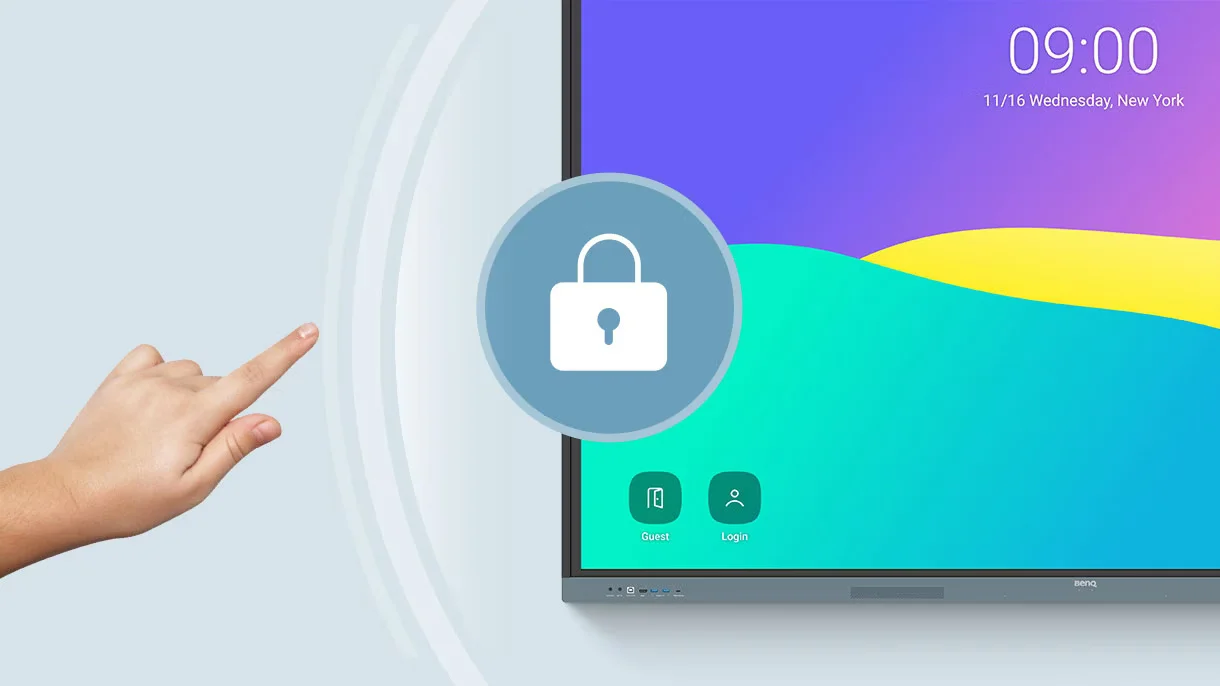
Secure authentication methods, access restrictions, system updates, Google Play Protect, and Safe Browsing collectively help protect sensitive educational information. These security measures also support compliance standards and promote a safer and more secure digital learning environment.
Data-driven efficiency:
Comprehensive analytics deliver valuable insights into device usage and performance throughout the organization. Administrators can leverage this data to optimize technology investments, track adoption levels, and make well-informed decisions about classroom resources.
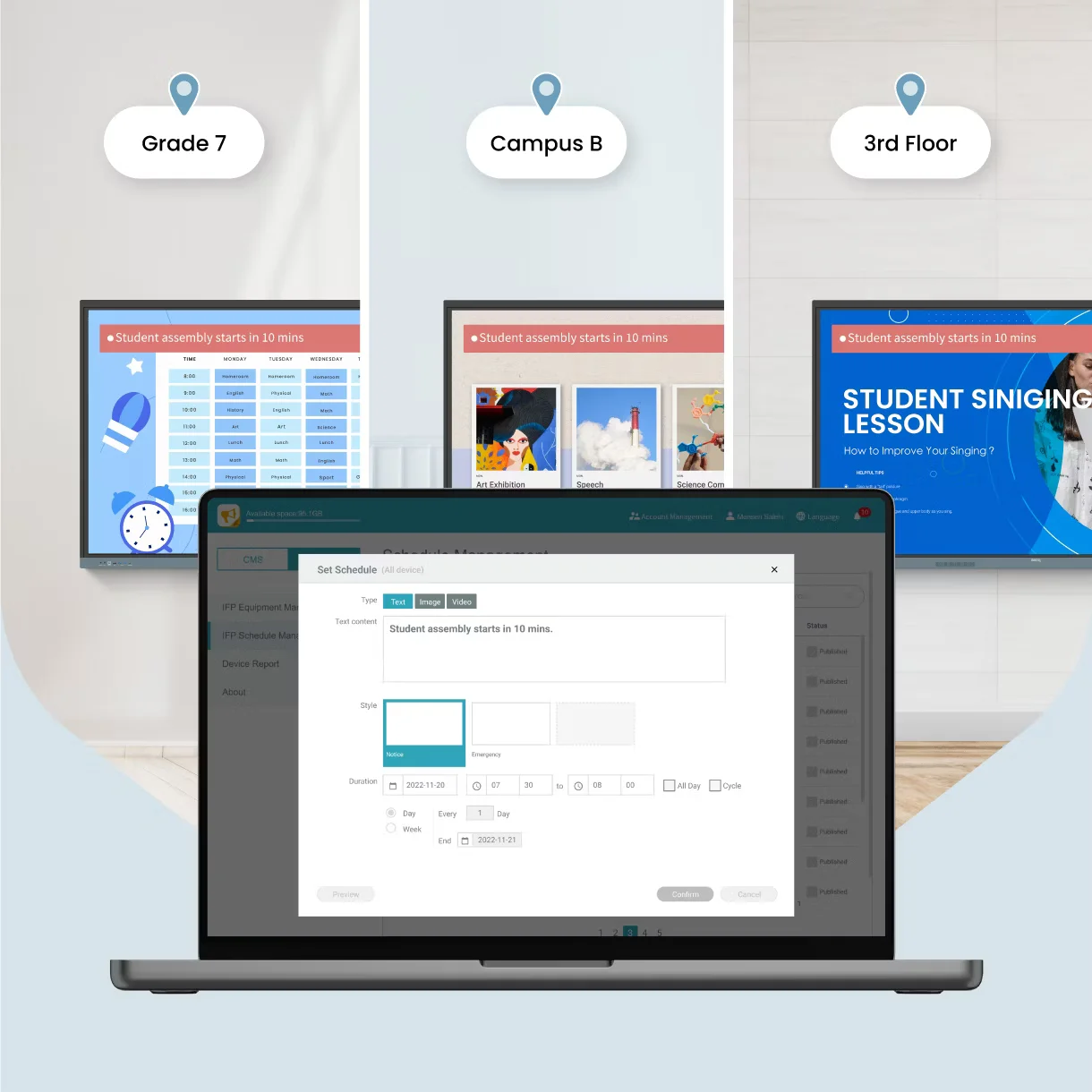
School-wide announcements:
X-Sign Broadcast enables schools to send announcements, reminders, event updates, and emergency alerts to multiple BenQ displays at once. This centralized communication solution ensures that important information is delivered quickly and effectively across the entire campus.
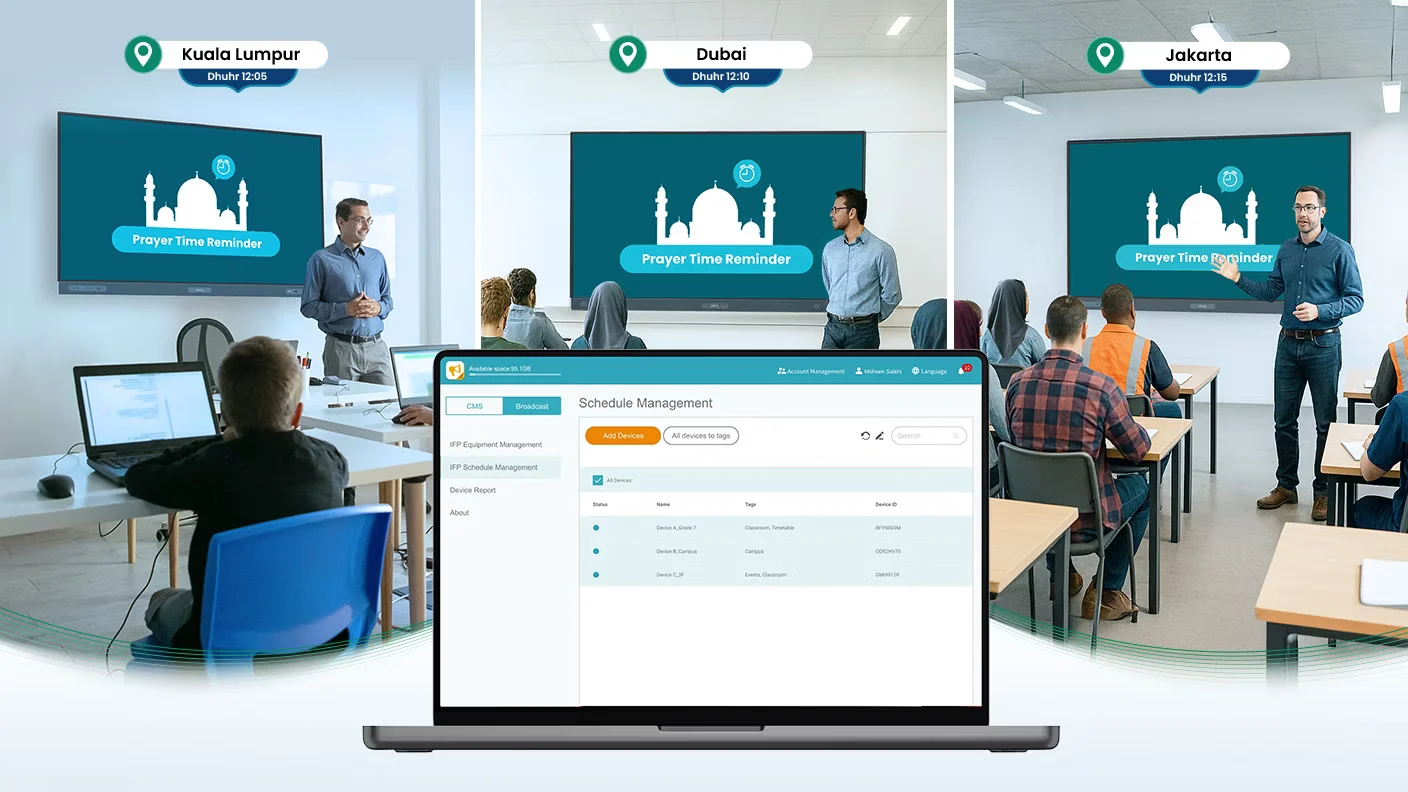
Respect Cultural Traditions with Ease:
The Prayer Time feature in X-Sign Broadcast automatically shows accurate prayer reminders across classrooms and educational spaces. This helps institutions align with cultural and religious schedules while minimizing administrative workload.
Easy on the eyes:
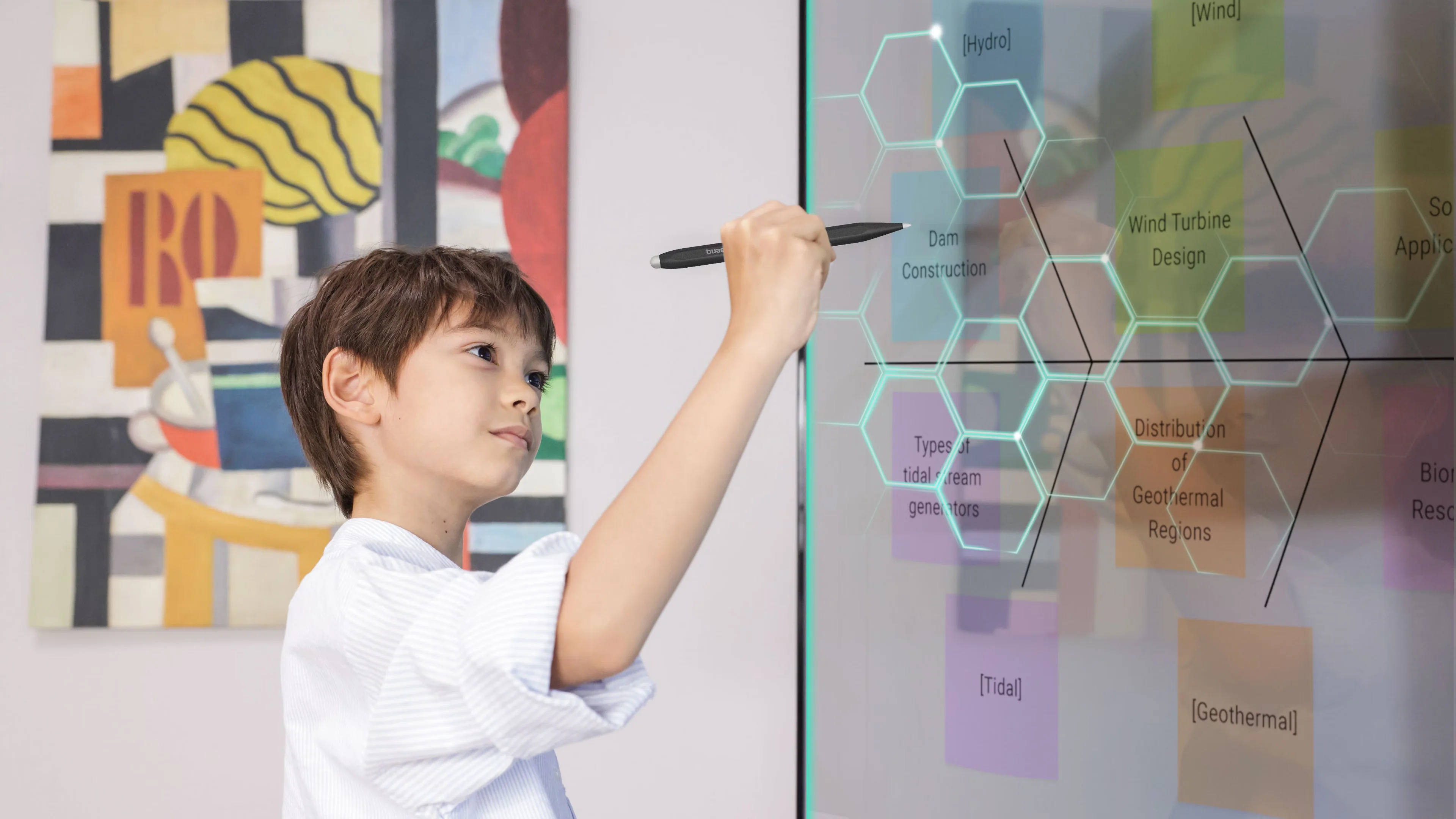
The BenQ Board Essential RE7504 is built to deliver a comfortable viewing experience throughout the school day. Its TÜV-certified display features flicker-free performance, a low blue light mode, and an anti-glare 4K panel that helps minimize eye strain and fatigue during long use. These eye-care technologies provide sharper visuals, better readability, and enhanced comfort for both teachers and students in all classroom settings.
Bridging health and learning:
ClassroomCare technologies are designed to promote healthier, more comfortable classroom environments for both students and teachers. By prioritizing wellness, hygiene, and sustained usability, these features enhance learning outcomes while supporting overall classroom well-being.
View More Interactive Whiteboard
No reviews found

