
LG 65TR3DK-BM 65" Inch IPS UHD 60Hz 8ms CreateBoard - Black





LG 65TR3DK-BM - Description
65" Inch IPS UHD 60Hz 8ms CreateBoard
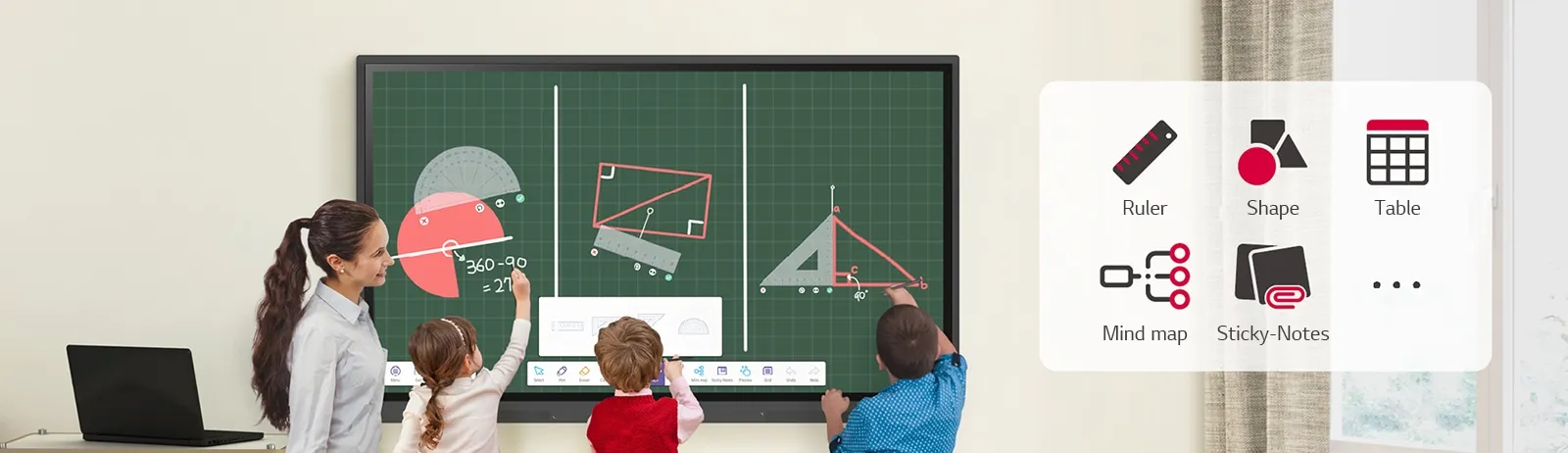
Various Teaching Templates:
LG CreateBoard provides multiple educational templates and instructional tools like rulers, tables, and sticky notes, fostering interactive participation from students and intuitive teaching sessions. Editing images and videos is simple, and created materials can be conveniently shared with others using QR codes.
Multi-touch:
LG CreateBoard recognizes up to 40 simultaneous touch points, delivering a realistic writing and touch experience. This helps students quickly adapt and stay actively engaged, resulting in improved focus and natural classroom interaction.
Easy to Save / Import / Export:
With LG CreateBoard, saving and sharing content is effortless. Users can directly import or export resources through Google Drive, OneDrive, or a USB drive, easily accessing and managing saved materials.
LG CreateBoard Lab:
LG’s own whiteboarding software designed for effective collaboration and interactive learning.
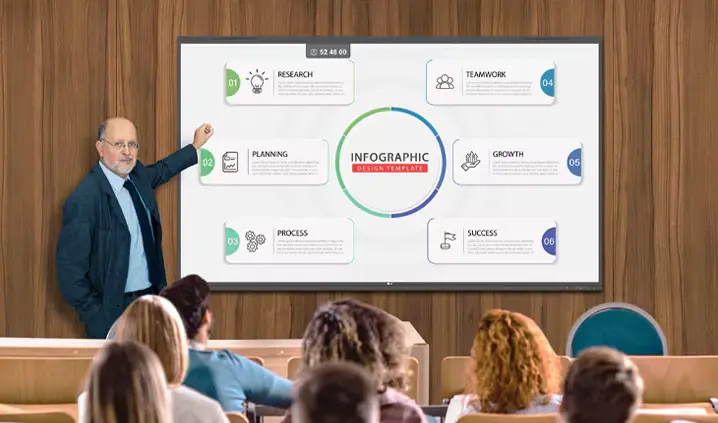
Tools for Fluid Collaboration:
A wide selection of tools—including a calculator, clock, and sticky notes—supports smooth collaboration and idea sharing. Users can also customize the toolbar with their most-used functions to enhance productivity.
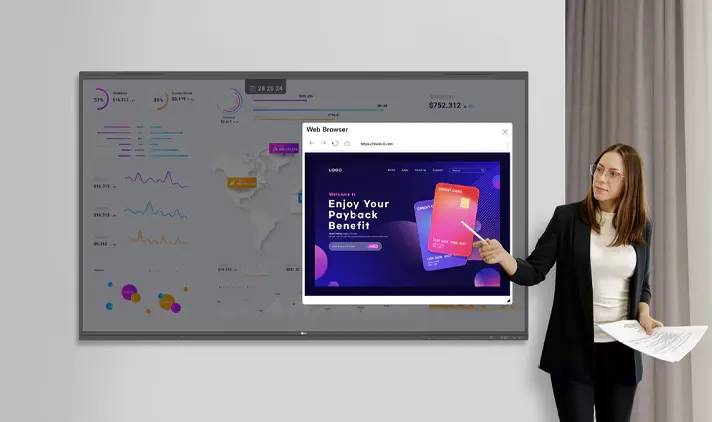
Web Browser:
During discussions, users can instantly access online information through the built-in web browser. Relevant content can be easily dragged and dropped into lessons or materials, boosting meeting and class efficiency.
Attention Effect:
By double-tapping the screen with four or five fingers, an attention alert appears with sound—helping instructors quickly regain participants’ focus when needed.
Wireless ScreenShare:
The LG CreateBoard Share app enables up to nine screens or files to be displayed simultaneously in real time. It also allows easy file sharing and host controls between connected devices for collaborative engagement.
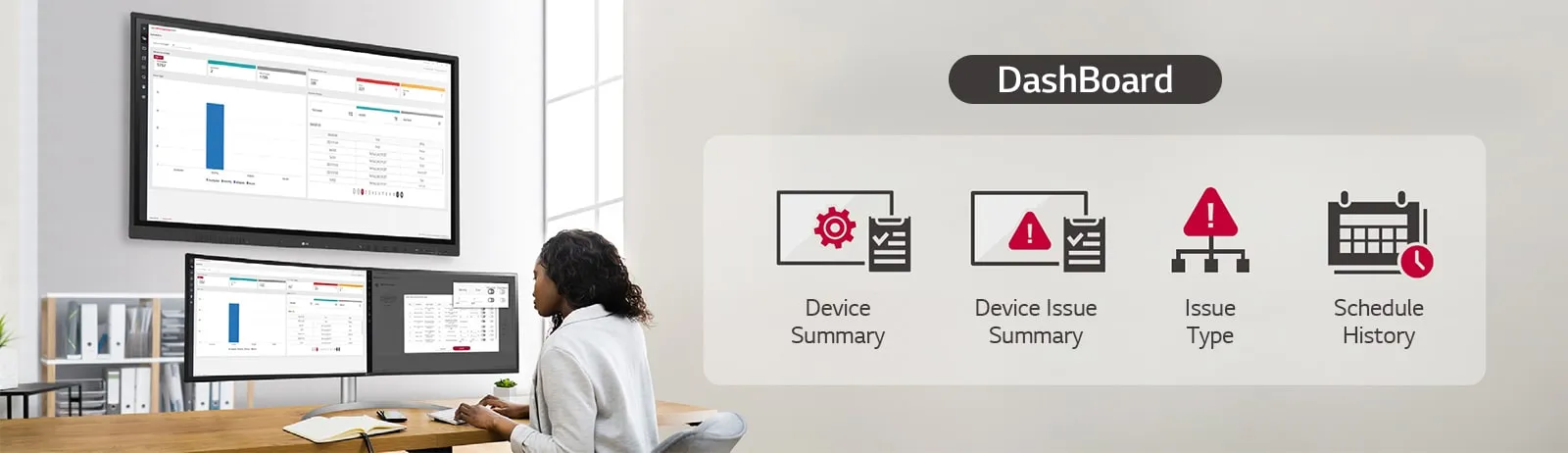
LG ConnectedCare DMS:
LG ConnectedCare DMS is a cloud-based system for remotely monitoring, managing, and controlling LG CreateBoard units in educational settings. IT administrators can maintain and operate devices without on-site visits.
Remote-control / Scheduling:
Essential controls—such as power, scheduling, brightness, and screen lock—can be conveniently managed via remote control.
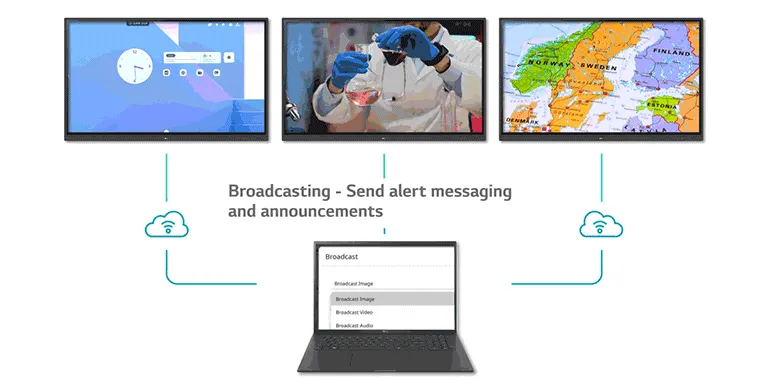
Broadcasting / Alert Messaging:
Through LG ConnectedCare DMS, administrators can send messages and content to all connected classroom boards. In emergencies like fires or natural disasters, urgent alerts can be broadcast instantly to ensure safety.
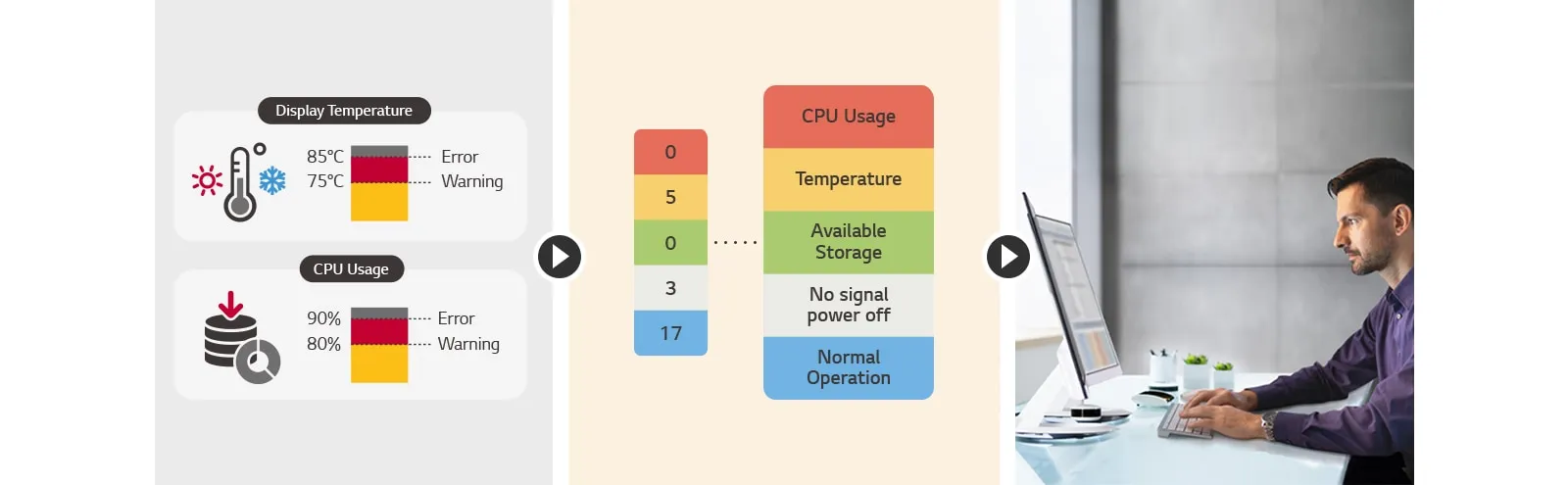
Threshold Settings:
Users can configure thresholds for up to eight system categories, such as display temperature or memory usage, and receive alerts when conditions exceed limits.
Monitoring & Fault Diagnosis:
Technicians can remotely monitor device performance in real time, diagnose faults, and categorize issues for faster resolution.
Issue Management:
The LG ConnectedCare DMS platform enables remote handling of technical problems, improving safety, efficiency, and overall system stability.
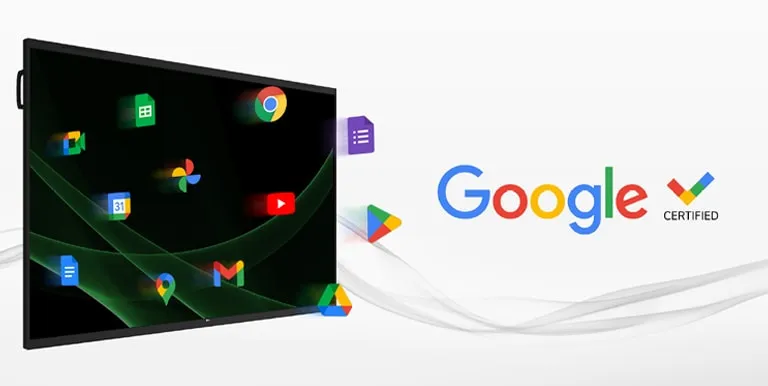
Google Certification:
LG CreateBoard is officially Google Certified, allowing users to seamlessly connect their Google accounts and access the full Google ecosystem.
Exceptions apply in regions where Google services are unavailable.
Google Play Store:
Users can browse and install a wide range of educational and productivity apps from the Google Play Store, expanding teaching possibilities.
Exceptions apply in regions where Google services are unavailable.
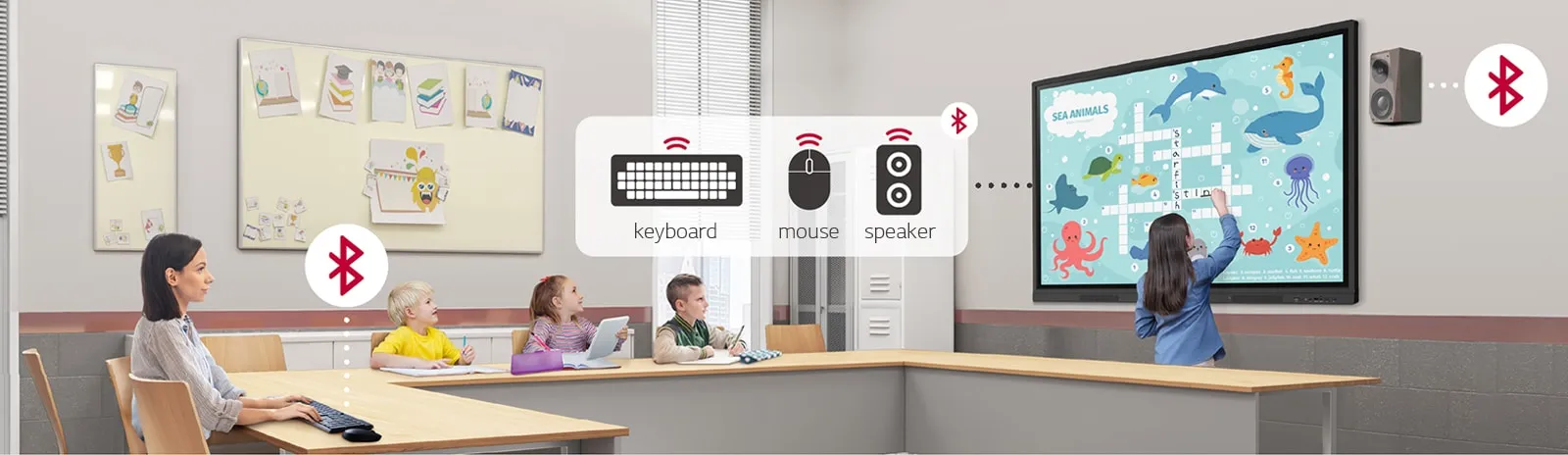
Bluetooth Connectivity:
LG CreateBoard supports Bluetooth pairing with devices such as speakers, mice, and keyboards, making it ideal for both hybrid and fully digital learning environments.
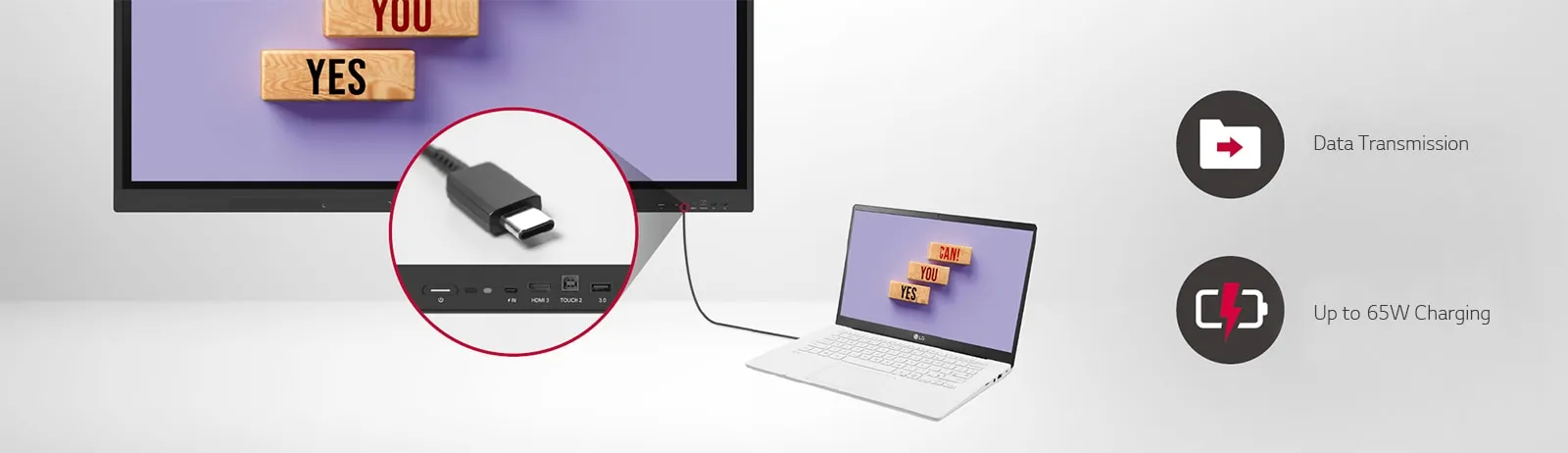
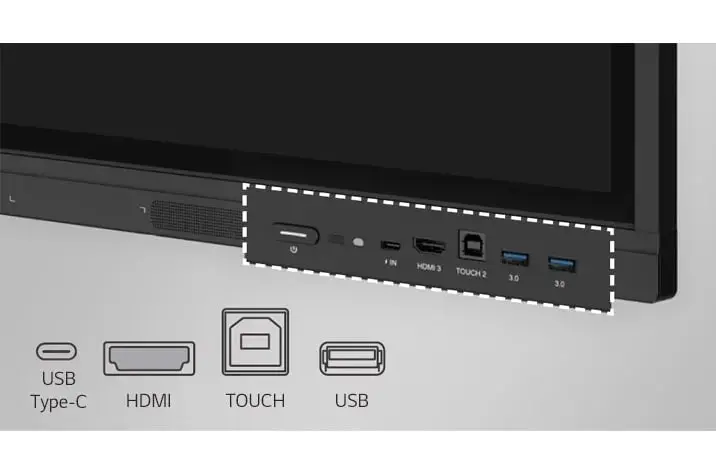
C-type Connection:
The USB-C port provides convenient single-cable connectivity for power delivery and data transfer simultaneously.
Front Connectivity Design:
Front-facing ports and speakers enhance usability and immersion, helping teachers and students share content more effectively.
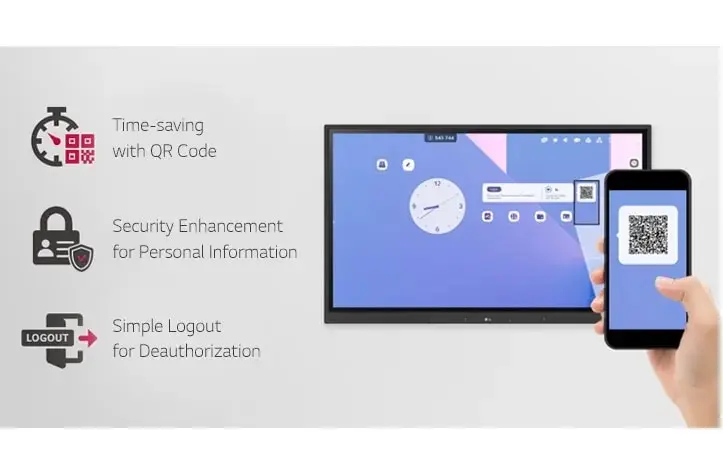
QR Login for Easy Cloud Access:
The home screen QR code allows quick personal device verification. Users can access cloud apps like Google Drive or OneDrive instantly, and log out afterward to protect personal information.
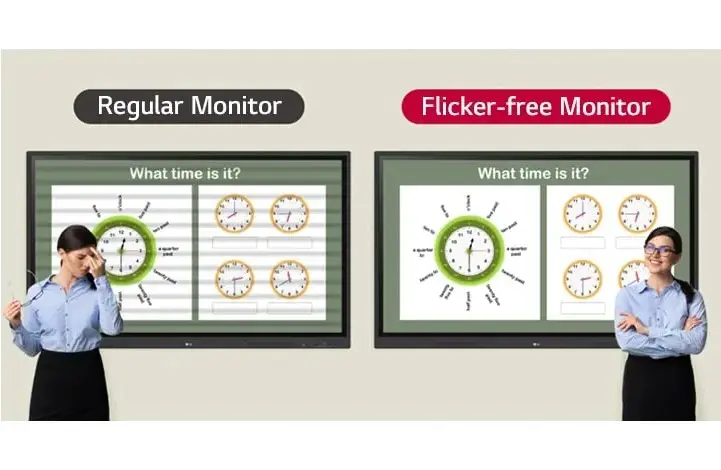
Advanced Eye-Care:
Equipped with flicker-free technology, LG CreateBoard minimizes eye strain, ensuring comfortable long-term use.
Built-in OPS Slot:
The OPS slot allows easy installation of an OPS desktop at the back of the board for expanded capabilities—no external PC required.
OPS Player sold separately.
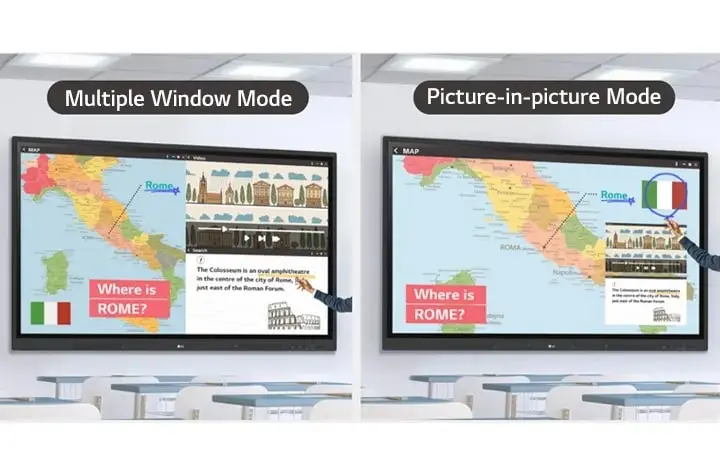
Smart Viewing:
Smart Viewing enables teachers to display multiple sources at once—either side-by-side (multi-window mode) or picture-in-picture—making lessons smoother and more flexible.
Some apps may not support multi-window mode.
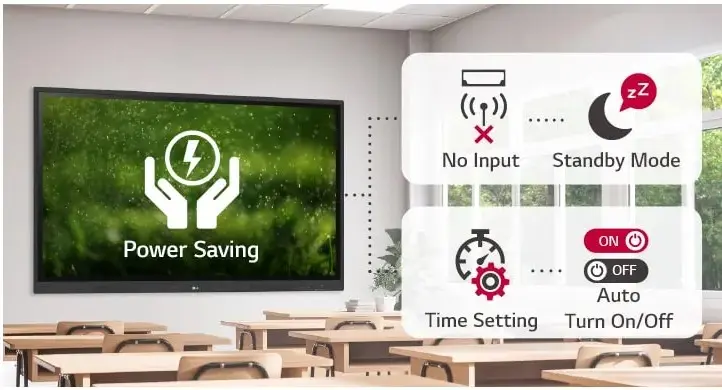
Power Saving:
If no external signal is detected, LG CreateBoard enters standby mode automatically. Scheduled power settings help reduce energy consumption.
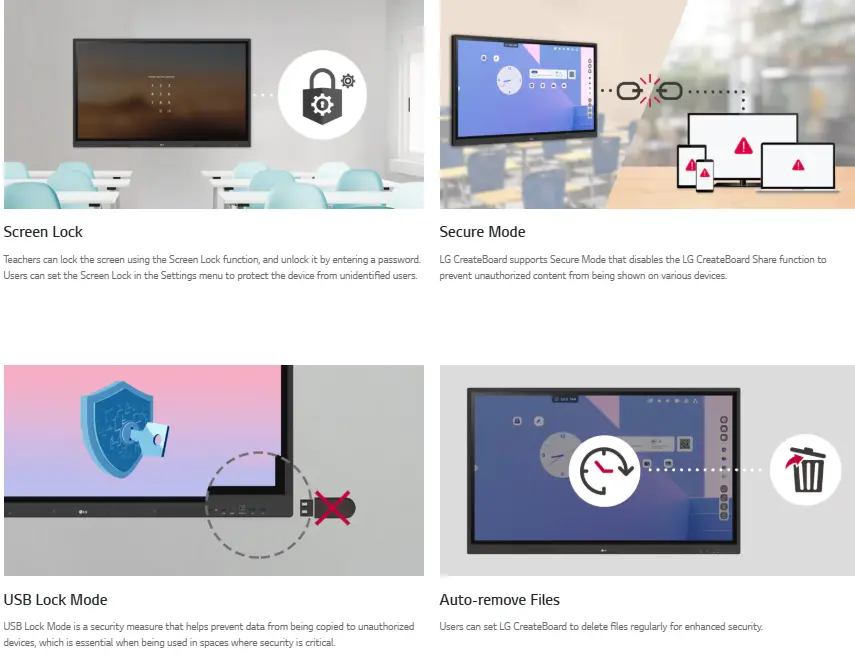
Screen Lock:
Teachers can lock the display and unlock it with a password, ensuring that only authorized users can access the device.
Secure Mode:
This mode disables LG CreateBoard Share to prevent unauthorized screen sharing across devices.
USB Lock Mode:
This feature blocks unauthorized copying of data to external USB devices, reinforcing data security in sensitive environments.
Auto-remove Files:
Files can be automatically deleted at regular intervals, helping maintain privacy and security.
Easy Transportation with LG Universal Stand:
Mounted on an LG Universal Stand, the CreateBoard can be easily moved between classrooms or spaces, serving various roles from teaching and group work to announcements and presentations.
View More Digital Signage
No reviews found

