
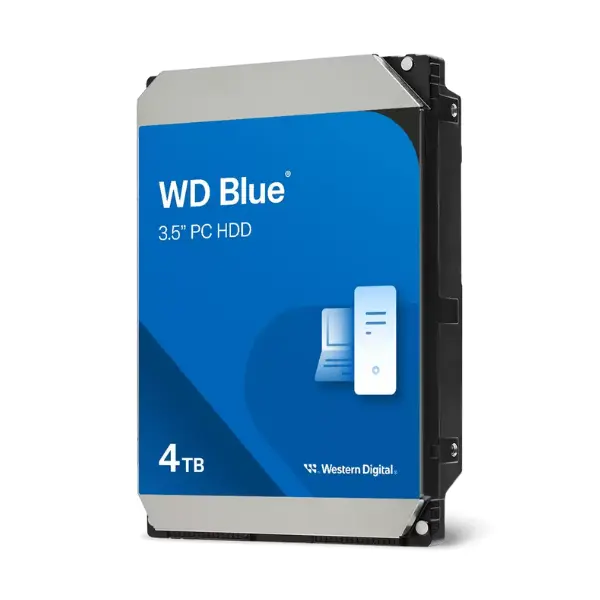
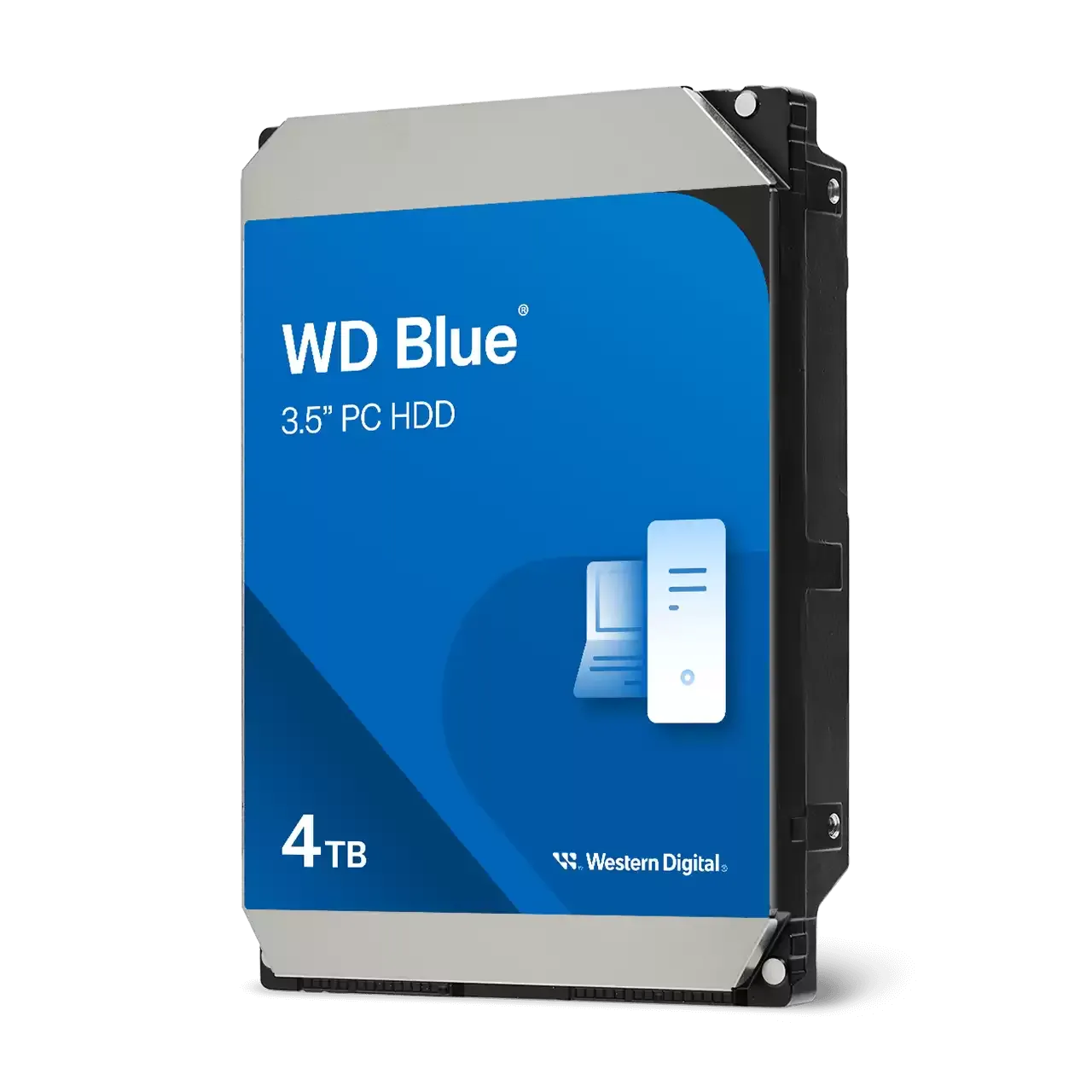
Western Digital Blue 4TB 3.5 Inch SATA PC Desktop Hard Drive




Western Digital Blue - Description
4TB 3.5 Inch SATA PC Desktop Hard Drive
Reliable everyday computing:
The WD Blue PC Desktop Hard Drive – 4TB is designed to deliver dependable performance for daily computing needs. Ideal for office tasks, web browsing, content storage, and general productivity, this hard drive provides a stable and trusted solution for desktop PCs. Whether you are managing documents, running office applications, or storing personal data, WD Blue drives are engineered to handle everyday workloads with consistency and reliability. With a wide range of capacities and cache sizes available, WD Blue ensures there is a solution that fits different system requirements and usage scenarios, making it a smart choice for both home and professional environments.
NoTouch Ramp Load technology:
WD Blue hard drives feature NoTouch Ramp Load technology, which ensures the recording head never makes contact with the disk surface. By preventing physical contact, this technology significantly reduces wear on both the recording head and the media itself. This design helps extend the lifespan of the drive while also improving data protection during operation and transportation. As a result, your valuable data remains safer, even when the drive is moved or installed in different systems.
Low power consumption:
Built with efficiency in mind, the WD Blue 4TB hard drive uses advanced power management features and state-of-the-art seeking algorithms to minimize power usage. Lower power consumption not only helps reduce overall system energy costs but also contributes to cooler operation and quieter performance. This makes WD Blue drives particularly suitable for desktops that run for long periods, ensuring efficiency without sacrificing reliability or performance.
Tested for compatibility:
Every WD Blue hard drive undergoes extensive compatibility testing to ensure seamless integration with a wide variety of systems. Western Digital Blue performs rigorous testing on hundreds of systems and multiple platforms within its FIT Lab. This comprehensive validation process gives users confidence that the drive will work reliably with their desktop PC or external enclosure. Whether upgrading an existing system or building a new one, WD Blue drives are designed to work smoothly across diverse hardware configurations.
Upgrading your drive is easy:
Western Digital makes upgrading your storage simple and hassle-free. With access to Acronis® True Image™ WD Edition software, available as a free download from the Western Digital Support site, you can easily migrate your existing system to your new WD Blue drive. This software allows you to copy your operating system, applications, and files directly to the new drive, eliminating the need to reinstall everything from scratch. The result is a fast, seamless upgrade process that saves time and effort.
The Western Digital advantage:
Western Digital is known worldwide for its commitment to quality and reliability. Before any product launch, WD subjects its drives to extensive Functional Integrity Testing (F.I.T.), with each new product averaging over 600,000 hours of testing. This rigorous process ensures consistent performance and long-term durability. In addition, Western Digital Blue offers a comprehensive Knowledge Base with more than 1,000 helpful articles, along with dedicated customer support. This combination of testing, resources, and support reflects WD’s long-standing expertise in data storage solutions.
Recommended use:
The WD Blue PC Desktop Hard Drive – 4TB is tested and recommended for a wide range of applications, including desktop PCs, industrial systems, and external storage enclosures. Its versatile design makes it suitable for both personal and professional use, whether as a primary drive or additional storage. With reliable performance, robust testing, and trusted Western Digital Blue engineering, WD Blue remains a dependable storage solution for users who need consistent, everyday computing performance.

View More Hard Disk Internal
No reviews found

