
Gigabyte B760M E LGA1700 DDR5 mATX Motherboard






- DDR5
Gigabyte B760M E - Description
LGA1700 DDR5 mATX Motherboard
This Gigabyte B760M E motherboard is designed for Intel’s 12th to 14th Gen processors on the LGA1700 socket, featuring a compact mATX build with a 6+1+1-phase digital VRM, dual-channel DDR5 support (2 DIMM slots, XMP ready), two PCIe 4.0 M.2 slots, a PCIe 4.0 x16 slot with an EZ-Latch quick-release, GbE LAN, multiple display outputs (DisplayPort, HDMI, D-Sub), and Smart Fan 6 with hybrid fan headers and FAN STOP.
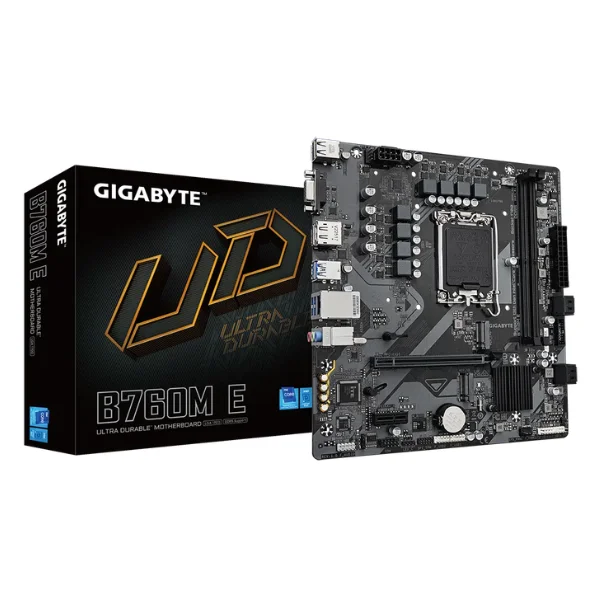
Performance:
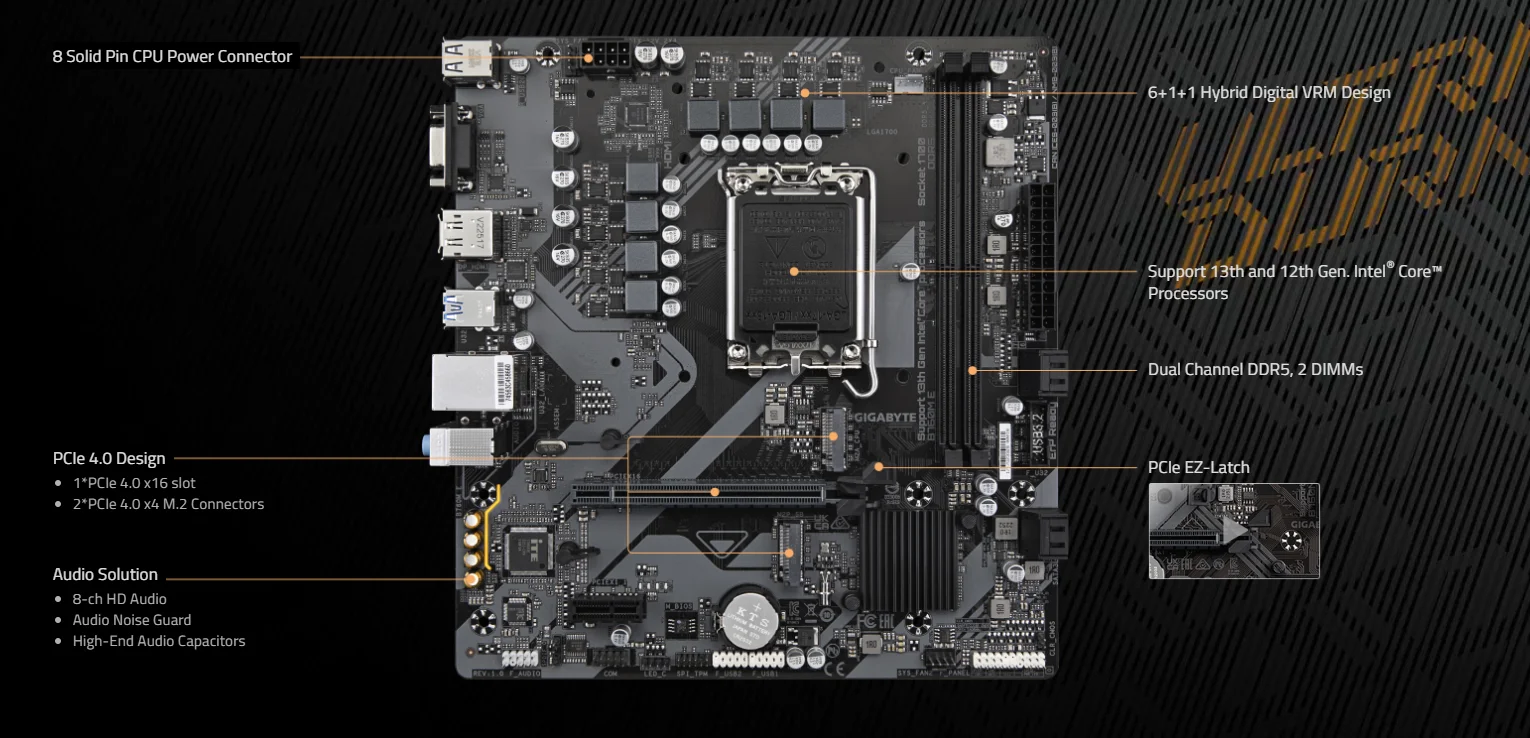
This motherboard delivers robust performance with an 8-pin solid CPU power connector, PCIe 4.0 support (including one x16 slot and two x4 M.2 slots), a 6+1+1 hybrid digital VRM for Intel 12th/13th Gen processors, dual-channel DDR5 (2 DIMMs), high-quality 8-channel HD audio with noise guard and premium capacitors, plus the convenience of PCIe EZ-Latch.
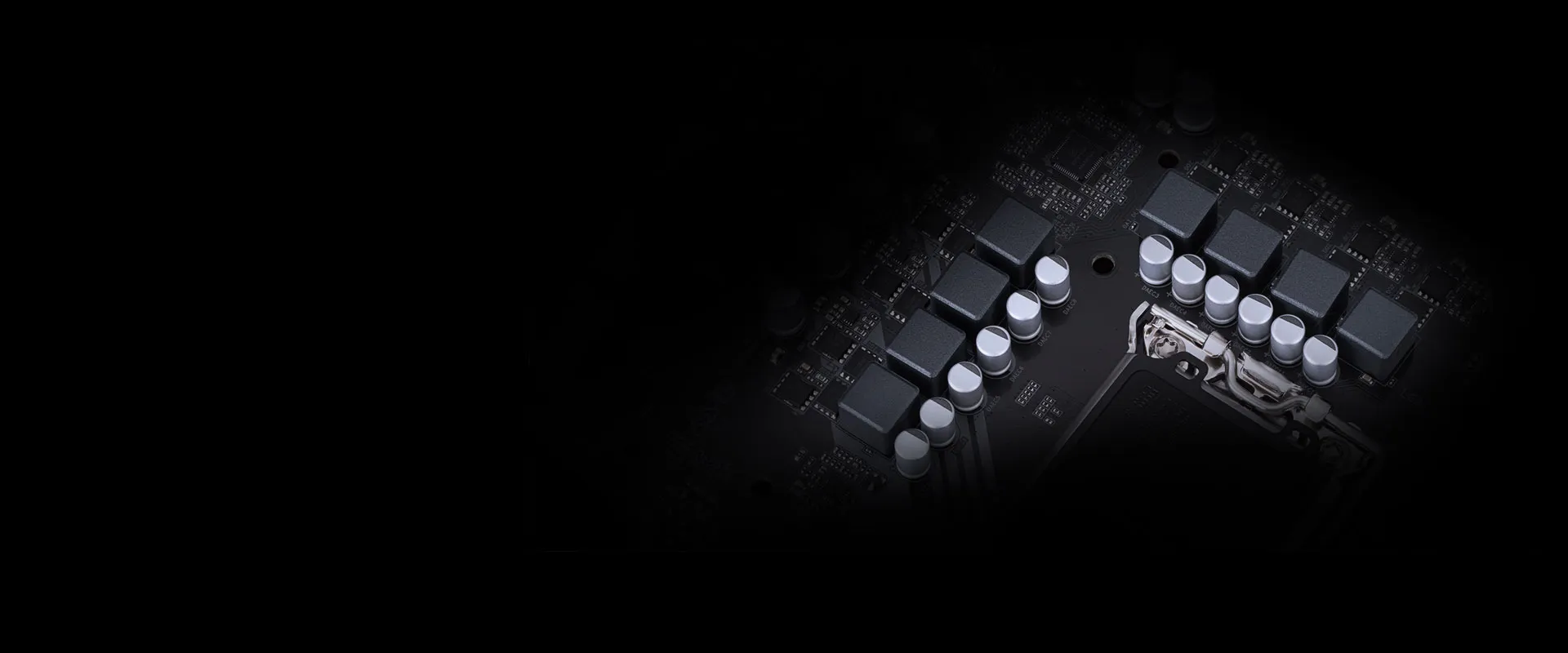
Hybrid Digital VRM Design:
The motherboard features a 6+1+1-phase hybrid digital VRM design, utilizing low RDS(on) MOSFETs along with premium chokes and capacitors to enhance transient response and reduce oscillation for stable power delivery.
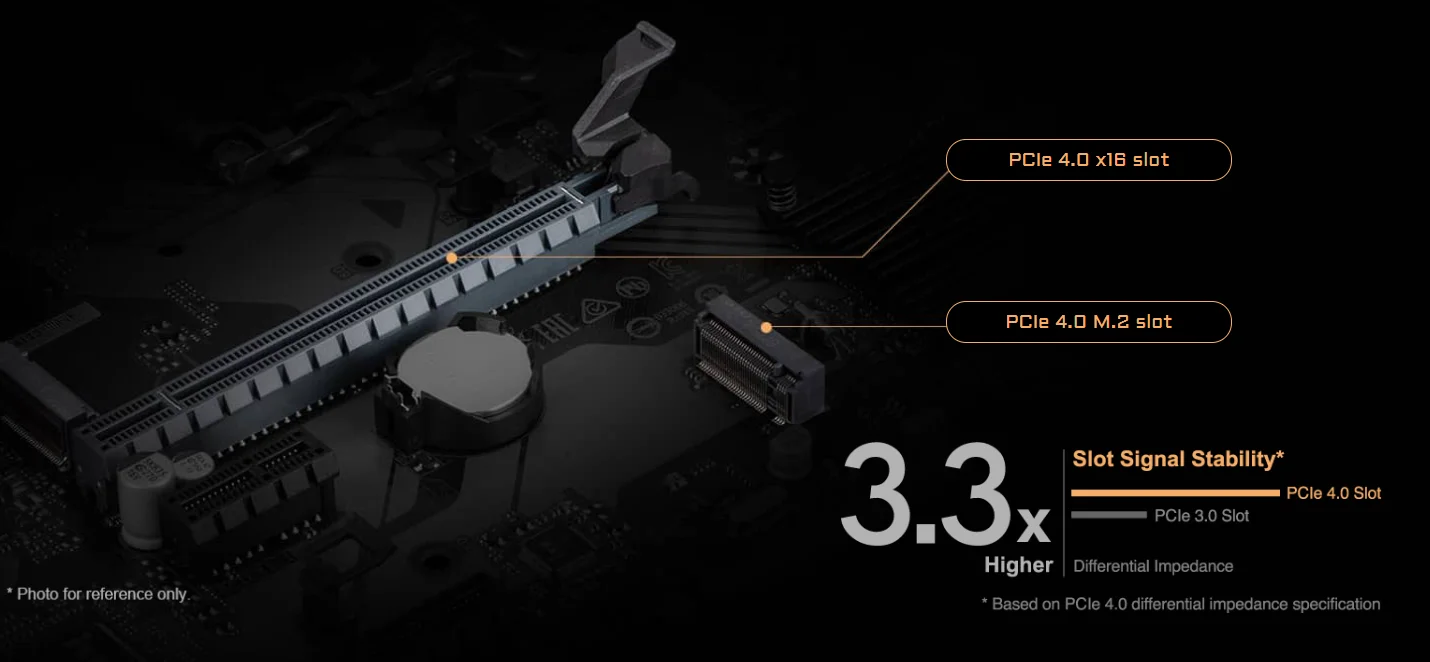
PCIe 4.0 Design:
Designed for PCIe 4.0 devices, this Gigabyte B760M E motherboard delivers up to three times the bandwidth of PCIe 3.0, supported by a low-impedance PCB for signal integrity and maximum performance, and includes one PCIe 4.0 x16 slot and one PCIe 4.0 M.2 slot.
Unlock DDR5:
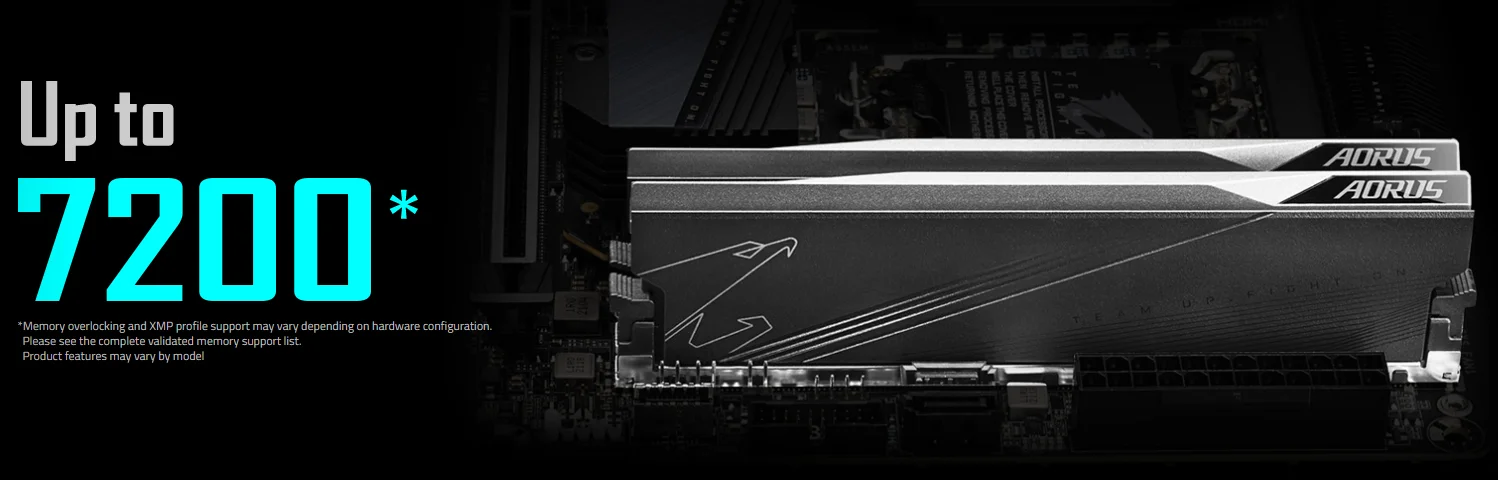
With support for XMP memory, this motherboard enables DDR5 overclocking up to 7200 MHz and beyond—simply activate XMP on a compatible module to achieve a significant performance boost on Gigabyte's proven platform.
Dual PCIe 4.0 x4 M.2:
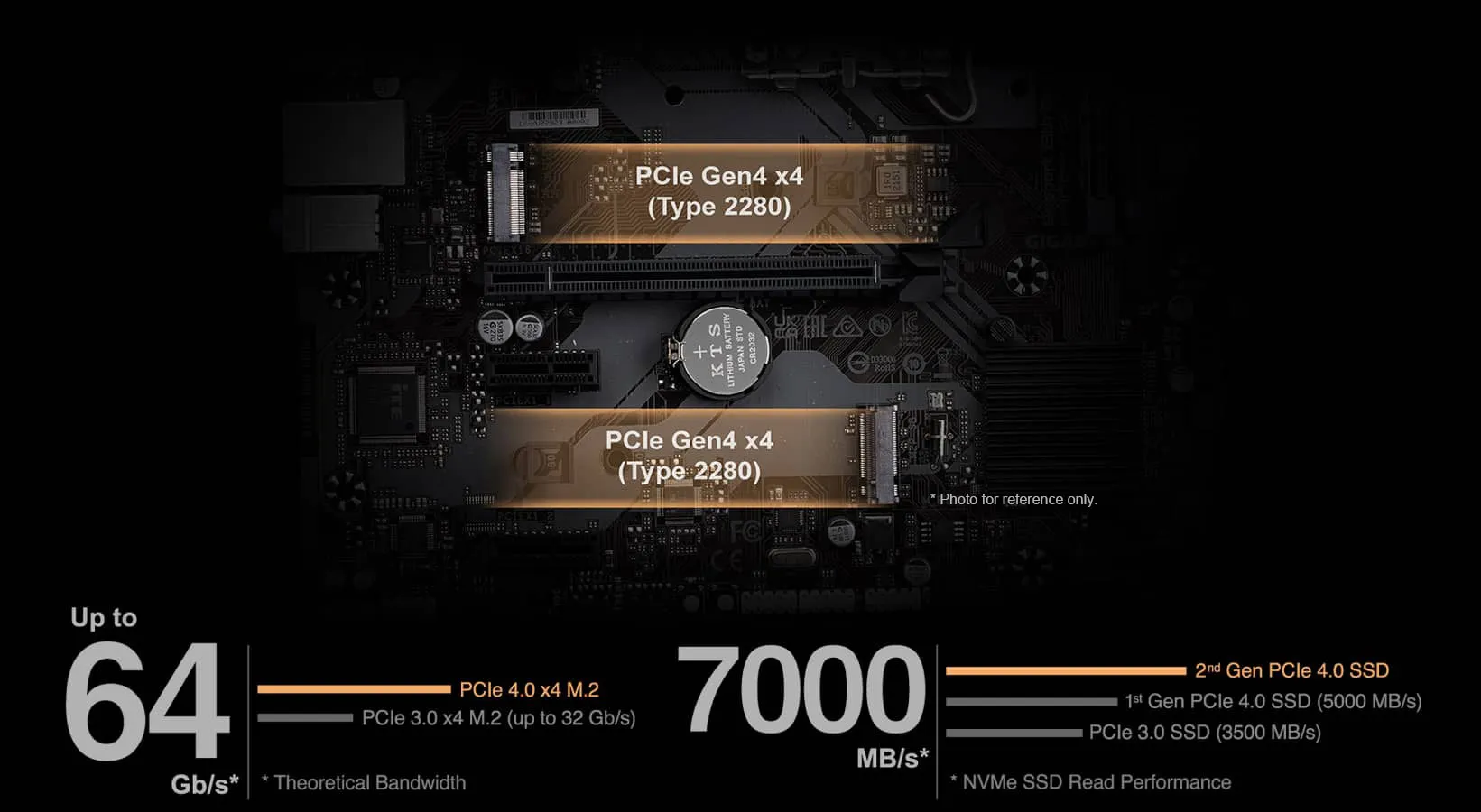
The B760M E motherboard includes two PCIe 4.0 x4 M.2 slots (Type 2280), each delivering theoretical bandwidth up to 64 Gb/s—double that of PCIe 3.0 x4. This enables NVMe SSD read speeds reaching 7000 MB/s with 2nd Gen PCIe 4.0 drives, outperforming 1st Gen PCIe 4.0 SSDs (5000 MB/s) and PCIe 3.0 SSDs (3500 MB/s).
PerfDrive:
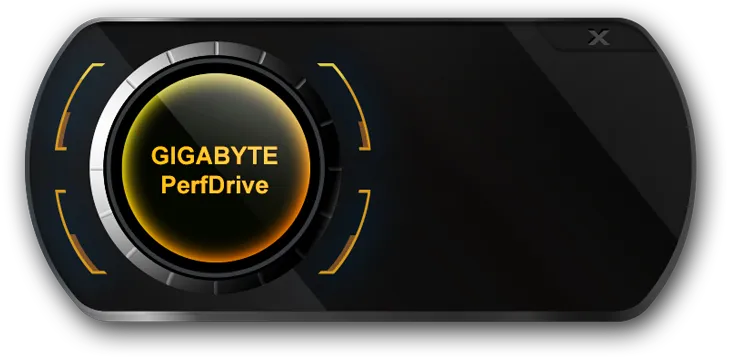
Gigabyte's PerfDrive technology bundles exclusive BIOS settings, enabling users of 13th Gen Intel Core processors to easily balance performance, power consumption, and temperature based on their preferences.
Smart Fan 6:
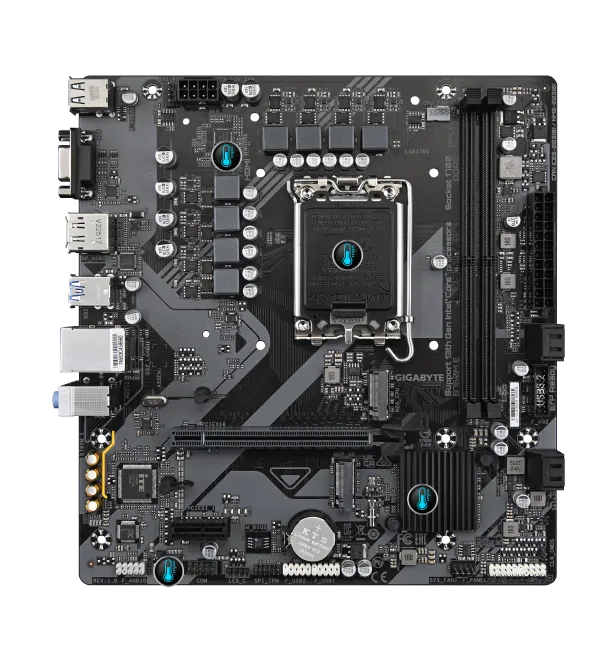
Smart Fan 6 offers advanced cooling control, allowing users to independently define fan curves based on multiple temperature sensors. Key features include high-current support (up to 24W per header with over-current protection) for PWM/DC fans and water pumps, precision control with multiple tuning points, dual-curve mode (slope or stair), and Fan Stop, which completely halts fans below a user-set temperature for quiet operation.
Connectivity:
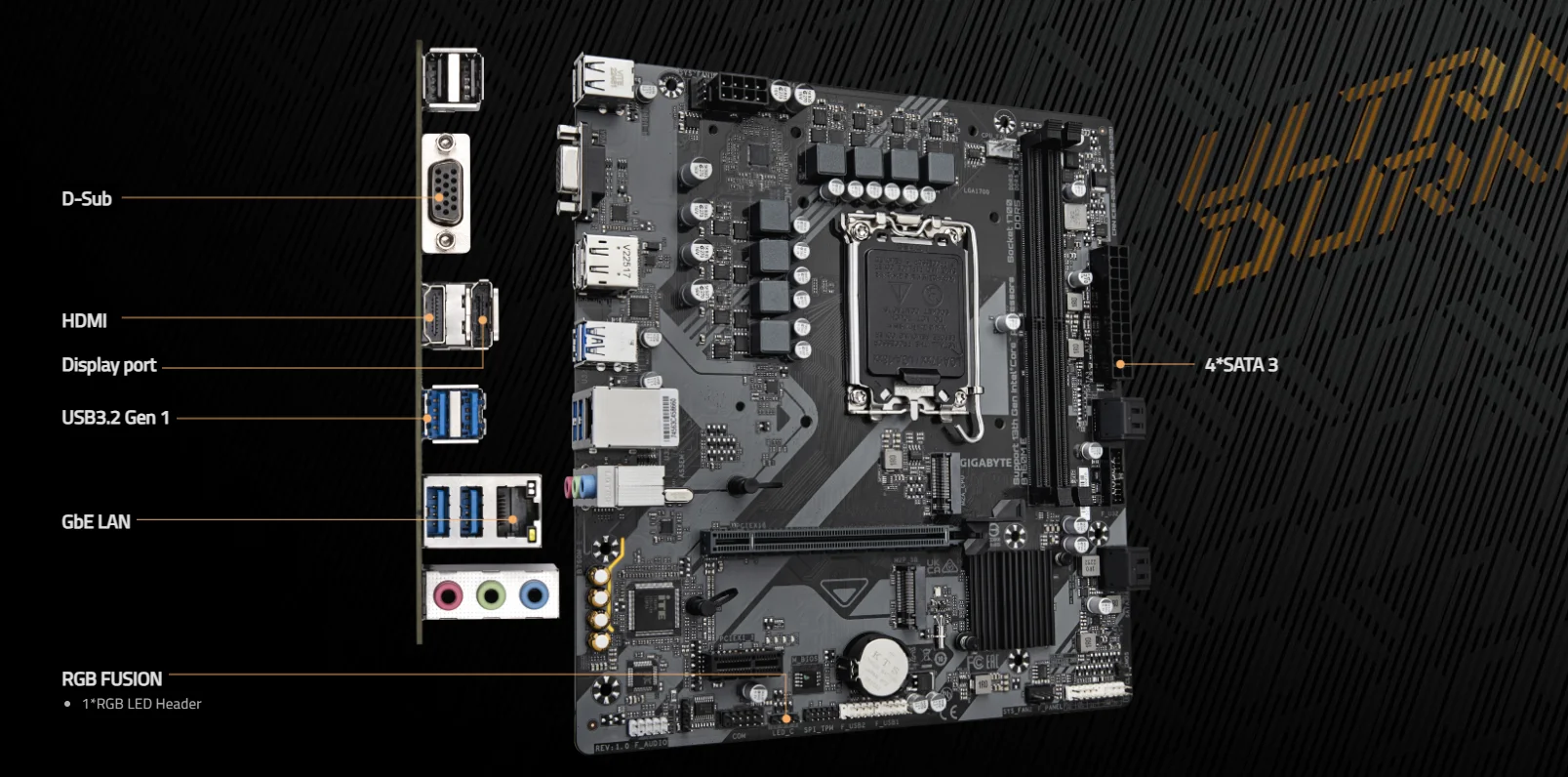
Connectivity options include D-Sub, HDMI, and DisplayPort outputs; USB 3.2 Gen 1, Gigabit LAN, an RGB FUSION header for LED lighting, and four SATA 3 ports.
GbE LAN:
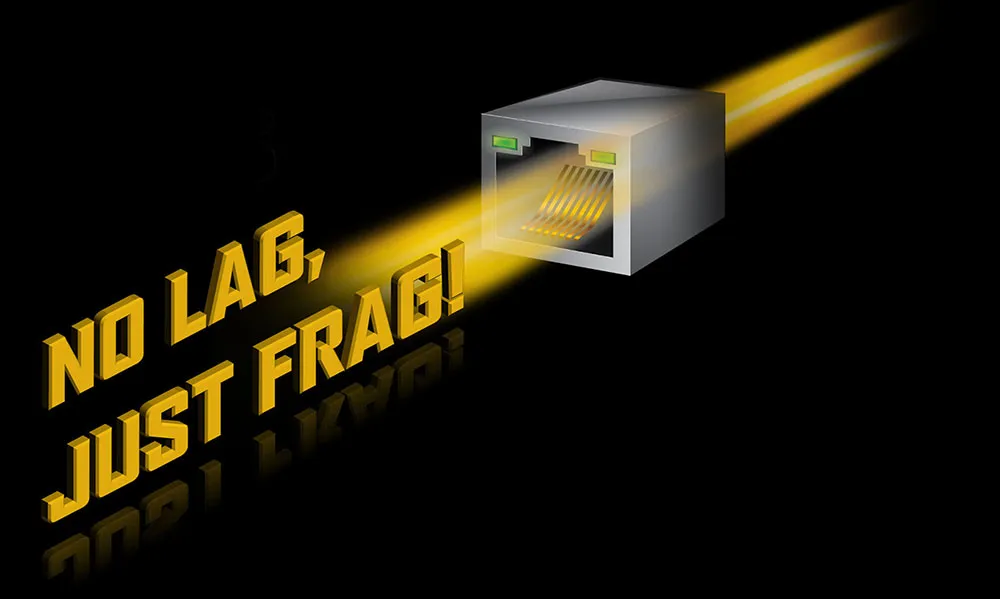
The GbE LAN includes bandwidth management software that reduces network latency and maintains low ping times, ensuring smoother responsiveness even in congested LAN environments.
Hi-Fi Audio:
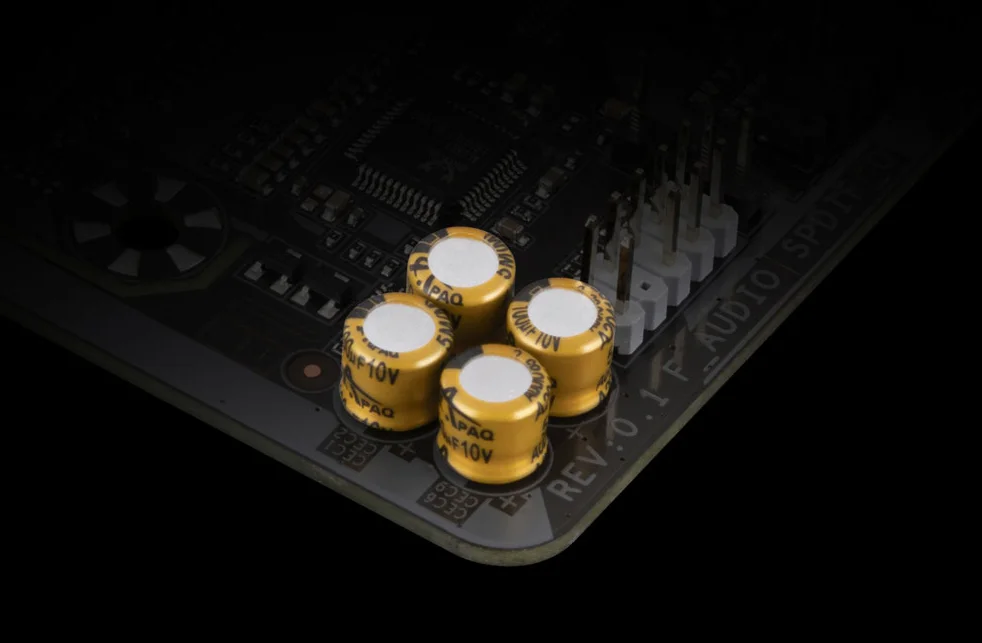
For high-fidelity sound, the motherboard features high-end audio capacitors that deliver clear, realistic audio effects, along with an Audio Noise Guard that isolates sensitive analog components from electrical noise at the PCB level.
PERSONALIZATION:
UEFI BIOS:
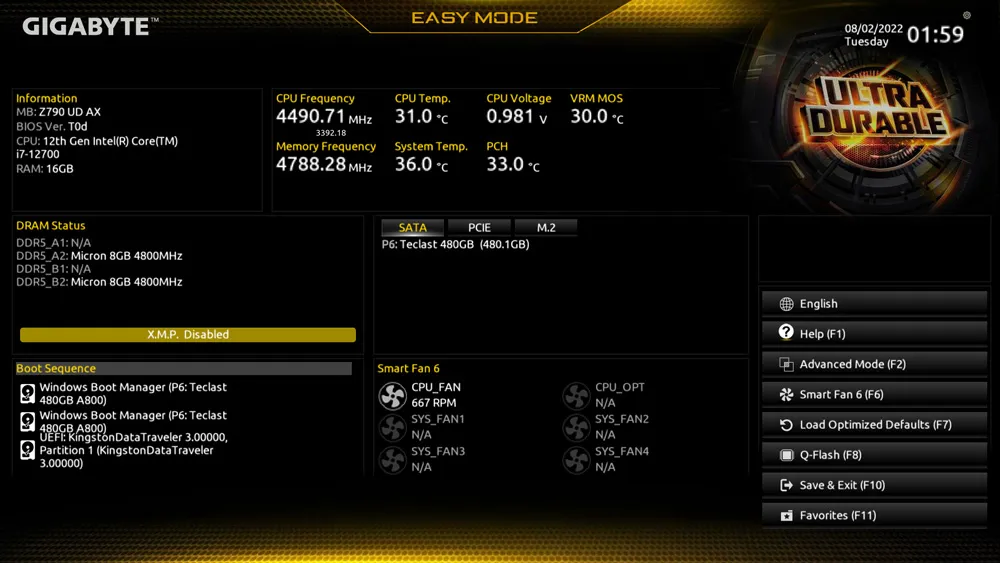
The UEFI BIOS offers a user-friendly experience. EASY MODE displays key hardware info (CPU clock, memory, storage, fans) on one screen. Additional features include My Favorites for quick access to commonly used items, detailed storage information for SATA, PCIe, and M.2 interfaces, a changelog that lists all changes before exiting, and an intuitive load-line curve graph for clear LLC calibration settings.
GIGABYTE Control Center:
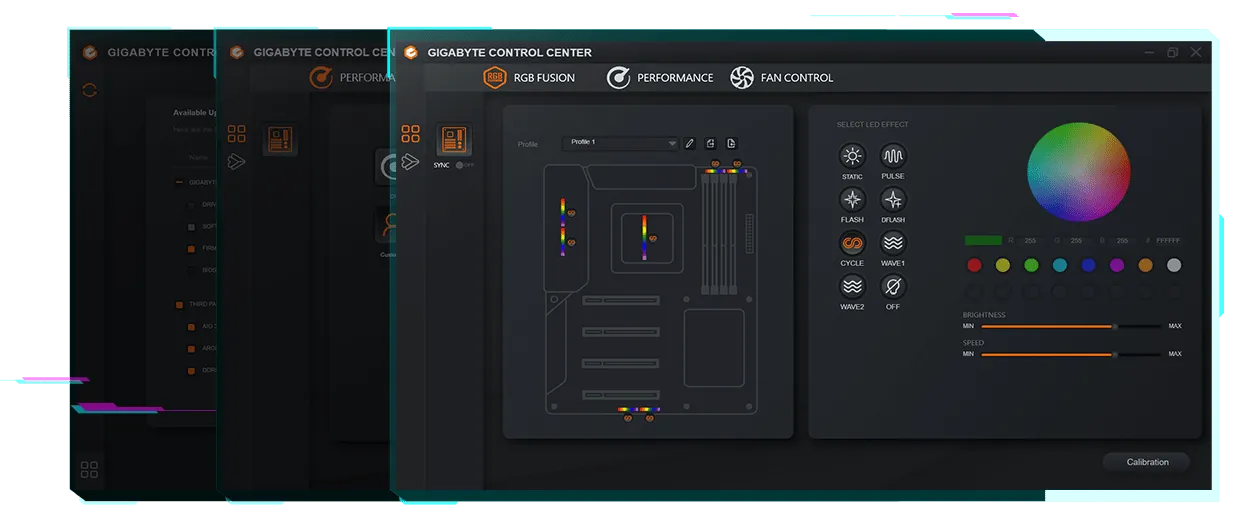
GIGABYTE CONTROL CENTER (GCC) is a unified software platform for all supported Gigabyte products, featuring an intuitive interface, modular controls that appear only for installed hardware, and an auto-update function to keep the system current and ready for future products.
ULTRA DURABLE:
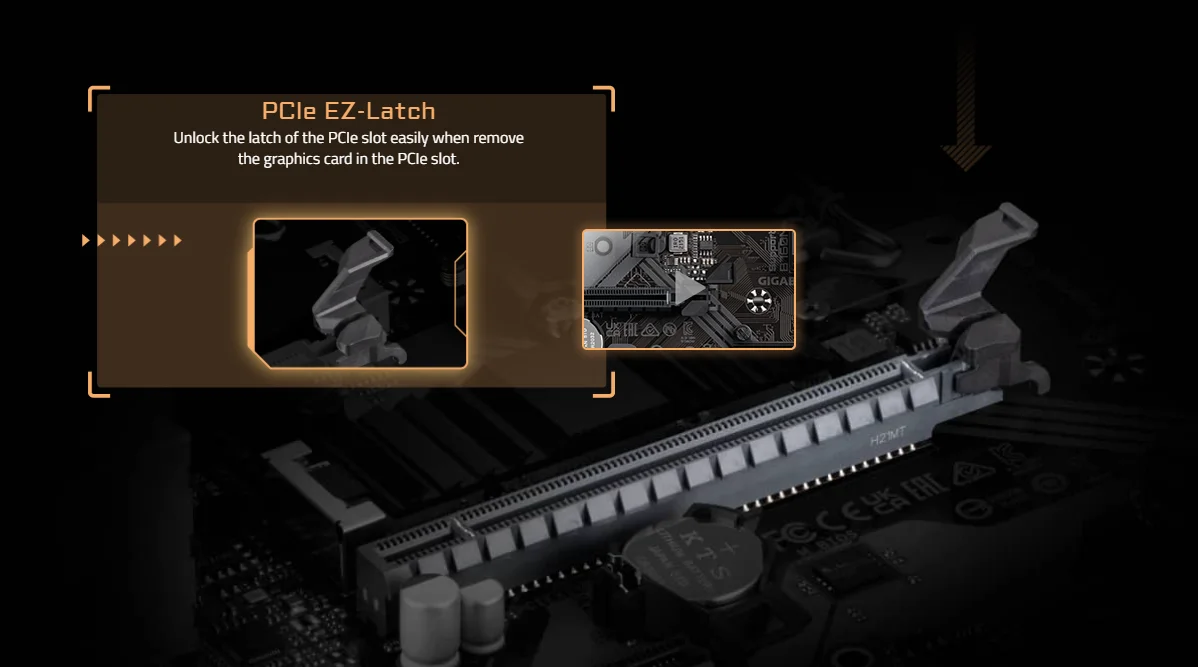
The PCIe EZ-Latch offers a DIY-friendly design, allowing you to easily unlock and remove the graphics card from the PCIe slot without hassle.
View More of Motherboard
No reviews found

