
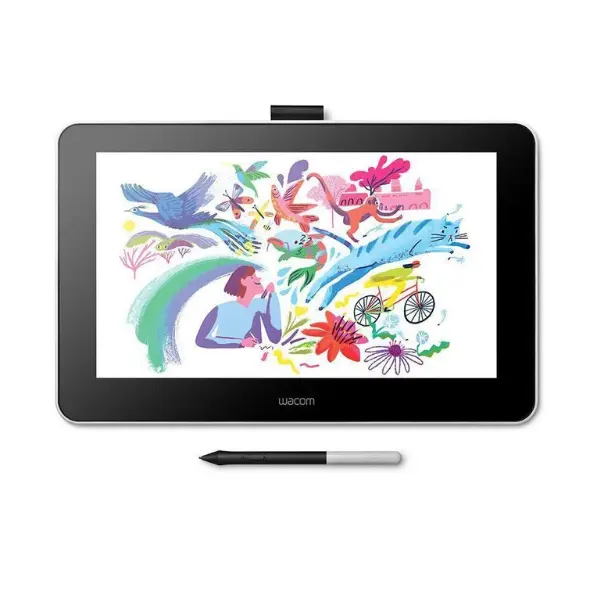
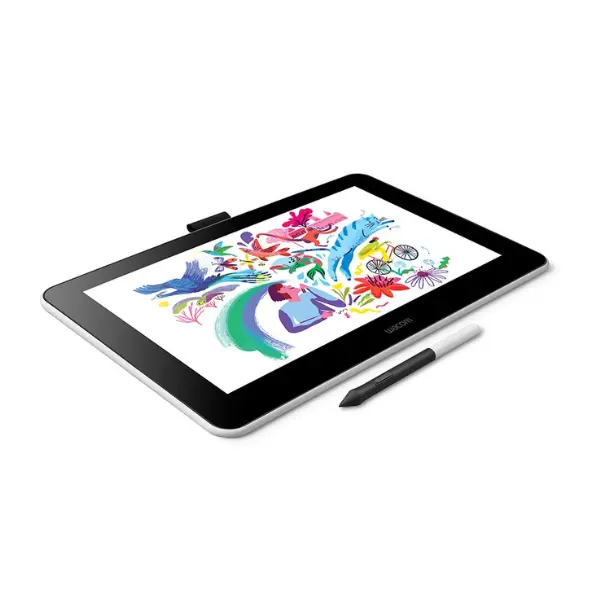
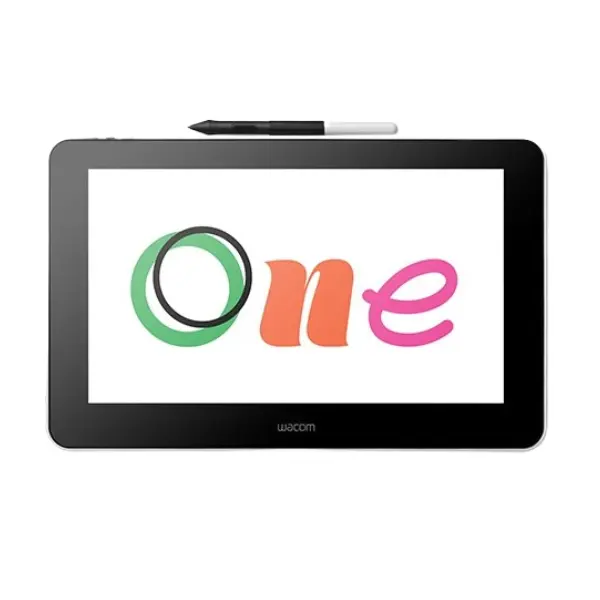
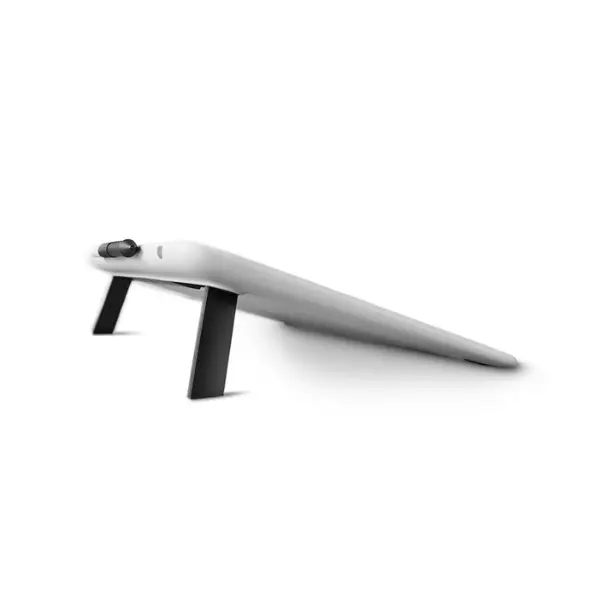
Wacom One 13 pen display DTC133W0 - white
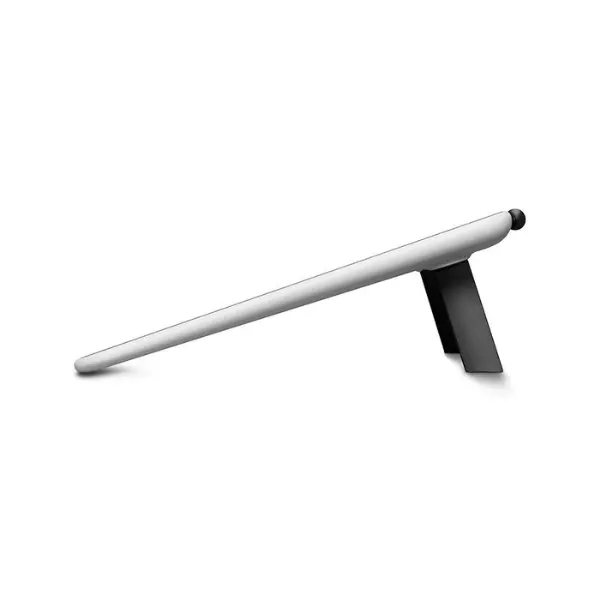
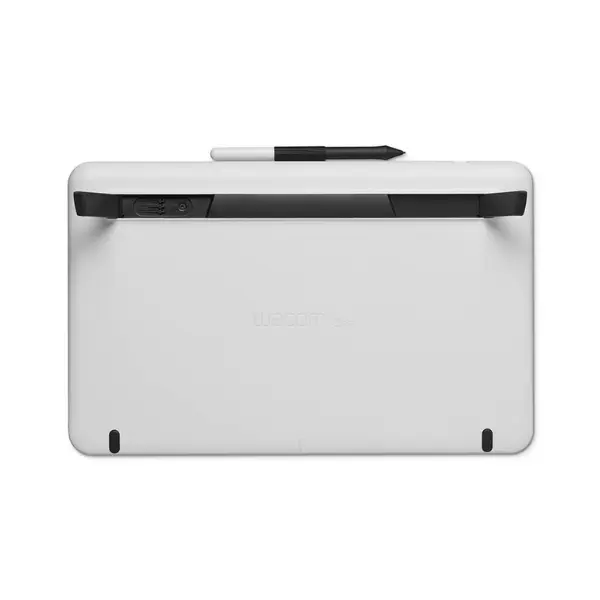






Wacom One 13 pen display DTC133W0 - white - Description
A world of new possibilities:
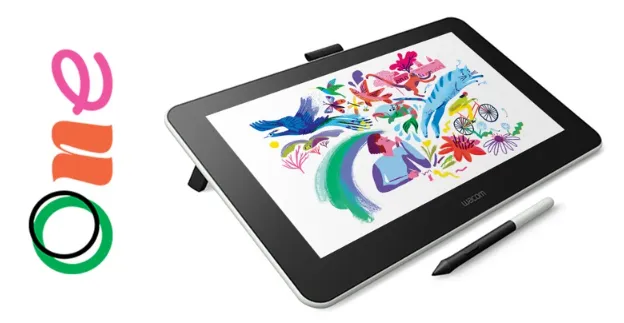
Whether you’re new to digital creativity, aiming to enhance your visual ideas, or seeking to refine your artistic skills, Wacom One offers an inspiring experience. It provides everything you need to elevate your digital workflow, featuring a natural pen-on-screen feel across its 13.3″ display, bundled creative software, and the option to connect with select Android devices. It’s also compatible with popular pen brands, giving you more freedom and flexibility. Unlock fresh creative opportunities with Wacom One.
Drawing:
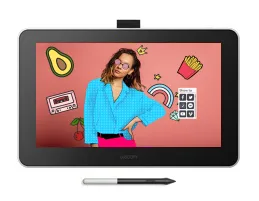
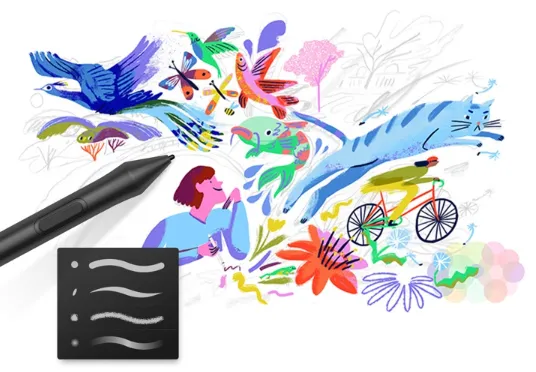
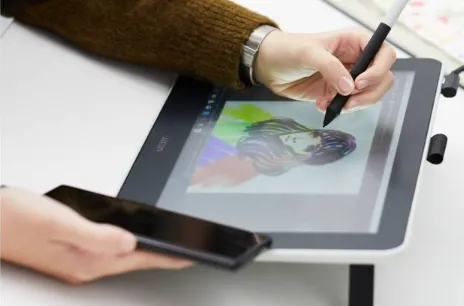
Sketch, draw, and paint right on the screen while enjoying a natural textured feel with minimal glare. Picture a pen powered by software versatility, transforming into whatever tool you need—brush, pen, marker, pencil, chalk, or eraser. Your creativity sets the only boundary.
Visual thinking:
With the natural feel of pen on paper, Wacom One makes it easy to capture ideas, build mind maps, sketch diagrams, and explore creative concepts, then quickly share your work with friends and colleagues.

Photo and video enhancing:
Wow your social media followers with ease. The accurate Wacom One Pen and the spacious, near A4/Letter-sized workspace allow you to personalize images and videos comfortably while enhancing your editing skills along the way.
Annotating:
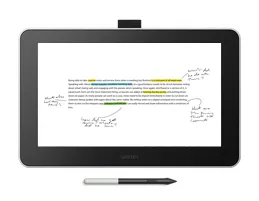
The lightweight, battery-free pen with an ergonomic design lets you edit or sign documents and take notes just like you would with a traditional pen and paper.
Discover Wacom One:
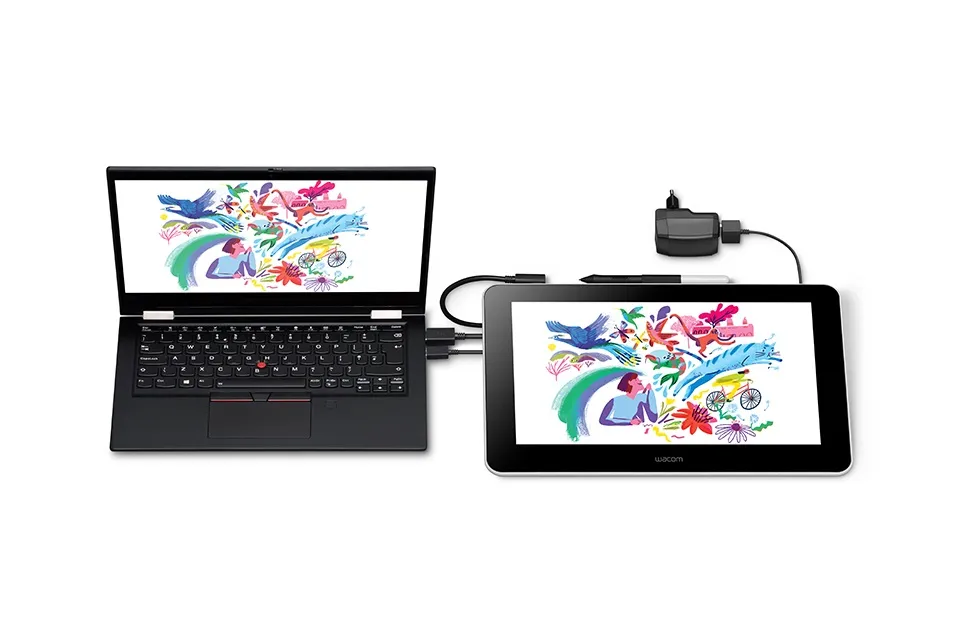
Feels just like pen on paper, yet works effortlessly. Whether you’re drawing, editing photos or videos, or brainstorming, the experience is so natural you’ll hardly notice it’s digital.
Familiarity meets freedom:
Just like a standard pen:
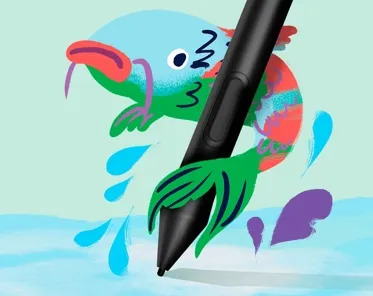
Requiring no batteries, this pen fits perfectly in your hand and feels natural to use. Its precision ensures that every movement you make is reflected exactly on the screen.
Paper-like canvas:
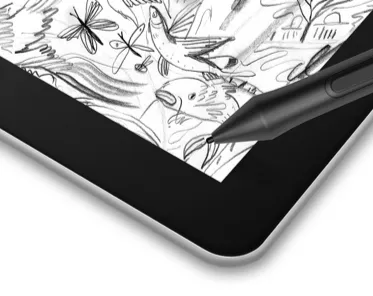
Offering natural texture and low glare, it gives the sensation of drawing or writing on paper rather than on glass.
Space to play:
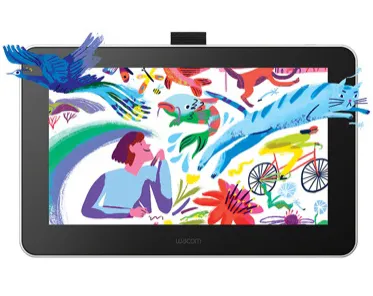
Bring your ideas to life in vibrant color on a screen that’s almost the size of A4/Letter paper.
Replicate the classroom experience by writing directly on the screen like a whiteboard:
The right tools make learning, teaching, and collaboration simpler. Whether you’re connecting with students and teachers remotely, taking notes, or creating your next digital artwork, Wacom One lets you do it naturally and comfortably.
This device is compatible with systems running the latest version of Chrome OS. Google is not responsible for its performance or safety compliance. Chromebook is a registered trademark of Google LLC.

Make the move from pen and paper:
A whole new digital world is ready to explore. On a pen display, your pen can transform into various pencils and brushes with a wide range of colors, and the included software lets you adjust color or brush size effortlessly. Plus, the ease of editing and updating your work makes Wacom One perfect for aspiring artists and enthusiastic note-takers.
A more intuitive computer experience:
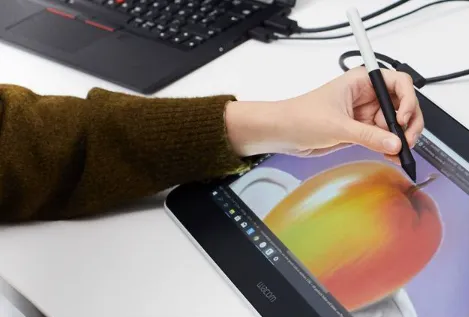
Wacom One delivers a natural and intuitive pen experience on PC, Mac, or Chromebook*. Unlike a mouse or trackpad, it enables precise, detailed work for any task. Whether you’re annotating documents, editing images and videos, or gaming, the ergonomically balanced, battery-free pen sits comfortably in your hand, allowing for long sessions without fatigue.
Add more screen to your Android device:
Connect Wacom One to your Android smartphone* and instantly gain an extra digital canvas for your favorite device. Perfect for taking notes, editing images, or any task that needs more space. Additionally, the pen works seamlessly on both Wacom One and your Android device.
View More Graphic Tablets
No reviews found

