
Wacom Small South Tablet CTL 472S






Wacom Small South Tablet CTL 472S - Description
Digital creativity made easy:
Enjoy effortless creative harmony between you and your computer. Draw, sketch, and edit photos with a fluid, natural pen experience that feels effortless and instinctive. Teachers and students can write, annotate, and collaborate freely, bringing the classroom experience to life from anywhere. Creativity and learning work together seamlessly—simple, flexible, and more accessible than ever.
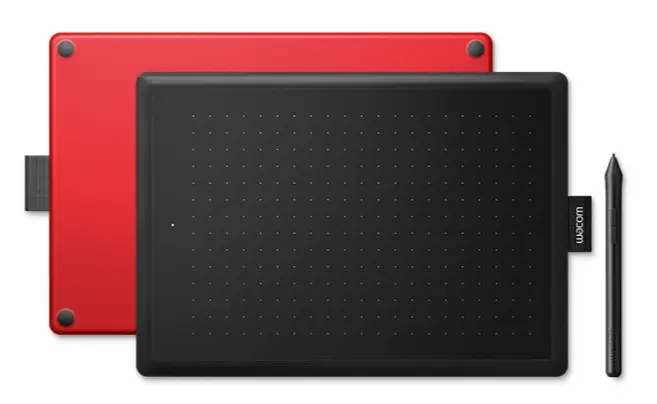
The natural pen experience:
A responsive, ergonomic, pressure-sensitive pen delivers a natural way to sketch, draw, paint, edit photos, or annotate PDFs. With no batteries required, the pen remains lightweight, perfectly balanced, and comfortable for extended use. The drawing experience feels instantly familiar and intuitive—just like writing or drawing on paper.
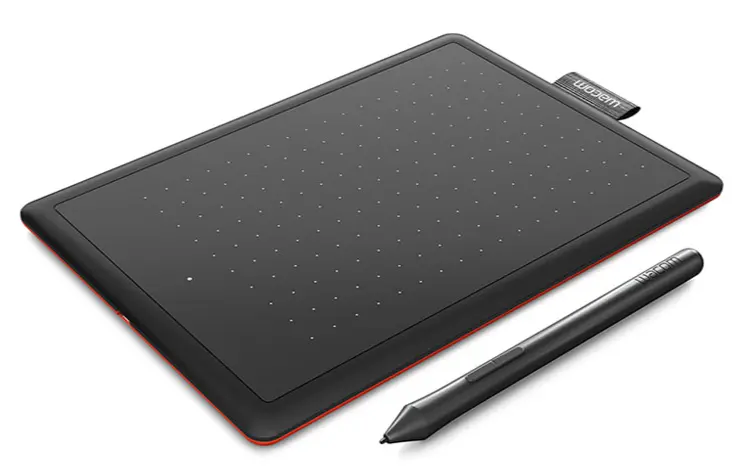
Your choice of versatiledigital canvas:
One by Wacom works with most pen-enabled creative software and a wide range of online learning apps and platforms on both PC and Mac. Choose the size that fits your needs: the Small model saves desk space while still offering enough room for drawing and note-taking, while the Medium model provides a larger active area for smoother, broader pen strokes and greater creative freedom. Both sizes are slim and portable, making them easy to carry in your laptop bag.
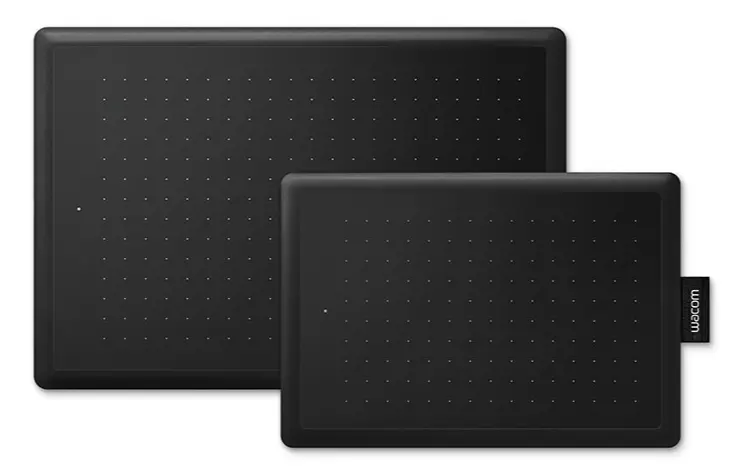
Take your creativity to a new level:
Create and paint with greater precision using advanced electromagnetic pen technology that delivers exceptional control and accuracy. One by Wacom ensures every pen movement is perfectly translated to the screen, helping your artwork turn out exactly as you envisioned. From detailed photo cut-outs to subtle color adjustments, editing becomes smoother and more effortless than ever—so your creations are ready to earn even more attention and admiration.

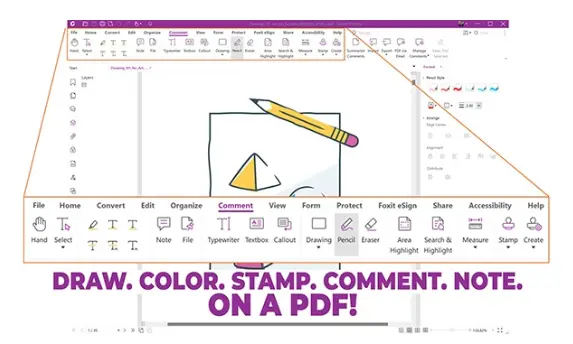
Foxit PDF Editor:
Prepare to create, convert, edit, sign, and draw on PDFs seamlessly across desktop, mobile, and web. With Foxit PDF Editor, users worldwide are streamlining their document workflows—and now you can join them.* Pair Foxit with your Wacom device to easily customize, mark up, sign, and manage your PDF files with speed and precision.
So simple to set up:
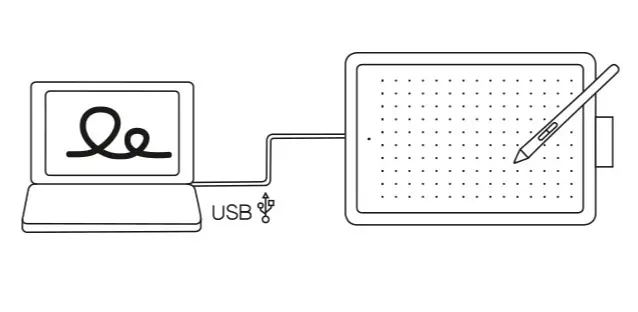
No matter what you want to create, One by Wacom makes it effortless. The tablet includes everything you need to begin, without unnecessary extras to slow you down. Simply connect it to your Mac or PC using the USB cable, download and install the driver, and you’re ready to start. Bringing your next creative idea to life really is that easy.
View More Graphic Tablets
No reviews found

