
Wacom Intuos Pro Medium Digital Graphic Drawing Tablet for Mac or PC





Wacom Intuos Pro - Description
Medium Digital Graphic Drawing Tablet for Mac or PC
A Workflow That Works:
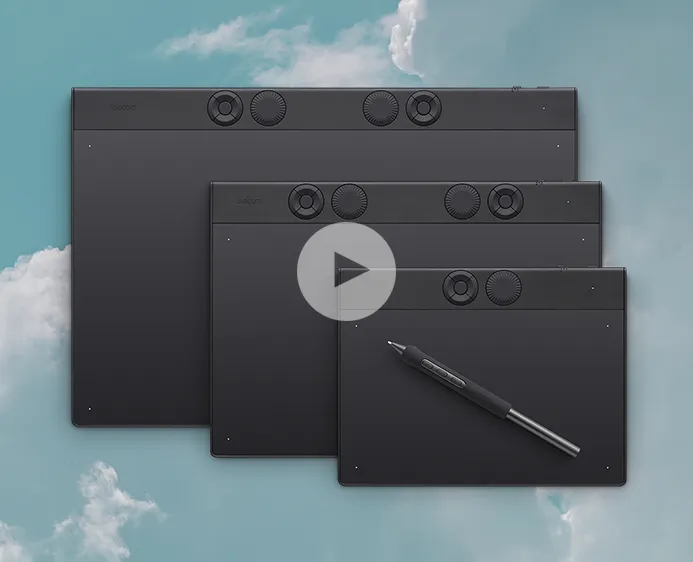
Work is the foundation of every creative process, and flow is the state where ideas move effortlessly from mind to screen. The Wacom Intuos Pro Medium is designed to balance both work and flow, delivering a professional pen tablet experience for digital artists, designers, and illustrators. As Wacom’s flagship line of professional drawing tablets, Intuos Pro has been completely redesigned to provide a new level of precision, control, and responsiveness. It ensures a natural creative workflow, helping you produce detailed digital artwork smoothly on both Mac and PC platforms.

Redesigned from the Inside Out:
The Intuos Pro (2025) continues its legacy as an essential tool for generations of creatives, now rebuilt with Wacom’s most advanced pen tablet technology. It features the Wacom Pro Pen 3 paired with a powerful new chip and updated digitizer set to deliver the most accurate pen strokes Wacom has ever offered. This redesign also supports longer battery life and intuitive control functionality, all integrated into an ultra-slim and compact tablet body. The result is a professional digital drawing tablet that enhances accuracy, efficiency, and portability without compromising performance.
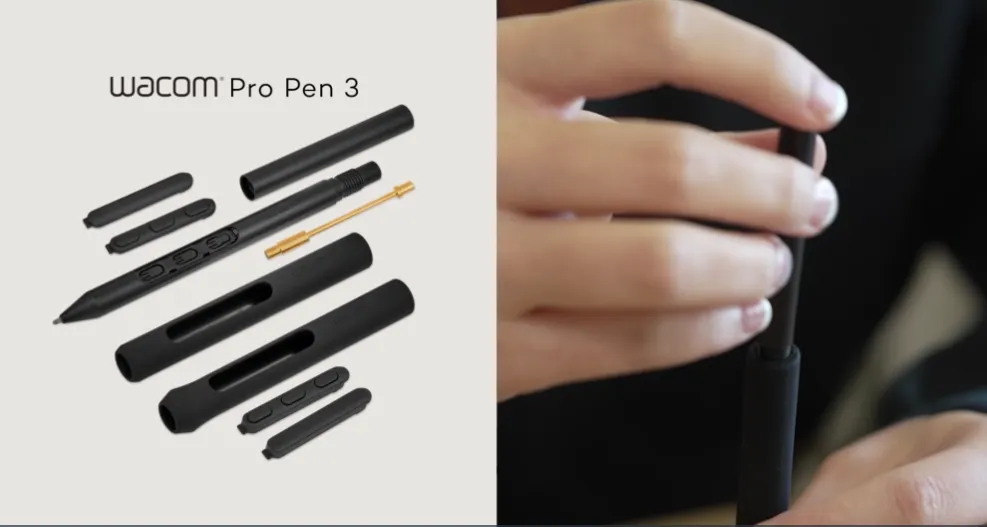
A Stroke of Genius – Wacom Pro Pen 3:
The Wacom Pro Pen 3 reflects over 40 years of Wacom’s technical innovation and expertise in pen tablet development. It delivers the most sensitive, precise, and natural pen performance in the Intuos Pro lineup. Beyond exceptional stroke accuracy, the pen is fully customizable with different grip options, adjustable button configurations, multiple nib choices, and adjustable weight for personalized balance. Importantly, the Pro Pen 3 requires no battery or charging, ensuring it is always ready for uninterrupted creative sessions on your digital drawing tablet.
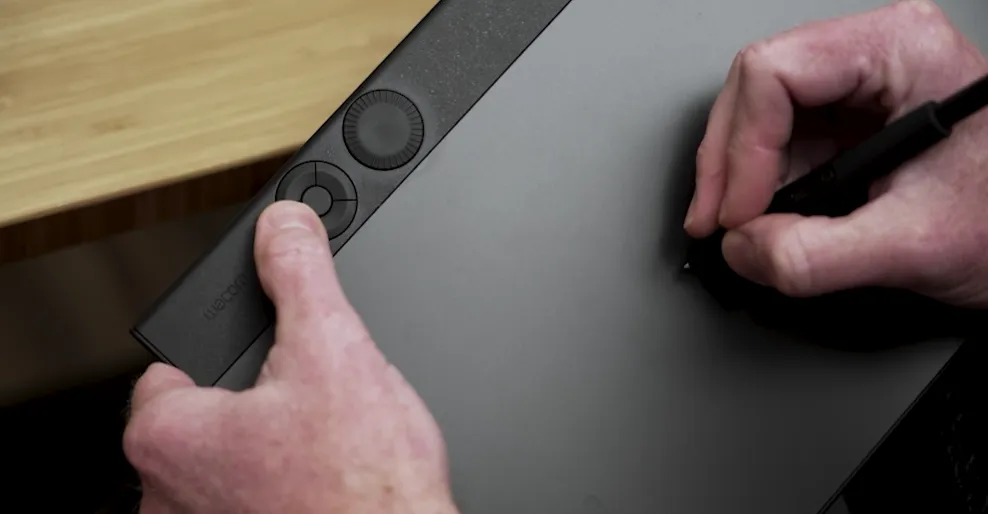
Get Dialed In with ExpressKeys and Dials:
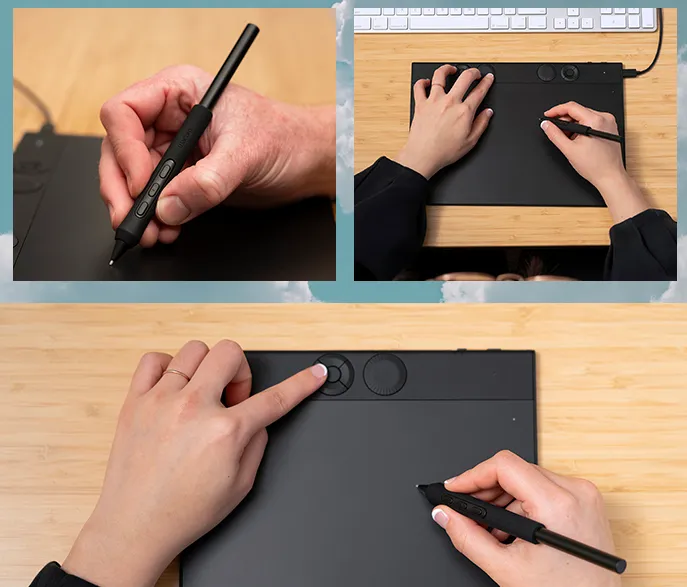
The Intuos Pro Small features an updated ergonomic layout that includes tactile, mechanical dials and customizable ExpressKeys. Designed for comfortable use with either hand, these controls are positioned ideally for seamless operation alongside a keyboard. They come pre-configured with common creative functions but can be easily customized individually or grouped according to your preferred shortcuts. This makes the tablet highly adaptable for different creative software applications, optimizing workflow efficiency and improving productivity in professional digital design environments.
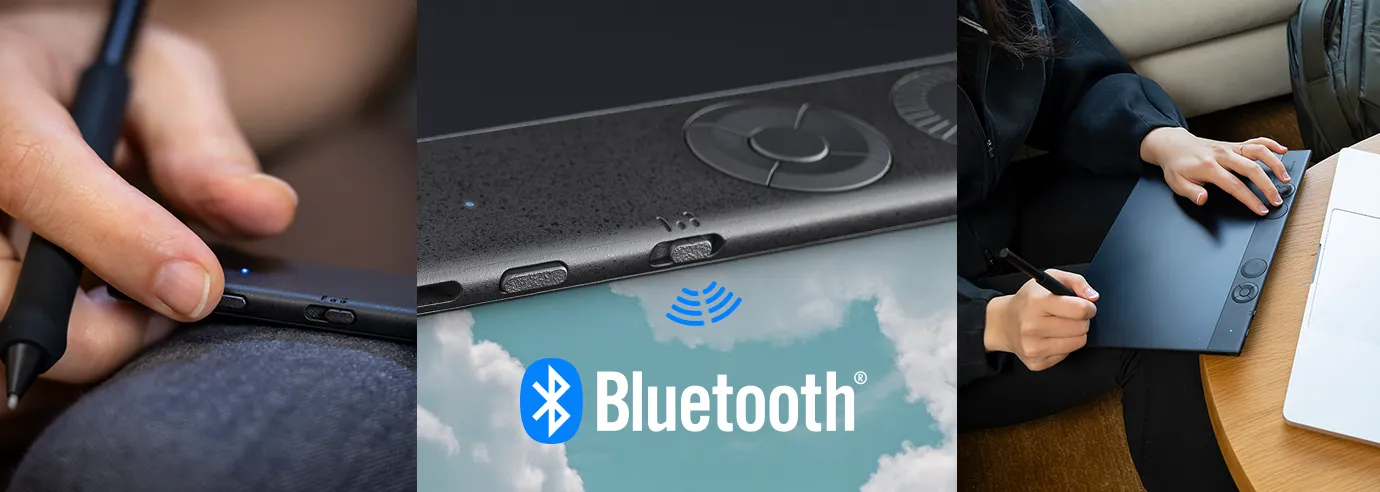
Making Connections – Wired and Wireless Flexibility:
All three sizes of the Intuos Pro can be used and charged through the included USB cable or connected wirelessly via Bluetooth 5.3. The tablet provides up to 16 hours of battery life per charge when used wirelessly. A new wireless pairing feature allows the device to stay connected to two computers simultaneously, such as a home and work setup. With a convenient connector button on the tablet, you can easily switch between a wired connection or either paired wireless computer, enhancing flexibility and multitasking capabilities.
Compatible, Versatile, and Compact Design:
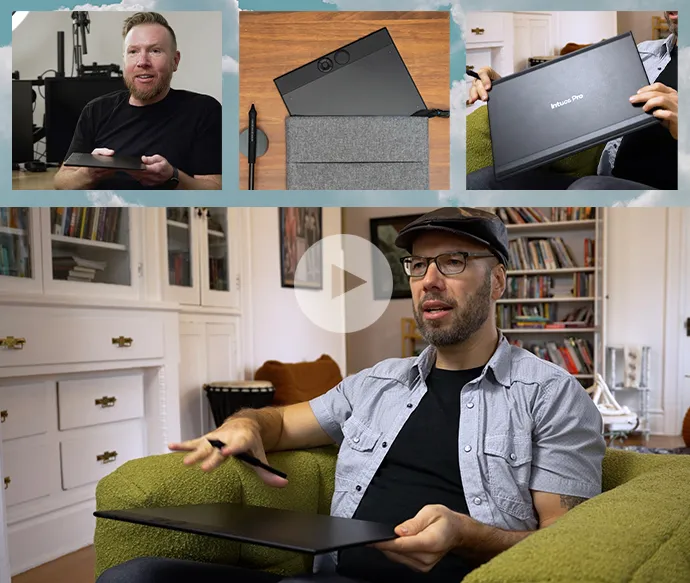
Whether you work on Windows or Mac, the Wacom Intuos Pro Small ensures consistent, efficient, and dependable performance across creative tasks. It is engineered for professionals who require reliability in graphic design, illustration, and digital editing. The tablet is ultra-thin and portable, making it suitable for hybrid and mobile working styles. Its durable magnesium alloy back case adds structural strength while maintaining a lightweight form factor, delivering a compact yet rugged digital drawing solution for creative professionals on the move.
Custom Comfort, Efficiency, and Productivity:
The new Intuos Pro offers extensive customization options to enhance comfort and workflow efficiency. The redesigned ExpressKeys, mechanical dials, configurable pen buttons, and on-screen controls integrate seamlessly with your creative software. Users can select from convenient preset groups or individually configure each feature to match specific application requirements. This level of personalization simplifies even complex creative workflows, allowing digital artists and designers to maintain productivity, precision, and full control throughout every stage of their projects.
View More Graphic Tablets
No reviews found

