
Huion Inspiroy 2 Medium Graphics Drawing Tablet




Huion Inspiroy 2 - Description
Medium Graphics Drawing Tablet
Simpler Navigation and Enhanced Control:
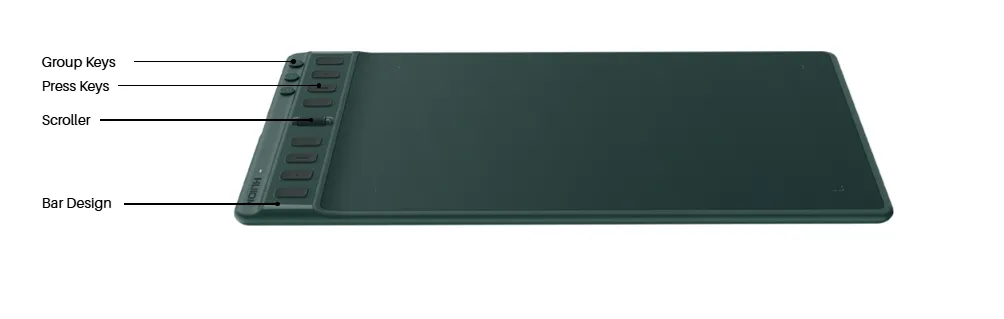
The Huion Inspiroy 2 Medium graphics drawing tablet is designed for smoother workflow and easier navigation. The press keys are raised 2mm higher than the drawing surface, making them easier to locate by touch. Clear color contrast between the keys and the surrounding bar, along with tactile bumps, improves accuracy during use. Additionally, the built-in Scroller functions similarly to a mouse wheel, and its sensitivity can be customized through the driver, allowing precise control while working on creative projects.
One Press Key with Three Customizable Functions:
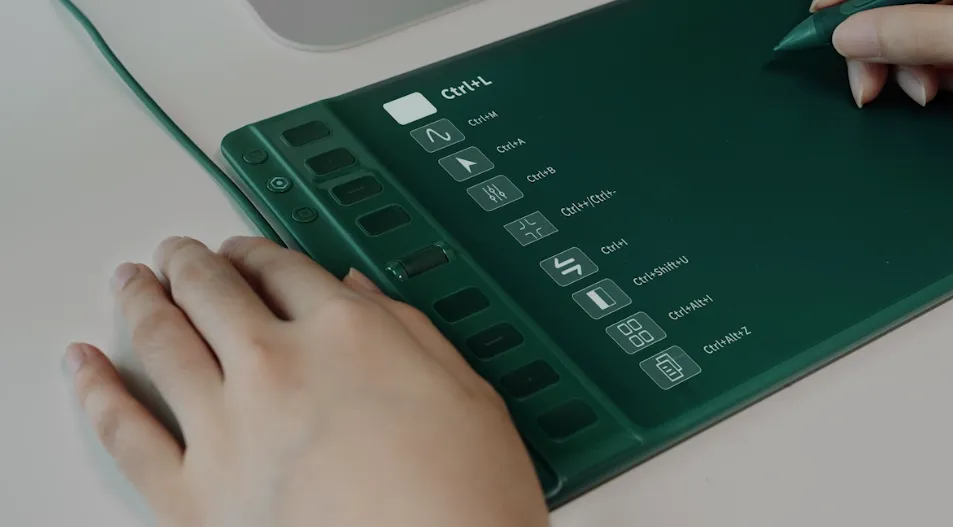
For the first time, Huion introduces three Group Keys on the Inspiroy 2, allowing the 8 physical press keys to expand into 24 programmable shortcuts. This feature significantly enhances productivity within any design application by simplifying complex workflows. Users can fully customize the press keys via the driver settings. The Press Keys View interface clearly displays each assigned function, eliminating the need to memorize shortcuts and making the tablet more efficient for both beginners and professional artists.
PenTech 3.0 Technology for Superior Drawing Experience:
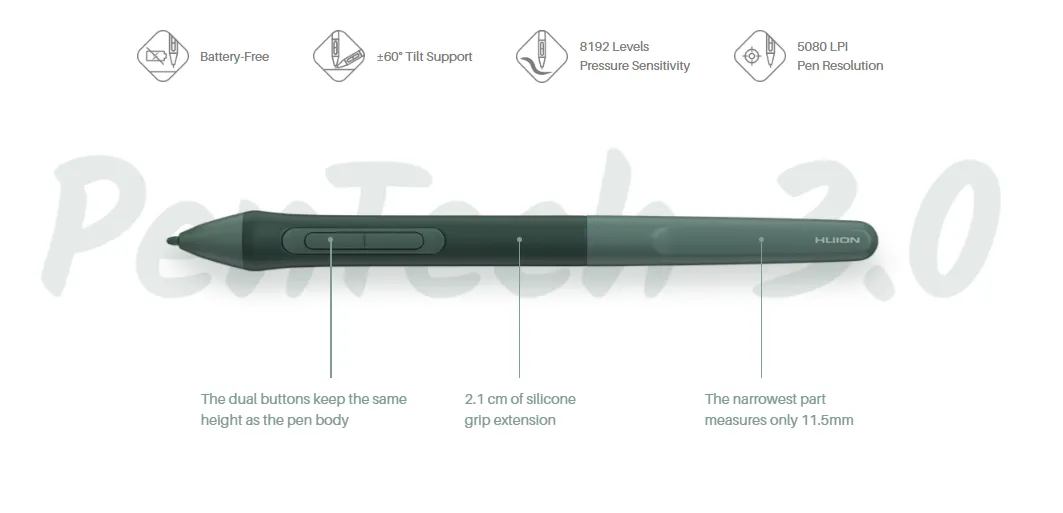
The Huion Inspiroy 2 Medium comes equipped with the battery-free PW110 pen, which is thinner than the PW517 for improved handling. The extended silicone grip enhances comfort during long drawing sessions, while the recessed programmable buttons help prevent accidental presses. The pen supports tilt functionality, offers improved drawing stability with a shorter retraction distance, and delivers 8192 levels of pressure sensitivity. An ergonomic pen holder is also included, ensuring organized storage and convenience.
Paper-Like Drawing Surface for Natural Feel:
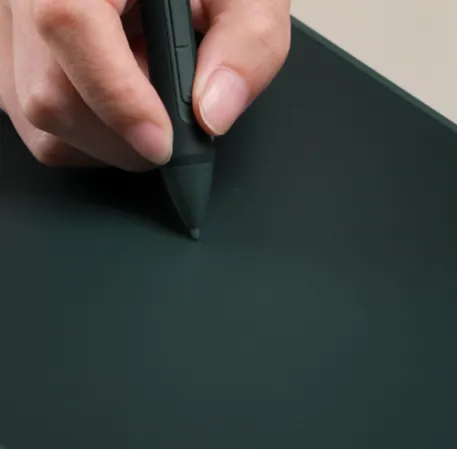
To deliver a more realistic drawing experience, Inspiroy 2 increases panel friction by 20% compared to its predecessor. The matte textured surface creates a paper-like feel, helping artists maintain better control and focus during detailed work. Combined with coordinated color saturation, the surface enhances visual comfort while sketching, designing, or editing. This improved texture makes the tablet suitable for digital illustration, graphic design, and creative content production.
Easy to Use in Any Circumstance:
The Huion Inspiroy 2 Medium drawing tablet is designed to adapt to various working environments. Whether you are creating at home, in the office, or while traveling, the tablet maintains consistent performance and usability. Its intuitive layout and driver customization options allow seamless integration into different creative setups, making it a practical solution for diverse artistic and professional scenarios.
Wide Compatibility with Phones and Tablets:
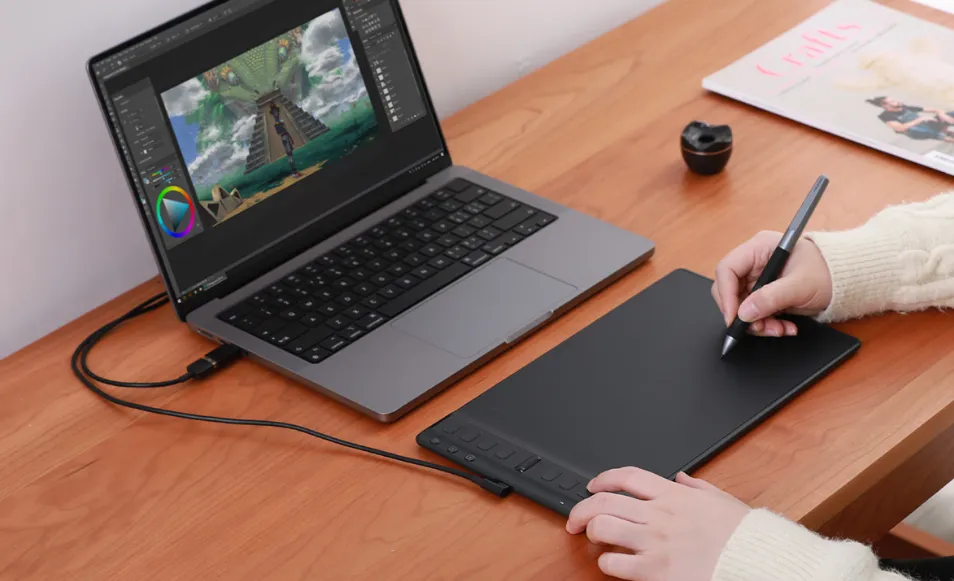
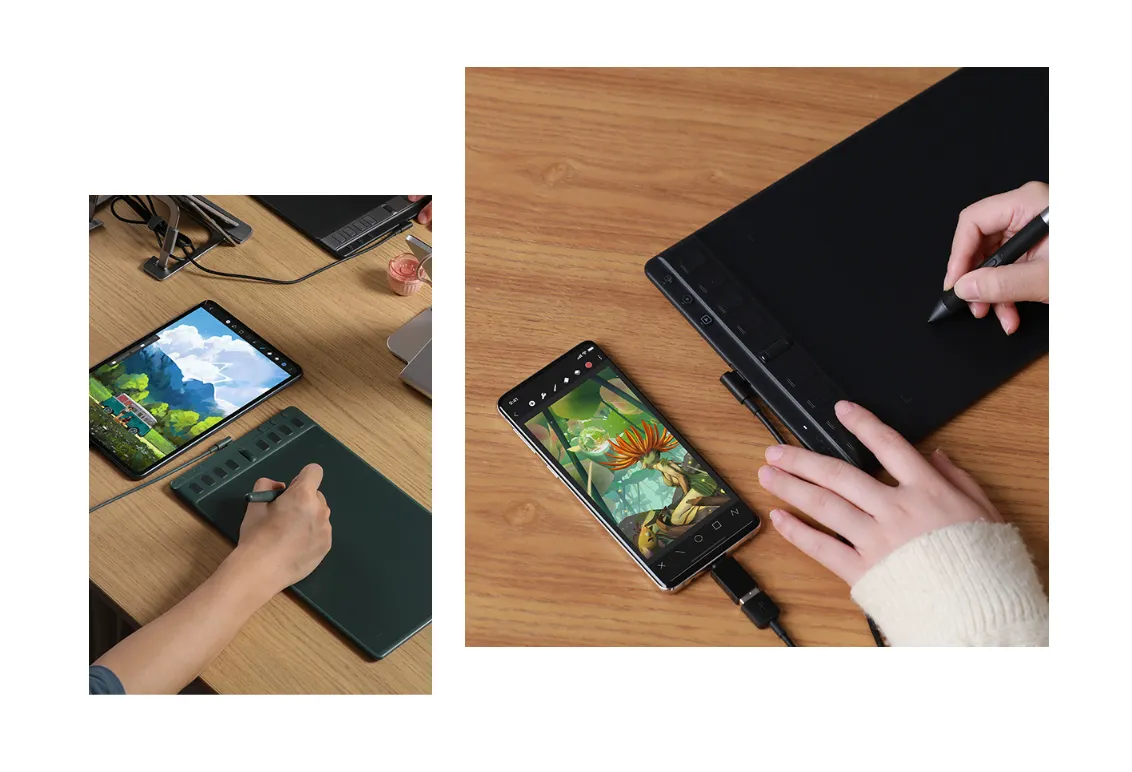
Beyond PC compatibility, the Huion Inspiroy 2 supports Android and HarmonyOS phones and tablets. This expanded compatibility allows users to connect the tablet easily to multiple devices, offering flexibility for digital artists and designers. Whether you are a beginner exploring digital drawing or a professional working on advanced projects, the Inspiroy 2 ensures reliable connectivity across supported platforms.
Slim Design for Easy Portability:
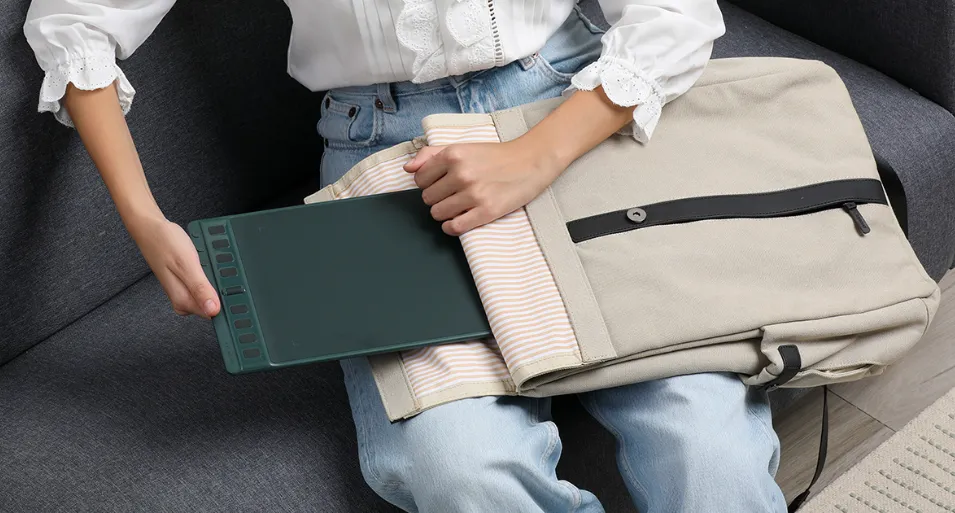
The Huion Inspiroy 2 Medium features a narrowed width and an overall thickness of less than 1cm, making it highly portable. Its slim and lightweight design allows you to conveniently pack it into your backpack for drawing on the go. The thinner body not only enhances portability but also helps reduce wrist discomfort during extended creative sessions, improving overall user comfort.
Left-Handed Support and Flexible Orientation:
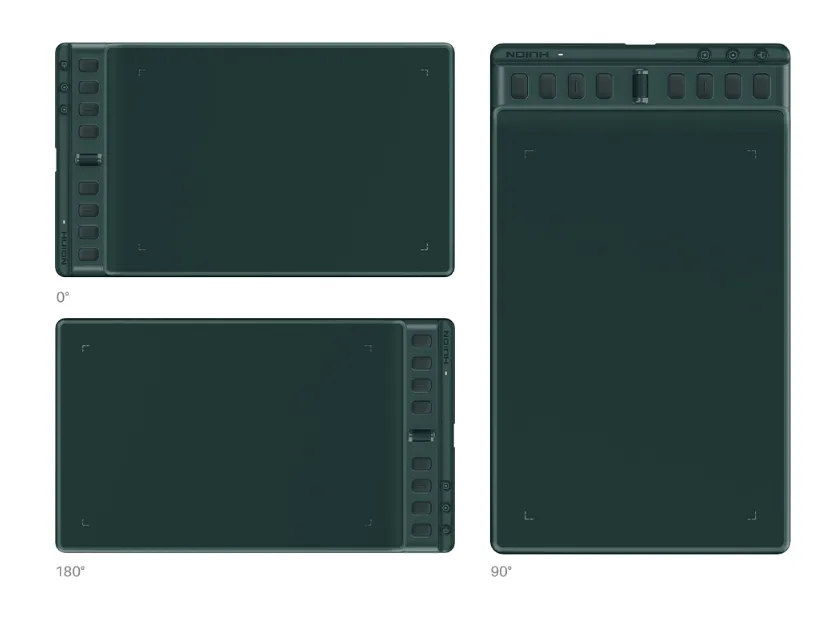
Designed with versatility in mind, the Type-C port is positioned at the center of the left side of the tablet, while the press keys and Scroller are arranged symmetrically. Left-handed users can rotate the tablet 180° through the driver settings for a comfortable experience. Additionally, if you use a vertical monitor, the tablet can be rotated 90° to match your workflow, ensuring maximum flexibility and usability.
View More Graphic Tablets
No reviews found

